Writing consistently is hard — whether you're a blogger chasing deadlines or a student juggling assignments and exams. The good news is that some of the best free AI writing tools available today can help you draft faster, polish your grammar, and beat writer's block without spending a dime. In this guide, we'll walk through the top free options, what they're best at, and how to pick the right one for your workflow.
Why Use AI Writing Tools?
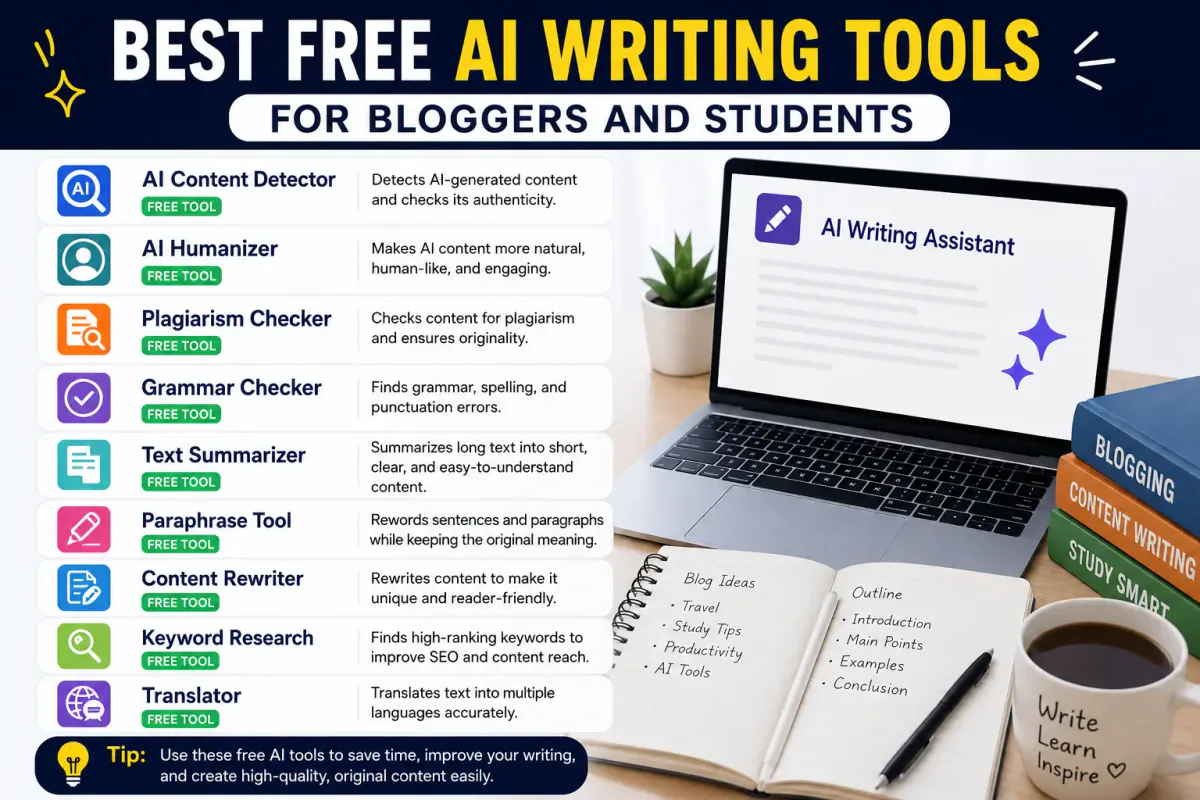
AI writing tools have moved far beyond simple spellcheckers. Today's tools can help you:
- Brainstorm topics and outlines in seconds
- Draft first versions of blog posts, essays, or emails
- Catch grammar, tone, and clarity issues
- Rewrite awkward sentences or summarize long text
- Optimize content for SEO (for bloggers specifically)
For students, this means less time staring at a blank page and more time refining ideas. For bloggers, it means shipping more content without sacrificing quality.
Top Free AI Writing Tools Compared
1. General-Purpose AI Assistants
Tools like conversational AI assistants are the most flexible option. You can ask them to brainstorm blog angles, draft outlines, write full sections, or explain a tricky concept for a school essay. Most offer a generous free tier, making them a solid starting point for anyone new to AI writing.
Best for: Brainstorming, drafting, research summaries, and rewriting.
Example use case: A student stuck on a thesis statement can describe their argument and get three or four possible phrasings to choose from and refine — rather than copying anything verbatim.
2. Grammar and Style Checkers
Dedicated grammar tools focus on catching typos, awkward phrasing, and tone mismatches. Free versions typically cover the essentials — spelling, grammar, and basic clarity suggestions — while advanced style and plagiarism checks are often paywalled.
Best for: Final-pass editing before you hit publish or submit.
Example use case: A blogger runs their draft through a grammar checker before scheduling it, catching a handful of passive-voice sentences and comma splices.
3. AI-Powered SEO Writing Assistants
For bloggers, some tools go beyond grammar and help review keyword usage, readability, and heading structure. These checks cannot guarantee rankings, but they can make an editorial workflow more consistent. See our guide to AI writing for SEO blogs for a fuller process.
Best for: Bloggers optimizing for search traffic.
Example use case: Before publishing, a writer runs through a quick checklist — keyword in the title, keyword in the intro, proper H2/H3 structure, internal links, and a meta description — to make sure the post is fully optimized.
4. Summarizing and Research Tools
Free summarization tools are especially useful for students working through long readings or bloggers researching a topic before writing. They condense lengthy articles or papers into key points, so you can absorb information faster.
Best for: Research, literature reviews, and content research.
Example use case: A student pastes in a dense journal article and gets a short summary of the key findings to reference in their own words.
How to Choose the Right Tool for You
Not every tool fits every need. Here's a simple way to decide:
| If you need to... | Try a tool that focuses on... |
|---|---|
| Draft content from scratch | General-purpose AI assistants |
| Polish grammar and tone | Grammar and style checkers |
| Rank blog posts on Google | SEO writing assistants |
| Digest long readings quickly | Summarization tools |
Most free plans have usage limits — daily word caps, limited suggestions, or fewer advanced features. If you write often, it's worth testing two or three tools to see which one fits your workflow before considering a paid upgrade.
A Quick Word on Using AI Responsibly
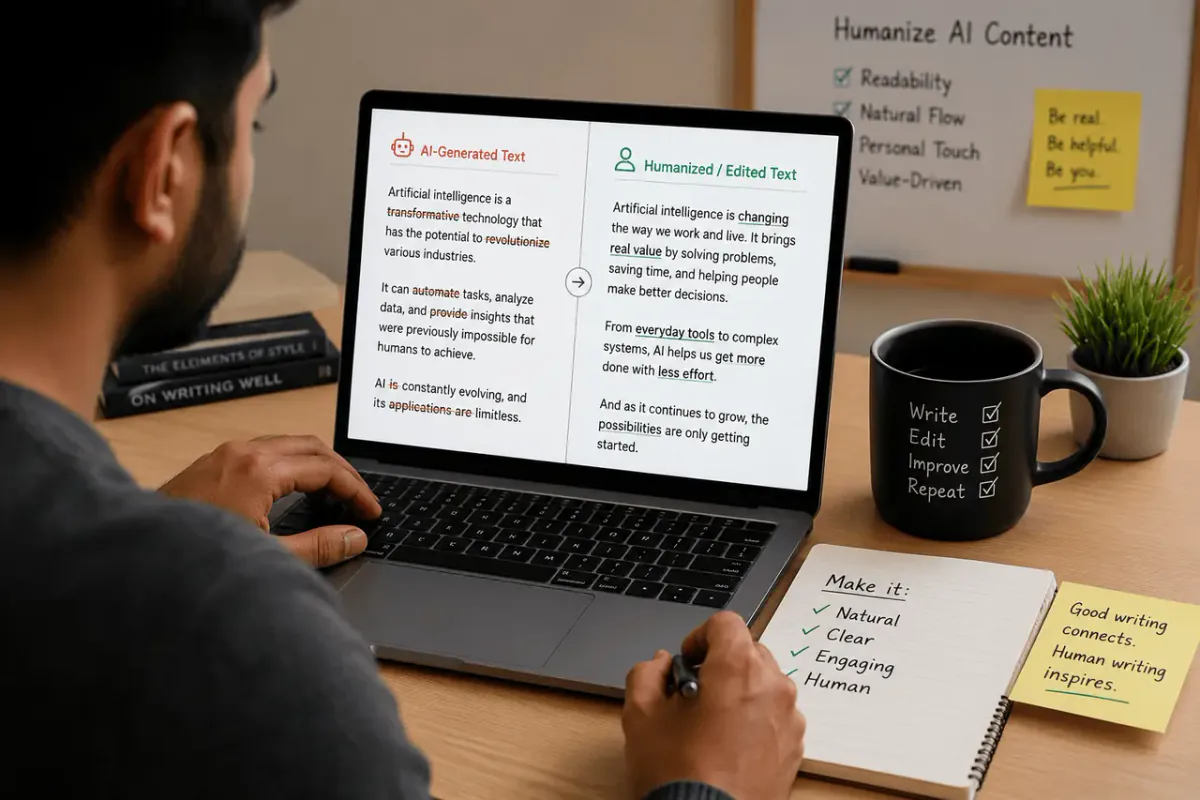
AI writing tools are best used as a starting point, not a final product. For students, that means using AI to brainstorm or clarify ideas rather than submitting AI-generated text as your own work — always check your school's academic integrity policy first. For bloggers, it means editing AI drafts to add your own voice, examples, and expertise so your content stays original and genuinely useful to readers.
If you want a tool-specific comparison, read WriteBotics vs QuillBot and verify current features and pricing on each provider's official website.
Frequently Asked Questions
Are free AI writing tools good enough for professional blogging?
Free tiers work well for drafting and basic editing, but most cap word counts or advanced features. Many bloggers start free and upgrade only once they hit those limits consistently.
Can students get flagged for using AI writing tools?
It depends on your institution's policy and how the tool is used. Using AI to brainstorm or check grammar is generally safer than submitting AI-generated text as your own writing. When in doubt, ask your instructor.
Do free AI tools support SEO writing?
Some do. Free SEO-focused writing assistants often include keyword and readability checks, though deeper features like competitor analysis are usually part of paid plans.
What's the difference between a general AI assistant and an SEO writing tool? A general assistant helps with drafting and ideas across any writing task. An SEO writing tool is purpose-built for bloggers, layering in keyword placement, heading structure, and meta description guidance on top of the writing process. Looking for more content strategy tips? Explore our full blog library or head back to the Writebotics homepage to see our full toolkit.