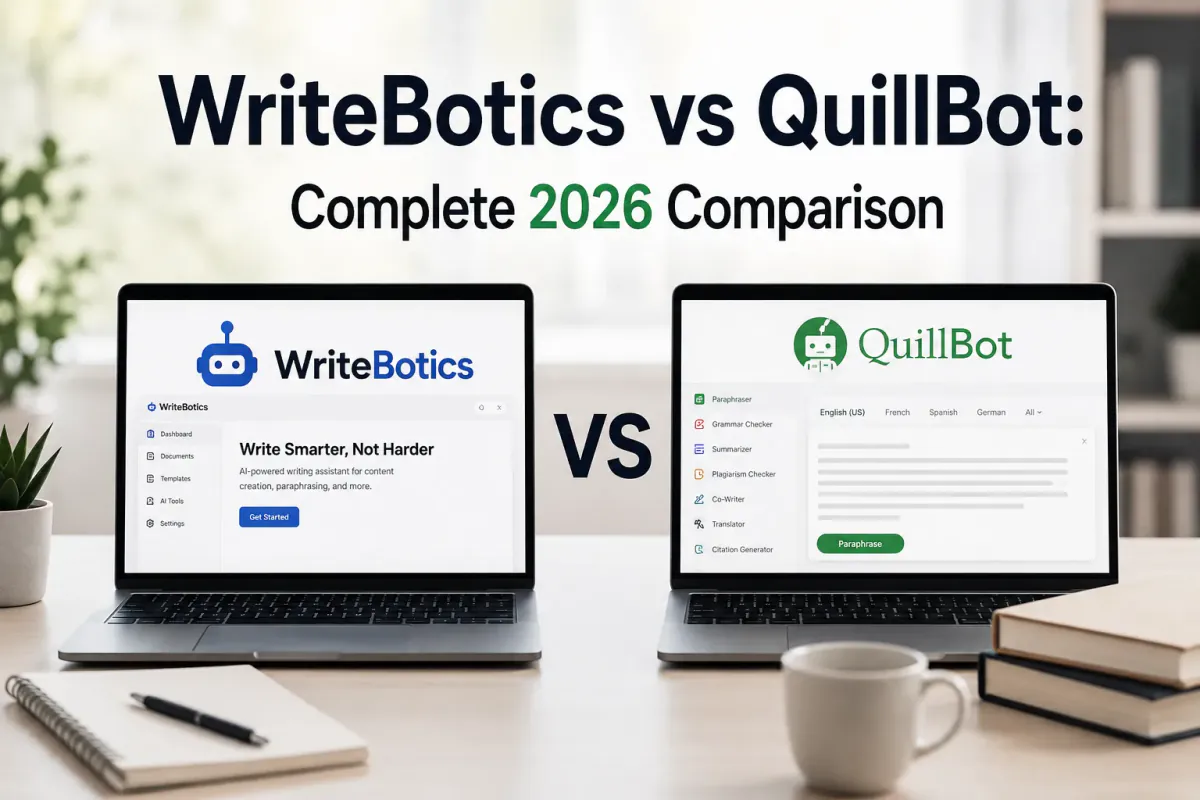
WriteBotics and QuillBot both help people revise text, but they are not interchangeable. WriteBotics is a collection of simple browser-based utilities. QuillBot is a separate commercial product with its own current features, limits, accounts, and pricing. Because third-party plans change, confirm QuillBot's live product pages before making a purchase.
At-a-glance comparison
| Need | WriteBotics | QuillBot |
|---|---|---|
| Rewrite or paraphrase a draft | Available | Available; modes and limits depend on the current plan |
| Grammar review | Rule-based suggestions | Available; current capabilities depend on the product and plan |
| Summarize text | Available | Check the current QuillBot product page |
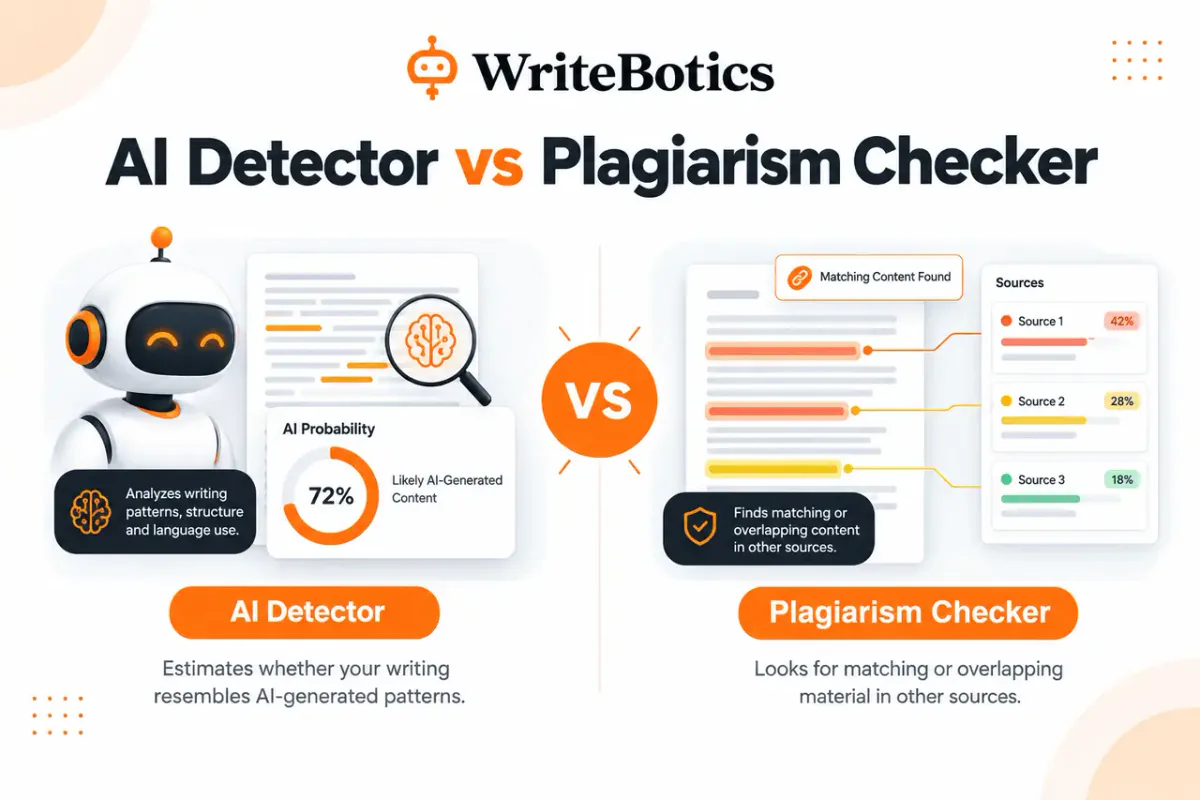
| Estimate AI-writing patterns | Local pattern-based estimate; not proof | Check the current QuillBot product page |
| Check possible phrase overlap | Limited local comparison logic; not a web-wide scan | Check the current QuillBot product page and plan |
| Keyword ideas | Directional suggestions, not live search-volume data | Not evaluated in this review |
| Account | No account required for the tested WriteBotics tools | Check current QuillBot requirements |
This table deliberately avoids fixed prices and quotas because they can change. It also distinguishes a feature being present from that feature being equally accurate or comprehensive.
What WriteBotics does
WriteBotics offers focused pages for paraphrasing, content rewriting, grammar review, summarization, translation, keyword ideas, and pattern-based content checks. The current tools run browser-side rules and heuristics. They do not query a live search index, private academic database, or a named third-party detection model.
That design can be useful when you want a quick first pass without creating an account. It also creates important limitations:
- AI-content percentages are estimates and cannot establish authorship.
- The plagiarism tool cannot certify that a document is original.
- Keyword figures are not live Google search-volume measurements.
- Rewrites and translations need human review for facts, meaning, and tone.
Read how WriteBotics tools are tested before interpreting a score.
What to verify about QuillBot
QuillBot is best evaluated from its current official pages and the version available to you. Before choosing it, verify:
- Whether the feature you need is included in the free or paid plan.
- The input limits that apply to that feature.
- Whether an account, extension, or application install is required.
- How submitted content is handled under the current privacy terms.
- Whether the output preserves citations, technical terms, and intended meaning.
Do not rely on an old comparison article for a current subscription price or feature limit. Those details can change without this page changing at the same time.
A practical test before choosing
Use the same three samples in each tool: a short email, a paragraph with deliberate grammar errors, and a technical paragraph containing names and numbers. Then score the output for meaning, clarity, unwanted changes, speed, privacy fit, and the amount of manual editing still required.
For paraphrasing, look beyond how many words changed. A useful result should retain the original claim, preserve essential terminology, and sound natural in context. For grammar, check whether suggestions correct real errors without flattening voice. For summaries, verify every important number and conclusion against the source.
Which should you choose?
Choose WriteBotics when you want a quick, no-account browser workflow and understand the limitations of rule-based results. Start with the paraphrase tool, grammar checker, or text summarizer.
Consider QuillBot when its current official feature set, plan terms, integrations, and privacy policy fit your workflow better. For professional or academic work, testing your own representative samples is more useful than accepting a blanket “winner.”
Frequently asked questions
Is WriteBotics free?
The WriteBotics tools currently shown on this site can be used without creating an account. Availability and practical limits may change, so the live interface is the source of truth.
Can either tool guarantee original writing?
No. A rewriter can alter wording, but it cannot transfer ownership of someone else's ideas or remove the need for citation. A similarity result also cannot prove that a document is original.
Can an AI detector prove who wrote a passage?
No. Detection tools estimate patterns and can produce false positives or false negatives. Review drafts, sources, version history, and the rules that apply to your context.
Which tool is better for students?
The better choice depends on institutional policy, citation needs, privacy requirements, and the quality of the output on the student's own material. Neither tool should be used to disguise prohibited assistance.
When was this comparison checked?
The WriteBotics descriptions and links were reviewed on August 9, 2026. Third-party features should always be verified on the provider's official site.