When you write a paper for school or a post for a blog, keeping your work unique is the most important part of the job. Plagiarism is what happens when you use the words or ideas of another person without saying where they came from. Even if you do not mean to do it, it can lead to big problems with your teachers or your boss. Using a reliable AI plagiarism checker like WriteBotics is a smart way to stay safe. It helps you find parts of your text that might look too much like something else already on the web. Finding the best plagiarism checker online free allows you to submit your work with confidence knowing it is yours.
Originality is about more than just following the rules. It shows that you have done the hard work to think for yourself. If your writing is full of copied parts, people will not trust what you have to say. The WriteBotics Plagiarism Checker acts as a helpful partner. It scans millions of websites and articles in just a few seconds to make sure your sentences are fresh.
Different Ways Writing Can Match Other Sources
Many people think you only have to worry if you copy a whole page word-for-word. But there are several ways your writing can get flagged by a free plagiarism checker. Knowing these helps you become a better writer.
Common Types of Plagiarism
- Word-for-Word Matches: This is the most common type. It happens when you copy a sentence directly from a site without using quotation marks.
- Patchwork Writing: This is when you take a few words from one site and a few from another, then mix them together. It still counts as a match because the ideas are not yours.
- Forgot a Link: Sometimes you might summarize a great idea but forget to mention who thought of it first. This is still a mistake that needs fixing.
- Reusing Old Work: If you use a paper you wrote a year ago for a new class, it might get flagged. Most places want new work every time.
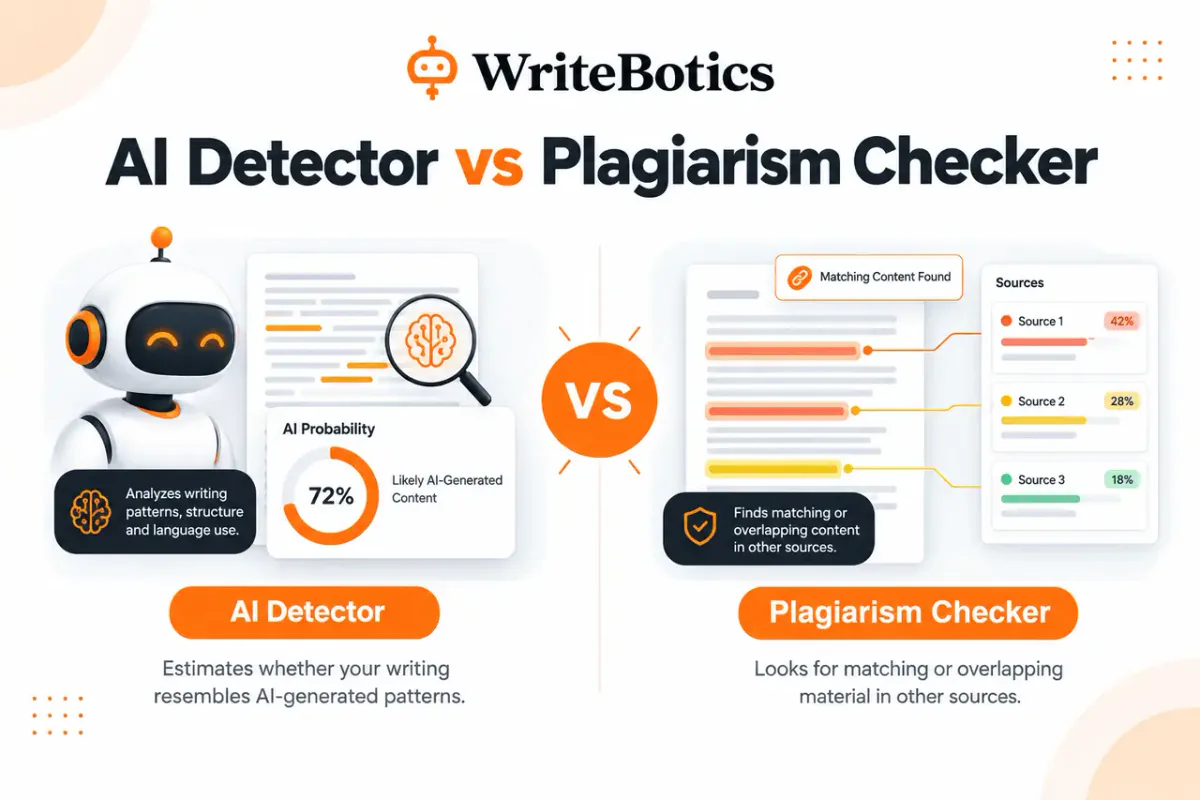
A plagiarism checker can flag text that may need a closer originality review. Its coverage depends on the sources and databases it can access, so no checker can guarantee that a document is original. For additional writing support, explore our grammar checking guide.
How the WriteBotics Tool Protects Your Work
The WriteBotics Plagiarism Checker is built to be simple. You do not need to be an expert with computers to use it. You just paste your text into the box and hit the button. The software then goes to work, comparing your patterns to a massive library of information.
One of the best things about this tool is how fast it works. You don't have to wait for a long time to get your results. It also values your privacy. Some tools might save your work and show it to others later, but WriteBotics keeps your writing safe. According to Purdue University, giving credit to others is a basic part of honest writing. This tool makes that process much easier for everyone.
Key Features of WriteBotics Plagiarism Checker
- Fast Scanning: Get results in seconds, not minutes
- Comprehensive Database: Compares against millions of web pages and articles
- Privacy Protection: Your work is never stored or shared
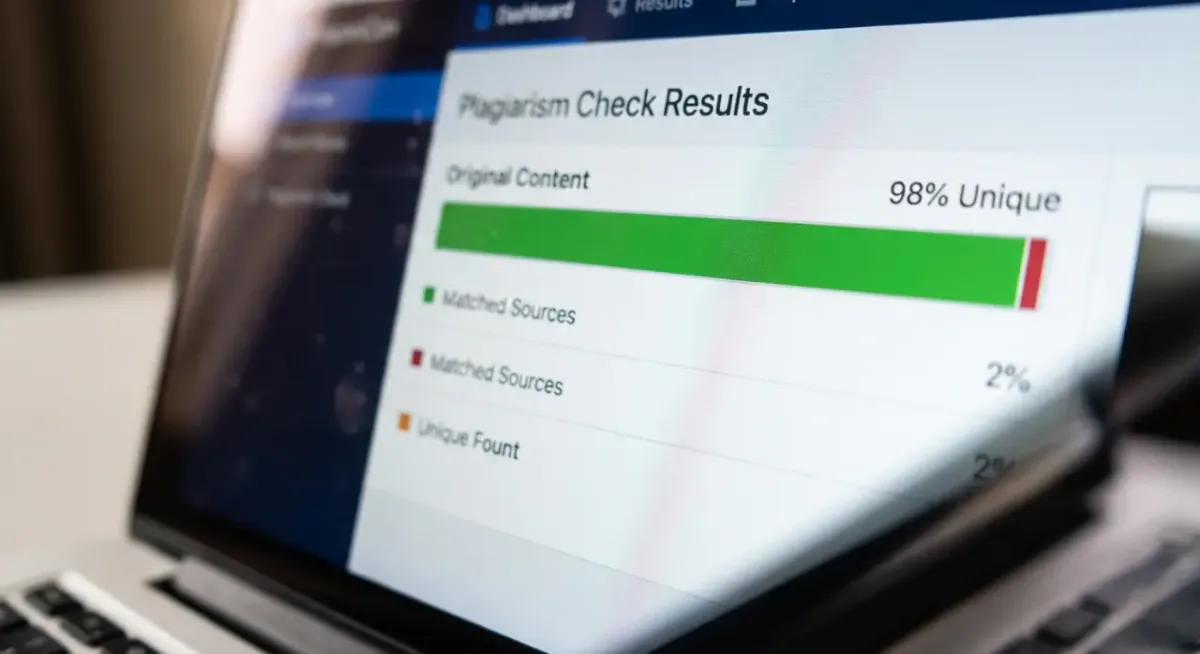
- Detailed Reports: See exactly which parts match and where they came from
- Easy to Use: Simple interface that anyone can navigate
Why You Should Look for the Best Plagiarism Checker
When you search for the best plagiarism checker online free, you want something that gives you a full report. A simple "yes" or "no" is not very helpful. You need to know which sentences are the problem and where they came from.
A good tool will provide a link to the original website. This is very helpful because you can read the source yourself. Maybe you just used a very common phrase, or maybe you really did mirror the source too closely. Using a checker helps you see if your flow is too close to someone else's work.
Habits to Help You Write Better
Even with the best plagiarism checker at your side, it is good to have a plan while you write. Here are a few simple tips to keep your work original:
Best Practices for Original Writing
- Take Great Notes: When you read a website, write down the name of the site and the author immediately.
- Close the Source: After you read a paragraph, close the window. Then, try to write what you learned in your own words.
- Use Quotes Sparingly: Only use a direct quote if the person said it in a way that is perfect. For everything else, use your own voice.
- Final Check: Always run your final draft through the best plagiarism checker online free. It is a small step that prevents big mistakes.
Understanding Your Similarity Score
When the WriteBotics tool finishes its scan, it gives you a score. This is usually a percentage. If you see a score of 5%, it does not always mean you did something wrong. It might just be that you used common names or technical terms that appear in many places.
The goal is to look at each match. If the tool flags a common saying like "In the heat of the moment," you can probably leave it alone. But if it flags a long sentence about a scientific fact, you should add a citation. Using the best plagiarism checker helps you tell the difference between a common phrase and a stolen idea.
What Different Scores Mean
- 0-10%: Excellent! Your work is highly original
- 11-20%: Good, but review flagged sections to ensure proper citations
- 21-40%: Moderate concern, needs revision and proper attribution
- 40%+: High similarity, significant revision required
Frequently Asked Questions
Is the WriteBotics tool really free?
Yes, you can use the WriteBotics Plagiarism Checker to scan your work without paying a fee. It is meant to help students and writers stay honest.
Will my work be saved in a database?
No. We know your work is private. The tool scans your text to find matches, but it does not store your writing or share it with other people.
What is a good similarity score?
In most cases, a score under 10% is considered very good. However, you should always check with your teacher or editor to see what they expect.
Can the tool find matches in books?
Yes. The software looks at web pages, news sites, and many digital archives. It is very thorough in its search.
How often should I check my work?
It is a good idea to check your work every time you finish a big draft. This helps you catch errors early before you get too far into the project.
Final Thoughts on Original Writing
Writing something brand new is a great feeling. It takes effort, but the result is something you can be proud of. Using the best plagiarism checker is a way to show that you care about your work. It protects your reputation and helps you learn how to be a better researcher.
As you use tools like the WriteBotics Plagiarism Checker, you will find that your writing improves. You will start to see where you tend to copy others and learn how to use your own voice more often. Technology is here to help us, and using a best plagiarism checker online free is one of the best moves you can make as a writer today. Keep practicing, keep checking, and keep your work original.
Ready to review your draft for possible phrase overlap? Try the WriteBotics Plagiarism Checker, inspect each result in context, and verify citations before publishing.