Search "ai humanizer" and you'll get pages of tools promising to make your writing "100% undetectable" or guarantee a "perfect human score." Almost none of them explain what that actually means, whether it's true, or when using a humanizer crosses from smart editing into something you shouldn't do. This guide fills that gap: a straight explanation of how AI humanizers work, an honest look at what they can't do, and a practical framework for using one without misrepresenting your work.
What an AI Humanizer Actually Does
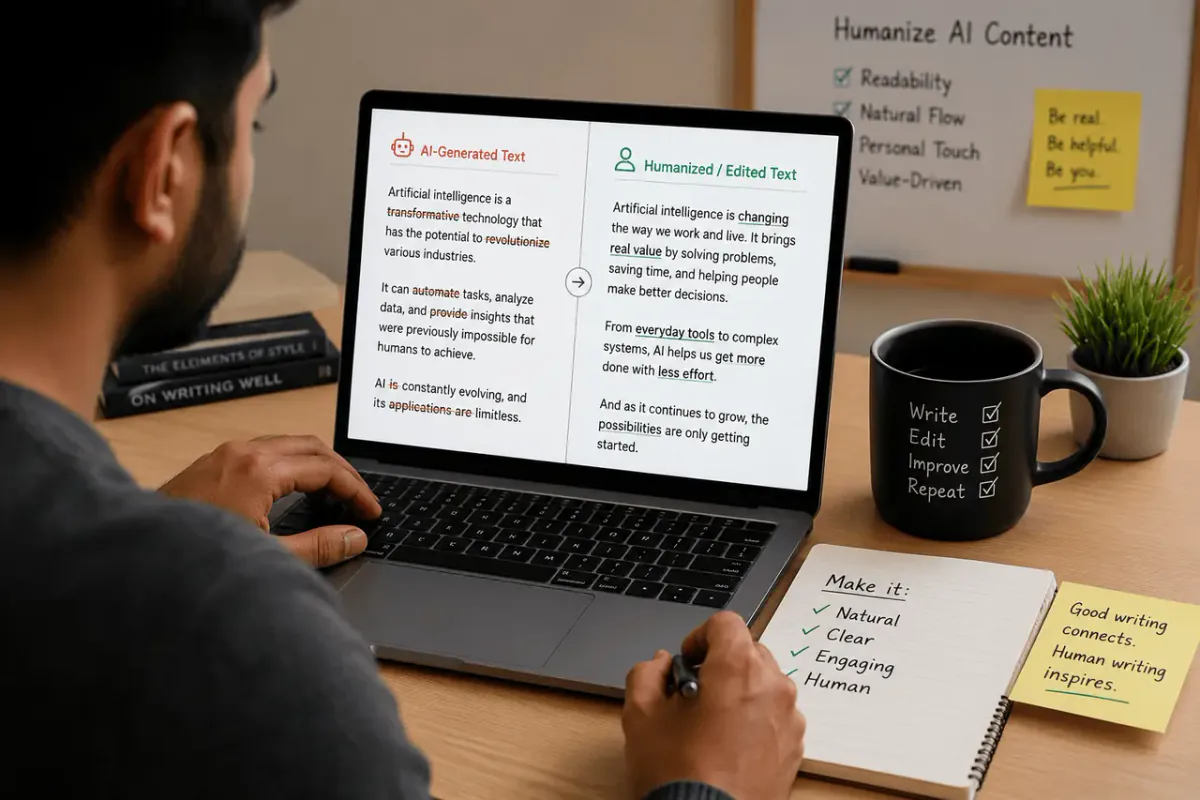
An AI humanizer rewrites text — usually output from a large language model — to reduce the patterns that make AI writing recognizable: uniform sentence length, an overused set of transition words, and a flat, formulaic structure. It adjusts phrasing and rhythm. It does not fact-check, add expertise, verify sources, or generate original ideas that weren't in the input. Several established tools are explicit about this limitation, and it's worth taking seriously: a humanizer is a style layer, not a truth layer.
Try the AI Humanizer yourself and you'll notice it offers different rewrite intensities — a lighter pass that adjusts word choice and cadence, and a heavier one that restructures sentences more aggressively. The heavier the rewrite, the more carefully you need to check that your original meaning survived it.
Why AI Text Sounds "Off" in the First Place
Language models tend to pick the statistically safest next word at every step. That produces a recognizable fingerprint:
- Flat sentence rhythm. Human writing naturally bounces between short, punchy lines and longer, layered ones. Raw AI output tends to cluster around the same sentence length throughout a piece.
- A small set of overused phrases. Constructions like "it is important to note," "in today's fast-paced world," and "when it comes to" show up across nearly every model and prompt.
- Formulaic transitions. "Moreover," "furthermore," and "in conclusion" appear far more often than a typical human writer would reach for them.
- Generic hedging. Vague qualifiers that pad a sentence without adding information.
None of these patterns are wrong, exactly — they're just noticeable, and noticeable pulls a reader out of the writing. A humanizer targets these specific patterns, which is why it can genuinely improve readability, independent of any conversation about AI detectors.
The Question Most Guides Skip: Is This Cheating?
The honest answer is: it depends on the context, and no tool can make that decision for you. Here's a practical way to think about it.
| Context | Is humanizing generally acceptable? | What actually matters |
|---|---|---|
| Blog posts, marketing copy, SEO content | Yes, when the content is accurate and reviewed | Google ranks content on quality and usefulness, not on how it was produced — see below |
| Business writing (emails, reports, internal docs) | Yes | You're the author of record either way; clarity is the goal |
| Academic essays, theses, graded assignments | Only if your institution's AI policy allows it | Disclosure rules apply regardless of how natural the final text sounds |
| Journalism, bylined articles | Case-by-case | Readers reasonably expect to know who — or what — wrote what they're reading |
| Anything requiring sworn originality (e.g., some certifications, peer review) | No | Rewriting to evade a detector in a disclosure-required context is misrepresentation |
The pattern across every row: humanizing text doesn't change whether disclosure applies — it just makes non-disclosure harder to catch. If your context requires you to say AI was involved, running the output through a humanizer first doesn't remove that obligation. Treat any tool that markets itself purely on "bypassing" academic integrity systems as a red flag, not a feature.
What Google Actually Says About AI-Assisted Content
This matters a lot if your goal is ranking an article, so it's worth quoting the source directly rather than relying on secondhand SEO takes. Google's own Search Central guidance states plainly that appropriate use of AI or automation is not against its guidelines, so long as it isn't used primarily to manipulate rankings — and that content quality is evaluated the same way regardless of how it was produced, through the lens of experience, expertise, authoritativeness, and trustworthiness (E-E-A-T).
In other words: Google does not have a filter that detects and demotes "AI-sounding" text as such. What it does target is scaled, low-value content — pages produced in bulk with little editorial oversight, originality, or genuine usefulness to a reader. A humanized article that's still generic, unverified, or padded with filler doesn't become a better piece of content just because it reads more naturally. Conversely, a well-researched, fact-checked, genuinely useful article that happens to read smoothly has nothing to fear from either AI-detection tools or Google's ranking systems.
This is also why so many humanizer tools' marketing claims deserve skepticism. Several sites claim humanized text automatically "aligns with Google's E-E-A-T guidelines" — that's a stretch. E-E-A-T is about demonstrated expertise and trustworthiness in the content itself, not sentence-level phrasing. No rewriting tool can manufacture expertise you don't have.
A Practical, Ethical Editing Workflow
- Draft. Write it yourself or use an AI assistant to get a starting point down quickly.
- Verify before you polish. Check every fact, statistic, and claim against a real source before you touch tone or style. Rewriting unverified content just makes it harder to trace back later.
- Humanize for readability, not evasion. Run the draft through the AI Humanizer with the goal of natural, varied prose. If your context requires disclosing AI use, disclose it — the final phrasing doesn't change that requirement.
- Check originality. Run the piece through a Plagiarism Checker to catch unintentional overlap with existing sources; rewording doesn't resolve a plagiarism problem, it just hides it.
- Read it out loud. This single step catches more awkward phrasing than any automated tool will.
- Do a final human pass. Add a concrete detail, an example, or a specific number that only you would know. This is the fastest way to make writing genuinely sound like a person — because it is.
Red Flags to Watch for in Humanizer Tools
Not all AI humanizers are built — or marketed — the same way. A few warning signs worth knowing before you trust one with real work:
- "Guaranteed 100% human score" or "guaranteed undetectable." No tool can guarantee this, because detection systems change constantly and none of them are perfectly accurate to begin with.
- Marketing built entirely around "bypassing Turnitin" or similar academic-integrity tools. That's a signal the tool is positioning itself for evasion, not editing.
- No mention of fact-checking or a human-review step. A responsible tool tells you, clearly, that it's a style pass and not a substitute for verification.
- Unverifiable success statistics. Be wary of oddly specific claims ("30% score improvement," "millions of users") with no source behind them — a pattern worth noticing on any site, including this kind of guide.
Frequently Asked Questions
Is using an AI humanizer considered cheating?
It depends entirely on context. For blog posts, marketing copy, or business writing, using a humanizer to improve readability is closer to using a grammar checker than to academic dishonesty. In academic or disclosure-required settings, it depends on your institution's specific AI policy — humanizing doesn't remove a disclosure requirement that would otherwise apply.
Can Turnitin, GPTZero, or other detectors still catch humanized text?
Sometimes. AI-detection tools including GPTZero, Turnitin, Originality.ai, Copyleaks, and ZeroGPT estimate probability based on writing patterns — they don't verify authorship with certainty. Humanized text often triggers fewer false flags because it reads more naturally, but no tool can promise it will pass every detector every time, and treating "beating a detector" as the goal misses the more important question of whether disclosure was required in the first place.
Does Google penalize humanized or AI-assisted content?
No — not for being AI-assisted. Google's official guidance states that automation, including AI, is not against its guidelines unless it's used primarily to manipulate rankings. What actually affects rankings is quality: originality, accuracy, and usefulness to the reader, evaluated through E-E-A-T. Thin or unverified content doesn't improve its ranking chances just because it's been humanized.
Does humanizing AI text remove plagiarism risk?
No. If underlying content drew too closely on a specific source, rewording the phrasing doesn't resolve that — it can make the overlap harder to spot without actually removing it. Run a plagiarism check as a separate step, not as something a humanizer handles for you.
Can a humanizer change the meaning of my text?
Yes, especially at more aggressive rewrite settings. Restructuring sentences can shift emphasis, drop a qualifier, or alter how a claim reads. Always compare humanized output against your original before publishing anything based on it.
Is a humanizer a replacement for human editing?
No. It handles one part of editing — sentence rhythm and word choice — quickly. Judgment calls about accuracy, originality, tone, and whether disclosure is required still need a human editor's attention.
Where to Go From Here
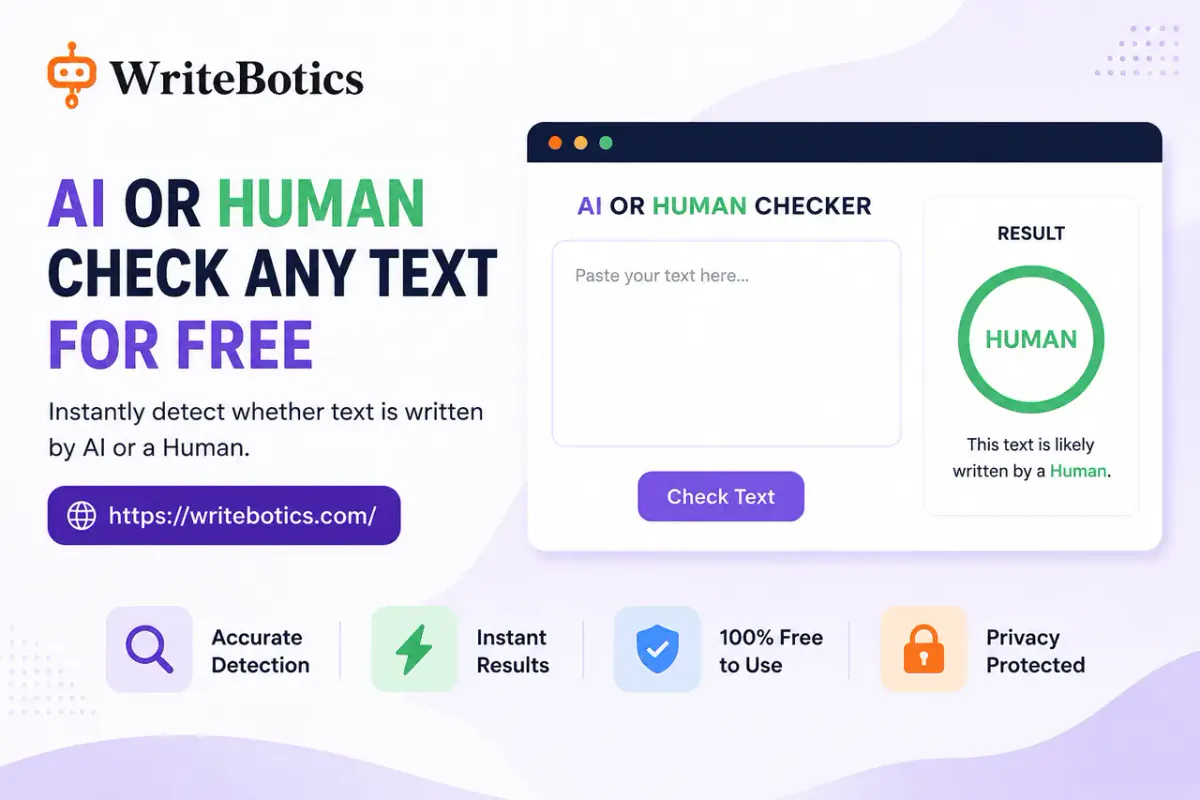
If you're editing a piece right now, start with the AI Humanizer to smooth out stiff phrasing, then run it past the AI Content Detector to see how it reads from a detection standpoint — treating the result as one signal, not a verdict. For more on getting a solid first draft before you reach the editing stage, see AI Writing Assistant: Write Faster and Smarter Today and Best Writing Tools Online to Boost Your Creativity. The full toolkit — humanizer, detector, plagiarism checker, grammar checker, and more — is available on the WriteBotics homepage.