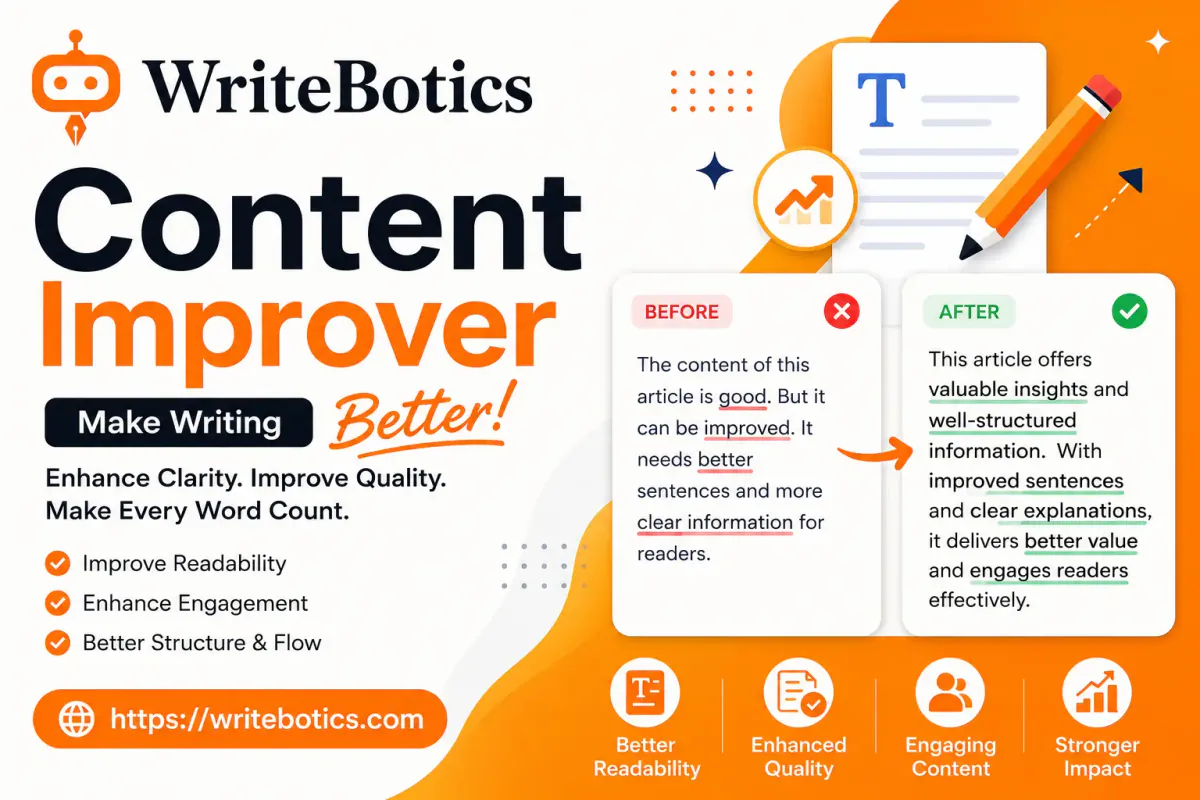
A content improver helps you turn a rough or hard-to-read draft into clearer, more concise writing without starting from scratch. It can help tighten long sentences, remove repetition, improve word choice, smooth transitions, and make your tone more consistent.
The important part is what happens after the suggested edit: you review the result against your original meaning and keep only the changes that make the writing better.
This guide explains what a content improver does, when it is useful, how to use one effectively, and how to check clarity, tone, and meaning before you publish.
What Does a Content Improver Do?
A content improver works on text you have already written. Instead of creating an article from a blank page, it focuses on improving the draft in front of you.
Depending on the text and the tool, an improvement pass may help with:
- Clarity: Making difficult or tangled sentences easier to follow.
- Word choice: Replacing vague, repetitive, or unnecessary wording.
- Conciseness: Removing filler without removing useful information.
- Flow: Making sentences and paragraphs connect more naturally.
- Tone: Making the writing more consistent with its audience and purpose.
- Readability: Breaking up dense sentences and presenting ideas more directly.
For example, consider this sentence:
Due to the fact that our team was unable to complete the project on time, we are going to need to move the deadline to a later date.
A clearer version is:
Because our team missed the deadline, we need to move the project to a later date.
The second version gets to the point faster. It does not need more information; it needs less friction.
That distinction is important. A content improver should generally be treated as an editing step, not a replacement for the thinking behind your content.
When Should You Use a Content Improver?
You do not need an improvement pass on every sentence you write. It becomes especially useful when you know a draft needs work but cannot easily identify where the problems are.
1. When your draft feels clunky
Sometimes you can tell that a paragraph is not working, but the reason is unclear. An improvement pass can help expose repeated words, overly long sentences, vague phrasing, or awkward transitions.
You can then decide whether the suggested change actually improves the paragraph.
2. When you are writing outside your comfort zone
If you are writing in a formal style, creating your first business article, or working in a language that is not your first language, phrasing can be difficult to judge.
A content improver can provide another version for comparison. You remain responsible for deciding whether the wording is natural and accurate for your audience.
3. When you have a deadline
A manual edit takes time. A tool can give you a quick second pass over sentences that may need attention.
That does not make the tool a substitute for proofreading. It simply gives you another way to spot potential problems before publication.
4. When you are repurposing existing content
A report may need to become a shorter web article. A technical explanation may need to become easier for a general audience. A formal draft may need a more conversational tone.
In these situations, improving sentence structure and tone can make the existing material easier to adapt.
5. When you want to polish an almost-finished draft
A content improver is particularly useful when the ideas and structure are already mostly right but the wording needs another pass.
If the draft is fundamentally broken or needs a completely different structure, a Content Rewriter may be a better starting point.
Three Before-and-After Examples
The best way to understand content improvement is to see what changes actually look like.
Example 1: Remove unnecessary wording
Before:
In order to make sure that the report is able to be understood by everyone, it is important that the writer uses language that is simple and easy to understand.
After:
To make the report easier to understand, use simple language.
What changed:
The improved version removes unnecessary phrases such as “in order to,” “is able to be,” and “it is important that.” The central instruction remains the same.
Example 2: Break up a crowded sentence
Before:
The new process gives employees a way to submit requests online, which means they do not have to send an email every time, and managers can then review the requests before deciding what needs to happen next.
After:
The new process lets employees submit requests online instead of sending an email each time. Managers can then review the requests and decide what happens next.
What changed:
The original sentence contains several ideas joined together. Splitting it into two sentences gives each idea more room and makes the sequence easier to follow.
Example 3: Replace vague language
Before:
There are a number of things that businesses can do in order to improve the overall quality of the content that they publish online.
After:
Businesses can improve the quality of their online content in several ways.
What changed:
“There are a number of things that” adds little meaning. The improved sentence states the subject and action directly.
These examples also show why improvement is not simply about making every sentence shorter. The goal is to make the intended idea easier to understand.
A Quick Clarity Checklist
Before accepting an improved version, run through this checklist.
- Is the main point obvious on the first read?
- Does each sentence have a clear job?
- Can unnecessary filler be removed?
- Are vague words replaced with precise ones where appropriate?
- Are long sentences split when they contain multiple ideas?
- Are transitions clear between related ideas?
- Does each paragraph stay focused on one main point?
- Has useful detail been preserved?
A shorter sentence is not automatically a better sentence. If removing words removes an important qualification, example, or condition, the edit has gone too far.
Check Tone and Meaning, Too
Clarity is only one part of a good edit. A sentence can be clear and still be wrong for the situation.
Check the tone
Think about who will read the text.
A customer-facing page may need to be friendly and direct. A technical document may need more precise terminology. A professional report may need a more formal register.
Look for tone drift, too. If the introduction sounds conversational but later sections become unnecessarily stiff, the article may feel inconsistent.
Check the meaning
This is one of the most important steps in using an automated writing tool.
Compare the improved version with your original and ask:
- Does it make the same claim?
- Did any qualification disappear?
- Did the emphasis change?
- Did a specific term become a more general one?
- Did the edit accidentally make the statement stronger or weaker?
For example, changing “may help reduce errors” to “reduces errors” is not simply a style edit. It changes the claim.
The same applies to numbers, names, dates, technical terms, and other factual details. Automated writing tools can suggest wording, but they do not automatically verify whether every claim is correct.
For a dedicated mechanical review, you can use the Grammar Checker after the clarity pass.
A Practical Content Improvement Workflow
A simple workflow keeps the tool in the right role: useful assistant, not final editor.
Step 1: Write the draft
Get the main ideas onto the page before spending too much time polishing individual sentences.
If the draft is still missing important information, editing the wording will not solve the underlying problem.
Step 2: Improve the structure
Look at the order of ideas.
Ask whether the reader gets the most useful information early. Remove repeated points and move related information together.
If the structure needs a substantial alternative, consider using a content rewriter first.
Step 3: Run a clarity pass
Work through the draft section by section.
Look for long sentences, vague wording, repetition, unnecessary qualifiers, and buried verbs. An improvement tool can provide suggestions, but compare them with the original rather than accepting every change automatically.
Step 4: Review tone and meaning
Read the revised version with your intended reader in mind.
Make sure the wording still sounds like you and that the changes have not altered the original message.
Step 5: Run a grammar pass
Once the wording and structure are settled, check spelling, punctuation, agreement, and other mechanical issues.
A Grammar Checker can be useful as a second pass, followed by your own review.
Step 6: Read it once without editing
Read the final version from beginning to end.
If possible, read it aloud. You may notice awkward phrasing or missing context that was easy to overlook while editing individual sentences.
For a broader three-pass approach covering clarity, grammar, and tone, see the Writing Improver: Fix Clarity, Grammar and Tone guide.
Content Improver vs. Content Rewriter
The two tools overlap, but they serve different editing needs.
| If your draft is... | Start with... |
|---|---|
| Mostly good but wordy or awkward | Content improver |
| Clear but contains grammar issues | Grammar checker |
| Rough and needs a different version | Content rewriter |
| Structurally sound but needs polishing | Content improver |
| Full of errors that need a mechanical check | Grammar checker |
The key difference is the size of the editing job.
A content improver is useful when you want to Polish and Strengthen Existing Writing . A content rewriter is more useful when you want a fuller alternative version of a draft.
You can also use them as separate stages rather than choosing only one.
FAQs
What is a content improver?
A content improver is a writing tool that helps revise existing text for clearer wording, better flow, stronger sentence structure, and more consistent tone. It is generally used on a draft you have already written.
Is a content improver the same as a paraphrasing tool?
Not exactly. Paraphrasing generally focuses on expressing existing text in different words. Content improvement can involve broader changes to sentence structure, flow, conciseness, and tone.
Can a content improver change my meaning?
It can. Even when a suggested edit looks better stylistically, it may remove a qualification or change the emphasis of a sentence. That is why you should compare the improved version with the original before accepting changes.
Should I use a content improver before or after a grammar checker?
Either workflow can work, but it is useful to separate the jobs. First make sure the writing says what you want clearly; then perform a dedicated grammar and spelling check. Finish with a human read-through.
Can I use a content improver for professional or academic writing?
It can be used as an editing step, but you should review every change yourself and follow any rules that apply to your workplace, client, school, or institution. Accuracy, citations, and final wording remain your responsibility.
Will a content improver make my writing sound generic?
It can if you accept every suggestion without considering your own voice. Compare the revised text with the original and keep wording that fits your natural style and audience.
Does a content improver replace a human editor?
No. It can help identify wording and clarity issues, but a human still needs to judge facts, context, argument quality, audience fit, and whether the final version says what it should say.
The Bottom Line
A *content improver is most useful when you already have something worth saying and want to make it easier to read.
Use it to tighten sentences, remove unnecessary wording, improve flow, and check consistency. Then do the part automated editing cannot replace: compare the result with your original, verify the meaning, check important claims, and read the finished piece as your audience would.
If your draft needs a clarity pass, try the WriteBotics content improvement workflow, then review the suggestions before publishing.