If you are deciding between a free grammar checker vs Grammarly the short answer is simple: you do not necessarily need to pay for Grammarly to catch everyday grammar, spelling, punctuation, and basic writing issues.
Grammarly Free currently includes grammar, spelling, punctuation, conciseness, and tone detection, plus a limited allowance of generative AI prompts. Grammarly Pro adds features such as full-sentence rewrites, advanced tone and clarity suggestions fluency suggestions, plagiarism detection, and a larger AI prompt allowance.
For students, casual writers, bloggers, and people polishing everyday emails, a free grammar checker may be enough. If you regularly need deeper rewriting, advanced writing suggestions, or plagiarism and AI-content checks in one workflow, Grammarly Pro may offer more value.
The right choice depends less on which tool has the bigger feature list and more on what you actually need to fix.
Quick Verdict: Free Grammar Checker or Grammarly?
Choose a free grammar checker if your main goal is to catch spelling mistakes, punctuation problems, grammar errors, and obvious sentence-level issues without adding another subscription.
Choose Grammarly Free if you want those basic checks plus tone detection, conciseness suggestions, and access to a limited number of generative AI prompts.
Choose Grammarly Pro if you regularly need full-sentence rewrites, advanced clarity and tone improvements, English fluency suggestions, plagiarism detection, or more generous AI features. Grammarly currently lists its Pro plan at $12 per month on its official plans page, although pricing and offers can change.
If you simply want to clean up a draft before sending or publishing it, start with a free option. You can always decide later whether the additional features are worth paying for.
Free Grammar Checker vs Grammarly: Feature Comparison
Here is the practical difference between the options.
| Feature | Free Grammar Checker | Grammarly Free | Grammarly Pro |
|---|---|---|---|
| Spelling checks | Usually | Yes | Yes |
| Grammar checks | Usually | Yes | Yes |
| Basic punctuation | Usually | Yes | Yes |
| Conciseness suggestions | Depends on tool | Yes | Yes |
| Tone detection | Depends on tool | Yes | Yes |
| Advanced clarity suggestions | Depends on tool | Limited | Yes |
| Full-sentence rewrites | Depends on tool | Limited | Yes |
| Tone adjustment | Depends on tool | Limited | Yes |
| English fluency suggestions | Depends on tool | No | Yes |
| Plagiarism detection | Depends on tool | No | Yes |
| AI-generated text detection | Depends on tool | No | Yes |
| Generative AI prompts | Depends on tool | 100/month | 2,000/month |
Grammarly's current official comparison confirms that its Free plan includes basic writing corrections and tone detection, while Pro adds full-sentence rewriting, tone adjustment, fluency, plagiarism detection, AI-generated text detection, and a higher monthly AI prompt allowance.
The important point is that "free grammar checker" is a category, not one specific product. Features vary significantly between tools. A free browser-based checker may focus on grammar and spelling, while another may include clarity or rewriting features.
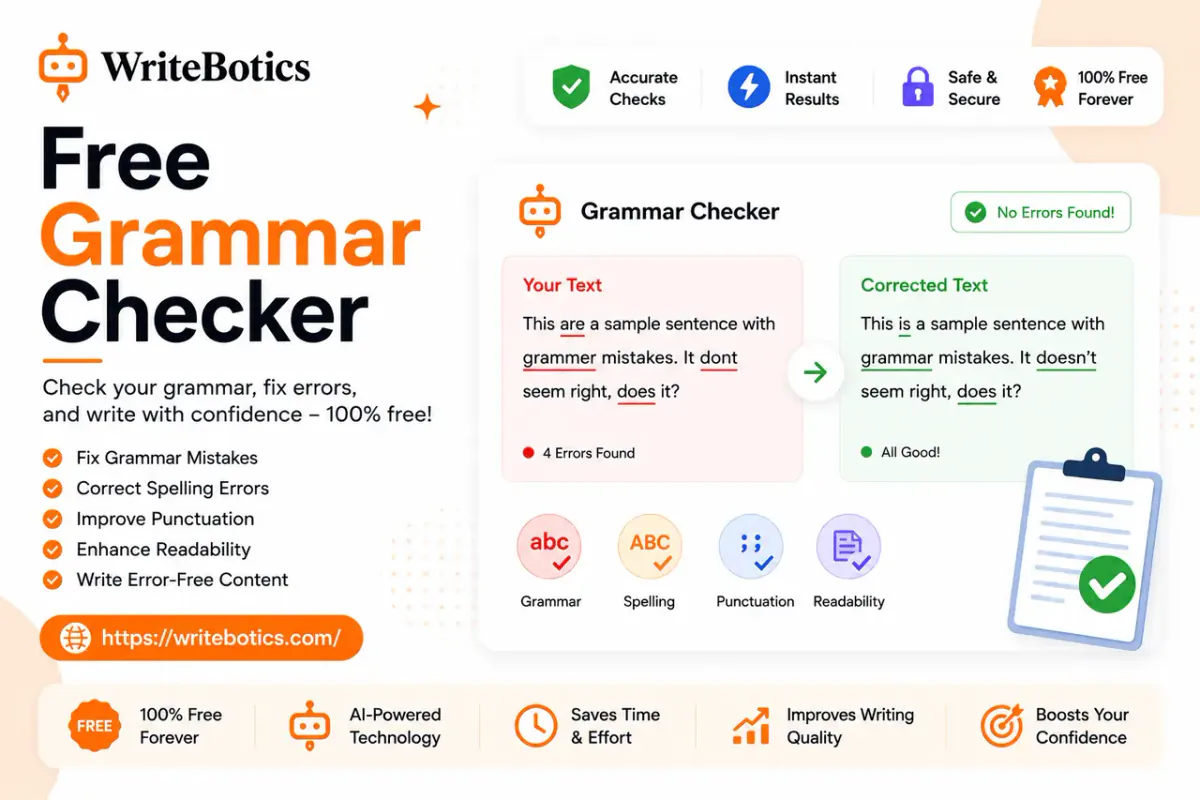
WriteBotics, for example, provides a browser-based Grammar Checker designed to review spelling, grammar, punctuation, and sentence clarity.
What Can You Actually Fix for Free?
For many everyday writing tasks, basic grammar checking covers the mistakes that matter most.
Consider this sentence:
She don't have the documents that we needs for the meeting.
A grammar checker can identify the agreement problems:
She doesn't have the documents that we need for the meeting.
That is a straightforward correction. You do not necessarily need an advanced paid writing assistant to make it.
Example 1: Grammar
Before:
The report were finished yesterday, but the numbers needs another review.
After:
The report was finished yesterday, but the numbers need another review.
The core issue is subject-verb agreement.
Example 2: Punctuation
Before:
We finished the draft however we still need approval.
After:
We finished the draft; however, we still need approval.
The sentence needs punctuation around the transition.
Example 3: Clarity
A grammar checker may also help identify unnecessarily complicated wording.
Before:
Due to the fact that the campaign was delayed, we were unable to launch it at the time that we had originally planned.
Clearer:
Because the campaign was delayed, we could not launch it as planned.
The second version is shorter without changing the meaning.
Example 4: Tone
Now consider an email to a customer:
You need to send the missing information immediately.
The grammar is fine, but the tone may sound too direct.
A more appropriate version could be:
Please send the missing information when you have a chance so we can continue processing your request.
This illustrates an important difference: grammar and communication quality are not the same thing.
Grammarly Free can identify tone, while its Pro plan adds tools for adjusting tone and making more advanced writing improvements.
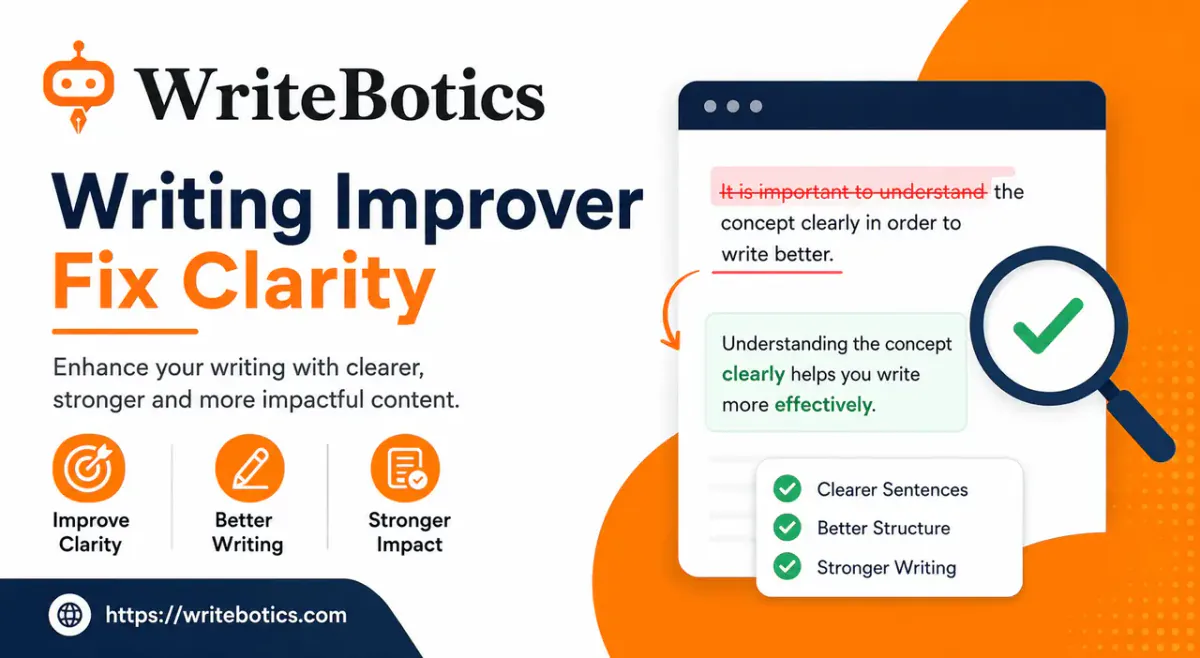
For a broader three-pass approach to improving clarity, grammar, and tone, see Writing Improver: Fix Clarity, Grammar and Tone.
Where Free Tools Have Limitations
Free does not automatically mean bad. It means you need to understand the boundaries.
1. Advanced rewriting may be limited
A basic checker can identify a problem without completely rewriting the sentence for you.
For example:
The proposal that we submitted last week was something that the client said was useful to them.
A basic grammar check may not consider this grammatically wrong. But a human editor might tighten it to:
The client found our proposal useful.
The second sentence is more direct, but that is a style decision rather than a simple grammar correction.
2. Tone requires context
A tool can identify characteristics of a sentence, but it cannot always know the relationship between the writer and reader.
"Send me the file today" could be appropriate between close colleagues and unnecessarily blunt in a customer email.
That is why automated suggestions should be treated as recommendations rather than automatic truth.
3. Free plans can limit advanced AI features
Grammarly's current Free plan includes 100 generative AI prompts per month, while Pro includes 2,000 prompts per member per month.
For someone who only occasionally asks for help, that may be plenty. For a heavy writer using AI rewriting throughout the day, the difference becomes more important.
4. Plagiarism checking is a separate need
If you need plagiarism detection, a basic grammar checker should not be assumed to provide it.
Grammarly currently lists plagiarism detection as a Pro feature rather than a Free feature.
Grammar checking and originality checking answer different questions:
- Grammar: Is the sentence written correctly?
- Clarity: Is the sentence easy to understand?
- Tone: Does it sound appropriate?
- Originality: Does the text overlap with other published material?
- AI detection: Does a detection system estimate that text may contain AI-generated patterns?
Do not treat one check as proof of another.
Who Should Choose a Free Grammar Checker?
A free grammar checker is usually the sensible starting point if you:
- Write occasional emails and documents.
- Need help catching common grammar mistakes.
- Want to proofread blog posts before publishing.
- Are a student working within a limited budget.
- Write social posts, notes, or short business messages.
- Prefer a focused tool rather than a large writing platform.
- Mainly need spelling, punctuation, grammar, and basic clarity checks.
If your writing workflow is simple, paying for features you rarely use may not make sense.
Who Should Choose Grammarly?
Grammarly becomes more compelling when your editing needs go beyond basic corrections.
It may be a better fit if you:
- Write professionally every day.
- Need advanced rewriting assistance.
- Frequently adjust tone for different audiences.
- Want English fluency suggestions.
- Need plagiarism detection in the same platform.
- Use AI writing features regularly.
- Want a broader writing assistant rather than only a grammar checker.
The key question is not "Is Grammarly better?" It is "Will I use the extra features enough to justify them?"
For example, a marketing professional producing multiple client-facing documents every day may get meaningful value from advanced rewriting and tone tools. Someone checking two emails a week probably will not have the same need.
A Simple WriteBotics Workflow for Free Editing
If your goal is to improve a draft without immediately paying for a premium writing assistant, try this workflow.
Step 1: Write the draft first
Do not obsess over every comma while drafting.
Get the main idea down first. Your first version should focus on meaning, structure, and useful information.
Step 2: Run the draft through a grammar checker
Open the WriteBotics Grammar Checker and review the issues it identifies.
Do not accept every suggestion automatically. Read each change and make sure it preserves your intended meaning.
Step 3: Fix clarity manually
After grammar corrections, read the text again.
Look for:
- Long sentences.
- Repeated words.
- Vague statements.
- Unnecessary filler.
- Weak transitions.
- Ideas that should be separated into two paragraphs.
This step matters because a grammatically correct sentence can still be difficult to understand.
Step 4: Check the tone
Ask yourself:
Who is reading this, and how should it sound?
A customer email, college essay, product description, and internal Slack message may communicate the same information differently.
Step 5: Review anything involving AI detection carefully
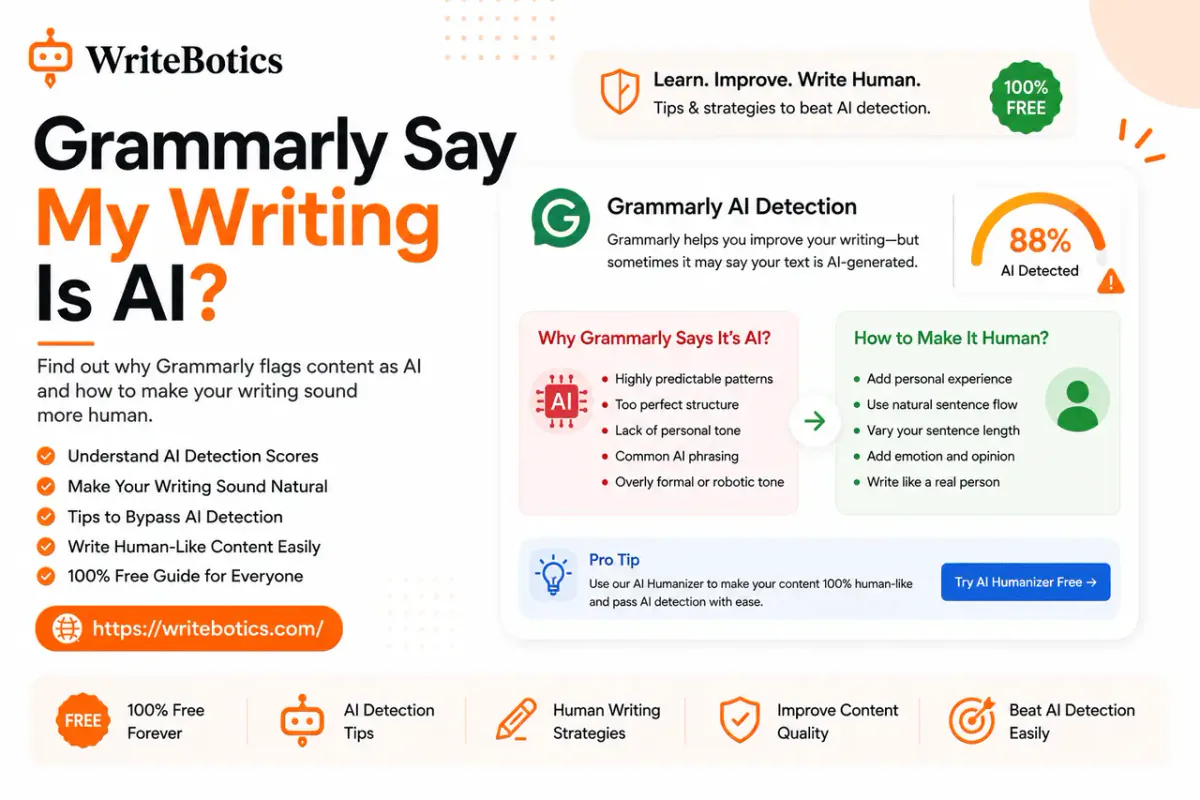
If you are concerned about a Grammarly AI-detection result, do not assume that a score proves who wrote the text. Detection systems can produce results that require context and human review.
WriteBotics also covers this issue in Why Does Grammarly Flag My Writing as AI-Generated?.
Step 6: Do a final human read
Read the finished version from beginning to end.
Check names, numbers, claims, links, dates, and anything where context matters.
A grammar checker is an editing aid, not a replacement for your judgment.
Free Grammar Checker vs Grammarly: Which One Wins?
There is no universal winner.
For basic proofreading: a free grammar checker can be enough.
For free Grammarly features: Grammarly Free provides a useful combination of grammar, spelling, punctuation, conciseness, and tone detection.
For advanced editing: Grammarly Pro offers a broader set of rewriting, tone, fluency, plagiarism, and AI-related features.
For budget-conscious writers: start free and upgrade only if you repeatedly encounter a limitation that affects your workflow.
That approach is more useful than choosing a tool simply because it has the longest feature list.
Frequently Asked Questions
Is Grammarly completely free?
Grammarly has a Free plan that costs $0 and includes basic writing corrections, tone detection, and a limited number of generative AI prompts. Advanced features are available through paid plans.
Is a free grammar checker as good as Grammarly?
It depends on the tool and the task. A good free grammar checker can handle common spelling, grammar, punctuation, and clarity issues. Grammarly offers a broader collection of writing features, particularly on its Pro plan.
What does Grammarly Free include?
Grammarly's current Free plan includes grammar, spelling, punctuation, conciseness, and tone detection. Its official plan information also lists 100 generative AI prompts per month for Free users.
What does Grammarly Pro add?
Grammarly Pro currently adds full-sentence rewrites, tone adjustment, English fluency suggestions, unlimited personalized suggestions, plagiarism and AI-generated-text detection, and a larger generative AI allowance.
Can I check grammar without Grammarly?
Yes. There are multiple free grammar-checking options, including browser-based tools. WriteBotics offers a free online Grammar Checker for checking writing directly in your browser.
Should students pay for Grammarly?
Not necessarily. If a student mainly needs grammar and spelling corrections, a free checker may be sufficient. Whether Grammarly Pro is worthwhile depends on how often the student needs its additional writing features and whether those features are permitted under the student's school or institution's policies.
Can grammar checkers replace proofreading?
No. Automated tools can catch many common issues, but they may miss meaning, context, factual errors, awkward ideas, or a tone that does not fit the audience. A final human review is still important.
What is the best workflow for improving writing?
A practical workflow is to draft first, check grammar, improve clarity, review tone, verify important information, and then proofread the final version. This separates mechanical corrections from decisions that require human judgment.
Final Takeaway
The choice between a free grammar checker vs Grammarly comes down to how much editing help you actually need.
If you want to catch everyday grammar, spelling, punctuation, and clarity problems, start free. If you need advanced rewriting, tone adjustment, fluency suggestions, plagiarism detection, or heavier AI-assisted editing, Grammarly Pro may be worth considering.
For many writers, the smartest approach is simple: use a free grammar checker first, understand its limitations, and only pay for advanced features when they solve a real problem in your workflow.
If you are ready to check your draft now, try the WriteBotics Grammar Checker and review the suggestions before you publish or send your work.