A good writing improver workflow should do more than correct typos. It should help you make a draft easier to understand, grammatically sound, and appropriate for the person reading it. The simplest way to do that is to edit in three separate passes: clarity first, grammar second, and tone third.
Separating these jobs makes editing easier because each pass has a specific purpose. You are not trying to fix a confusing sentence, a comma error, and an overly formal tone at the same time.
This guide shows you how to use that three-pass process, where writing tools fit into the workflow, and what to check yourself before publishing or sending the final version.
What Is a Writing Improver?
A writing improver is a tool or editing process that helps strengthen text you have already written.
Instead of starting with a blank page, you begin with an existing draft and look for opportunities to improve:
- Clarity: Make ideas easier to understand.
- Grammar: Correct spelling, punctuation, agreement, and sentence-level errors.
- Tone: Make the language appropriate for the audience and purpose.
- Flow: Improve the connection between sentences and paragraphs.
- Word choice: Replace vague, repetitive, or unnecessary wording.
- Conciseness: Remove filler without removing useful meaning.
The important distinction is that improving writing is not the same as automatically rewriting everything.
Your original draft contains your ideas, facts, qualifications, and intended meaning. A tool can suggest improvements, but you should decide which changes actually make the writing better.
Why Use Three Editing Passes?
Trying to edit everything at once is inefficient.
When you read a paragraph while simultaneously looking for grammar errors, awkward wording, tone problems, and missing information, it is easy to overlook something.
A three-pass process gives each problem its own review.
| Pass | Main question | What to look for |
|---|---|---|
| 1. Clarity | Is this easy to understand? | Long sentences, vague wording, repetition, buried ideas |
| 2. Grammar | Is this technically correct? | Spelling, punctuation, agreement, modifiers, tense |
| 3. Tone | Does this sound right for the reader? | Formality, warmth, consistency, unnecessary hedging |
The order matters. There is little value in perfectly correcting a sentence that you later decide needs to be completely rewritten for clarity.
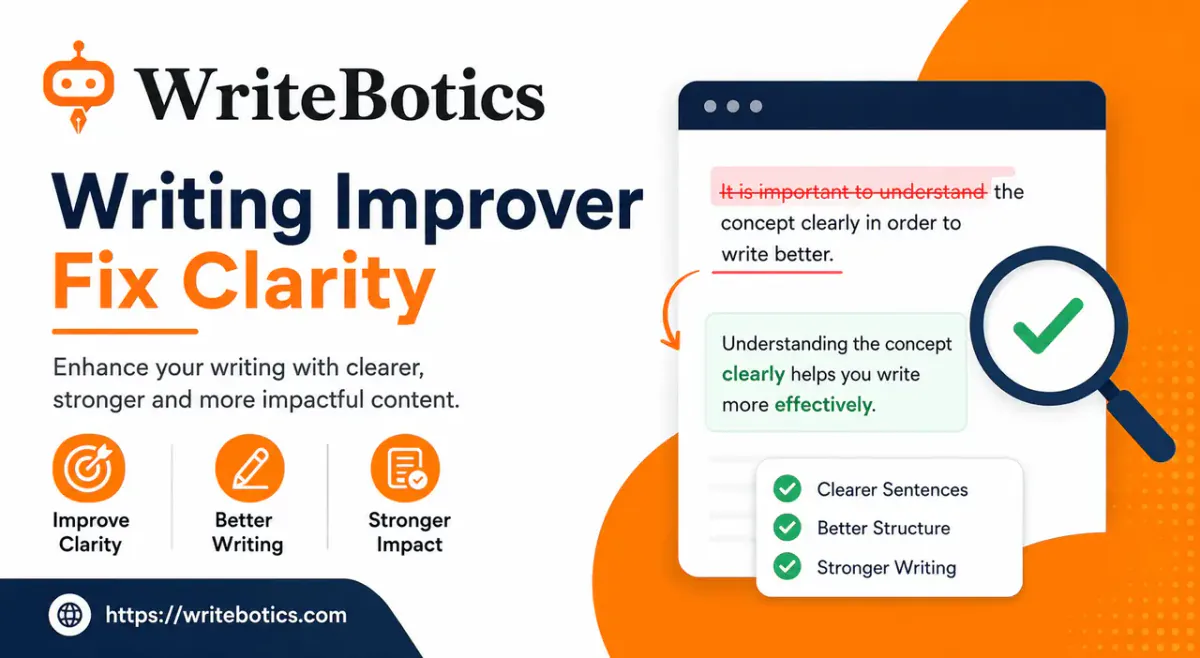
Pass 1: Improve Clarity First
Clarity is about reducing the effort required to understand your writing.
Start by reading the draft without worrying about commas or spelling. Focus only on whether the reader can quickly understand what you mean.
1. Shorten overloaded sentences
A long sentence is not automatically a bad sentence. The problem occurs when one sentence contains several separate ideas that compete for attention.
Before:
The new process gives employees the ability to submit their requests online, which means they no longer need to send an email each time, while managers can review those requests before deciding what action should be taken.
After:
The new process lets employees submit requests online instead of sending an email each time. Managers can then review the requests and decide what to do.
The second version is easier to scan because the two main ideas have been separated.
2. Replace vague wording
Look for phrases that take up space without adding useful information.
For example:
There are several things that businesses can do in order to improve the overall quality of their content.
A clearer version is:
Businesses can improve the quality of their content in several ways.
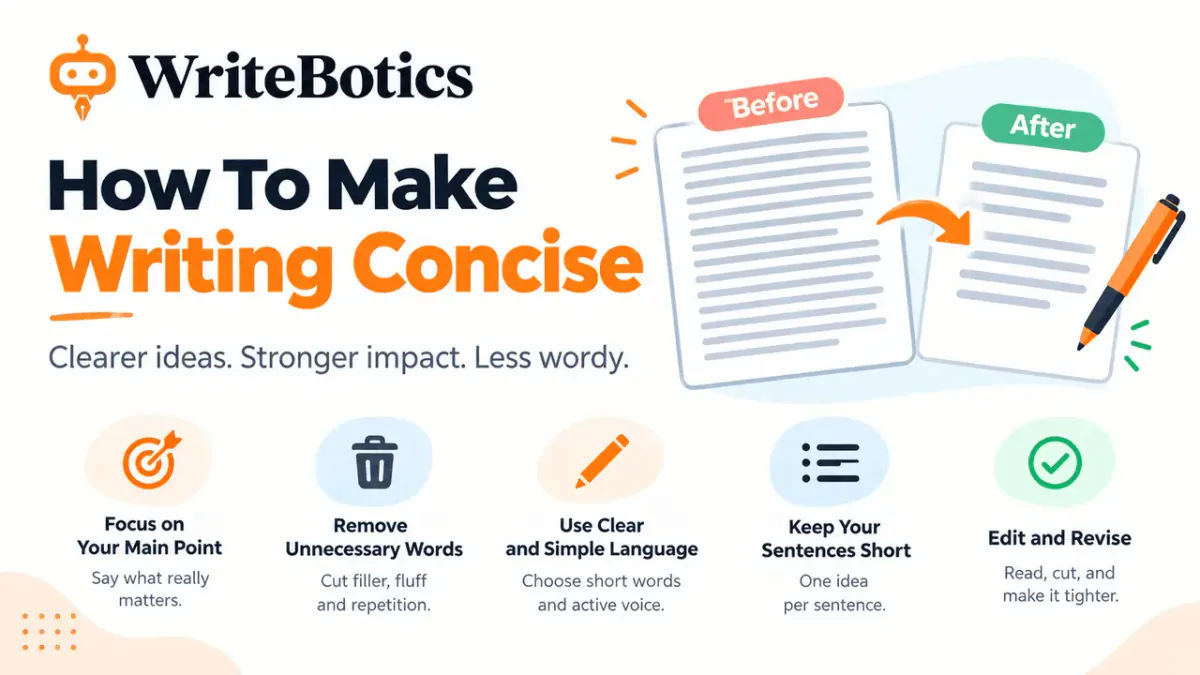
The goal is not to make every sentence as short as possible. The goal is to make every word earn its place.
3. Remove unnecessary filler
Common examples include:
- “in order to” → “to”
- “due to the fact that” → “because”
- “at this point in time” → “now”
- “a number of” → “several” or a specific number
- “it is important to note that” → remove it when possible
These phrases are not always incorrect, but they can make otherwise useful writing feel heavier than necessary.
4. Keep one main idea in focus
Ask yourself:
What is this sentence trying to tell the reader?
If the answer contains “and then,” “while,” “which also,” and several other clauses, consider splitting the sentence.
Do the same with paragraphs. A paragraph should usually have a clear central purpose rather than combining unrelated points.
5. Preserve meaning while simplifying
This is one of the most important rules in any writing improvement workflow.
Do not shorten a sentence if doing so removes an important qualification.
For example:
The change may reduce processing time for some users.
Should not automatically become:
The change reduces processing time.
The second sentence makes a stronger claim. The edit may sound cleaner, but it changes the meaning.
Pass 2: Run a Grammar Check
Once the draft is clear, perform a dedicated grammar pass.
Your goal here is different. Instead of asking whether the writing sounds strong, ask whether the sentences are mechanically correct.
Check subject-verb agreement
Watch for situations where a noun close to the verb creates confusion.
Incorrect:
The list of recommended changes are ready.
Correct:
The list of recommended changes is ready.
The subject is “list,” not “changes.”
Check sentence boundaries
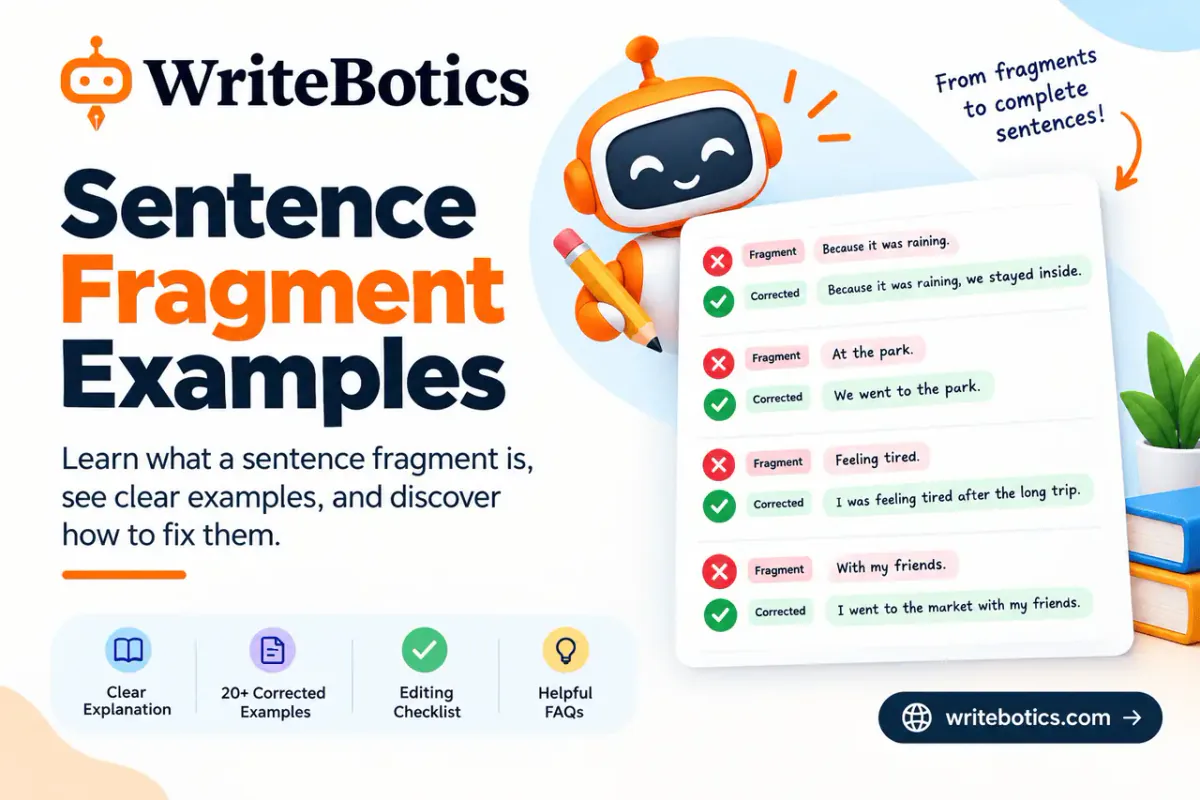
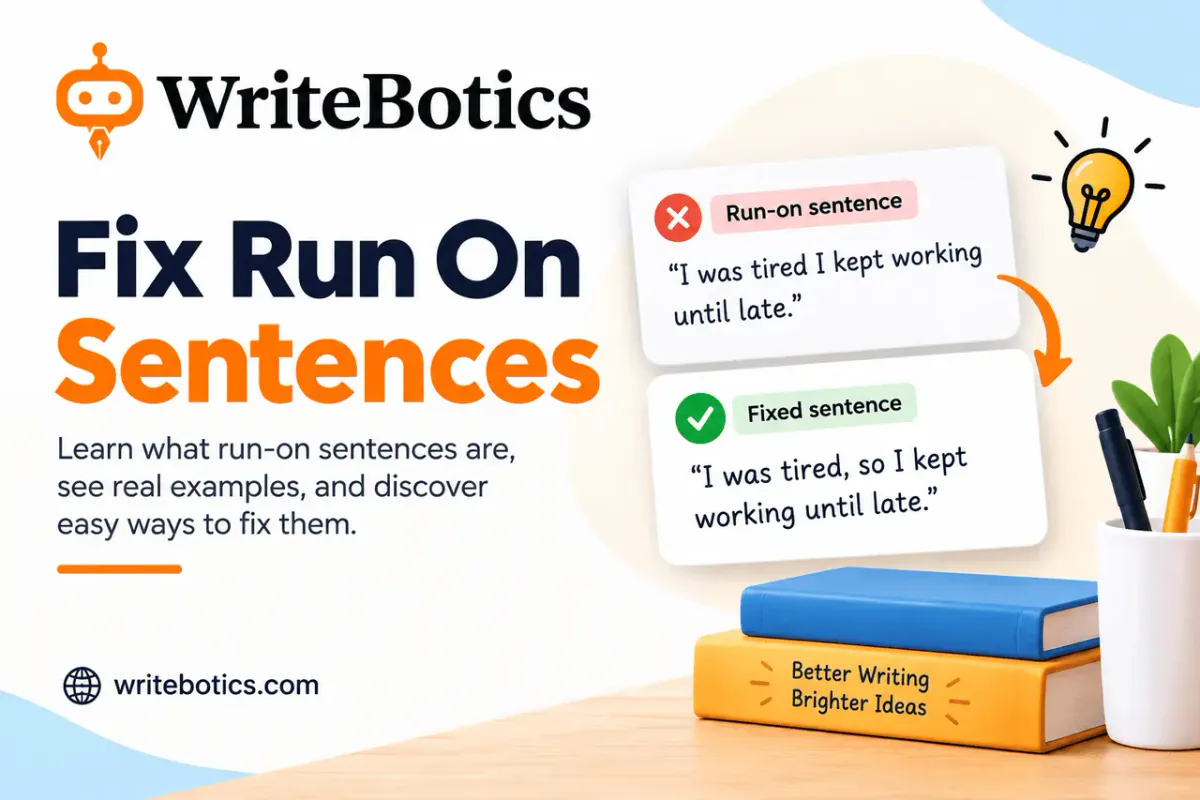
Look for comma splices and run-on sentences.
Problem:
The draft is almost finished, we only need to check the final paragraph.
Better:
The draft is almost finished. We only need to check the final paragraph.
Or:
The draft is almost finished, so we only need to check the final paragraph.
Check modifiers
Make sure descriptive phrases clearly attach to the word they describe.
Awkward modifiers can make technically correct writing difficult to interpret.
Check tense consistency
Unnecessary shifts between past, present, and future tense can make a paragraph feel unstable.
For example, if you are describing what happened during a completed project, avoid switching into present tense halfway through unless there is a reason.
Use a grammar checker as a second opinion
A dedicated Grammar Checker can help identify spelling, punctuation, and sentence-level issues after you have improved the wording.
Treat its suggestions as recommendations rather than automatic corrections. Context still matters.
Pass 3: Adjust Tone on Purpose
Tone answers a different question:
Does this sound appropriate for this reader and situation?
A sentence can be clear and grammatically correct but still use the wrong tone.
For example, a customer email that says:
Your request has been received and will be processed in accordance with our established procedures.
might be technically fine, but a more natural version could be:
We received your request and will review it shortly.
The right choice depends on the audience, brand, industry, and purpose.
Match tone to the audience
Consider whether your reader expects:
- Professional and formal language
- Friendly and conversational language
- Direct and practical language
- Technical and precise language
- Encouraging and supportive language
Do not make every piece of writing sound casual simply because casual writing is easier to read.
Watch for tone drift
Tone can change unintentionally during a long draft.
An introduction might sound friendly while later sections become stiff and overly formal. Read the opening and closing sections together and ask whether they sound like they belong to the same piece.
Remove unnecessary authority language
Phrases such as these can sometimes make writing sound inflated:
- “It is important to note that...”
- “It should be emphasized that...”
- “Needless to say...”
- “It is worth mentioning that...”
If the information matters, state it directly.
A Complete Before-and-After Example
Suppose you are editing this paragraph:
Due to the fact that many teams are currently experiencing difficulties when it comes to keeping their written communications clear and consistent, it is important that they take the necessary steps in order to review their content carefully before it is sent to customers, because unclear communication can potentially result in misunderstandings.
There are several problems here:
- The opening is unnecessarily long.
- “When it comes to” adds little.
- “It is important that” delays the main point.
- “Take the necessary steps” is vague.
- The final clause makes the sentence too crowded.
- “Can potentially result” uses two layers of qualification.
A clearer version is:
Many teams struggle to keep customer communications clear and consistent. Review important messages before sending them to reduce the risk of misunderstandings.
Notice that the improved version does not simply delete words. It restructures the idea so that the reader gets the main point immediately.
Where a Writing Tool Fits Into the Workflow
A writing tool works best when it supports your editing process rather than replacing it.
A practical sequence looks like this:
Draft → Clarity → Grammar → Tone → Human review → Publish
For a rough draft, you may need a broader rewrite before the three-pass process. In that situation, a Content Rewriter can help you produce an alternative version to compare with the original.
For a mostly finished draft, focus on improvement rather than wholesale rewriting.
Recommended tool workflow
Step 1: Write your draft
Get the important ideas down before obsessing over individual sentences.
Step 2: Review the structure
Make sure the information appears in a logical order and remove repeated points.
Step 3: Run the clarity pass
Look for long sentences, vague wording, filler, repetition, and buried ideas.
Step 4: Compare tool suggestions with the original
Do not accept every change automatically. Check whether the suggested version preserves your intended meaning.
Step 5: Run the grammar pass
Use a grammar checker to identify mechanical issues that may have survived the clarity edit.
Step 6: Review tone
Read the piece as your intended audience. Remove language that is too formal, too casual, too promotional, or inconsistent.
Step 7: Read the final version yourself
Read it from beginning to end without stopping to edit every sentence. If possible, read it aloud.
A sentence that looks fine in isolation can sound awkward when surrounded by the rest of the paragraph.
Human Review Checklist
Automated suggestions are useful, but the final review should still be yours.
Use this checklist before publishing or sending important writing:
Clarity
- Is the main point easy to find?
- Does each sentence have a clear purpose?
- Have unnecessary words been removed?
- Are vague phrases replaced with precise language where appropriate?
- Are overloaded sentences split?
- Does each paragraph focus on one main idea?
- Have useful qualifications and details been preserved?
Grammar
- Is spelling correct?
- Is punctuation correct?
- Do subjects and verbs agree?
- Are sentence boundaries clear?
- Are modifiers placed correctly?
- Is tense consistent?
- Have proper names, numbers, and technical terms been checked?
Tone
- Does the writing suit the intended reader?
- Is the level of formality appropriate?
- Is the tone consistent from beginning to end?
- Does the writing sound natural?
- Have unnecessary hedges or inflated phrases been removed?
- Does the final version still sound like the writer?
Meaning and accuracy
- Did any edit change the original meaning?
- Were qualifications accidentally removed?
- Did any statement become stronger or weaker?
- Are facts, dates, names, numbers, and claims still accurate?
- Have you personally approved the final wording?
When Should You Use a Writing Improver?
A writing improver is particularly useful when the ideas are already there but the wording is getting in the way.
It can be helpful for:
- Blog posts that feel wordy
- Business emails that need polishing
- Website copy that sounds awkward
- Reports that contain dense sentences
- Customer communications
- Drafts written quickly under a deadline
- Content written by teams with different writing styles
- Existing content being adapted for a new audience
It is less useful as a substitute for deciding what you actually want to say.
If the underlying argument is weak, the facts are uncertain, or the structure is confusing, editing individual sentences will not solve the real problem.
FAQs
What does a writing improver check?
A writing improver can help identify issues with clarity, sentence structure, word choice, flow, readability, grammar, and tone. The exact capabilities vary by tool, so important edits should still be reviewed by the writer.
Is a writing improver the same as a grammar checker?
No. A grammar checker primarily focuses on mechanical correctness, such as spelling, punctuation, agreement, and sentence-level errors. A writing improver takes a broader view of how clearly and effectively the text communicates.
Should I fix grammar or clarity first?
Start with clarity. There is little benefit in perfecting the grammar of a sentence that you are likely to restructure. Once the wording and structure are settled, perform a dedicated grammar check.
Can a writing tool change my meaning?
Yes, a suggested rewrite can sometimes change emphasis or remove a qualification. Always compare important edits with the original and check facts, numbers, names, and claims yourself.
Can a writing improver make my writing sound generic?
It can if you accept every suggestion without considering your own voice. Use suggestions selectively and keep wording that reflects your audience, purpose, and natural style.
Should I use a content rewriter or writing improver?
Use a content rewriter when you need a broader alternative version of a rough or difficult draft. Use a writing improver when the core draft is sound but needs clearer, stronger, or more polished wording.
Do I still need to proofread after using a writing tool?
Yes. Automated tools can identify many common issues, but they cannot replace your judgment about meaning, context, accuracy, audience, and whether the final piece actually communicates what you intended.
The Bottom Line
The best writing improver workflow is not “paste in your draft and accept everything.”
It is a structured editing process:
1. Improve clarity. 2. Check grammar. 3. Adjust tone. 4. Review the changes yourself.
Separating these passes makes it easier to identify problems without accidentally changing the meaning of your writing.
Use tools to speed up repetitive editing work, but keep the final decision with the writer. A strong final draft should not only be grammatically correct; it should also be clear, purposeful, accurate, and appropriate for its reader.
If you have a draft that needs polishing, start with the editing pass that matches the problem. Use the WriteBotics Content Rewriter for a broader rewrite, or use the WriteBotics Grammar Checker when the wording is already right and you need a final mechanical check.