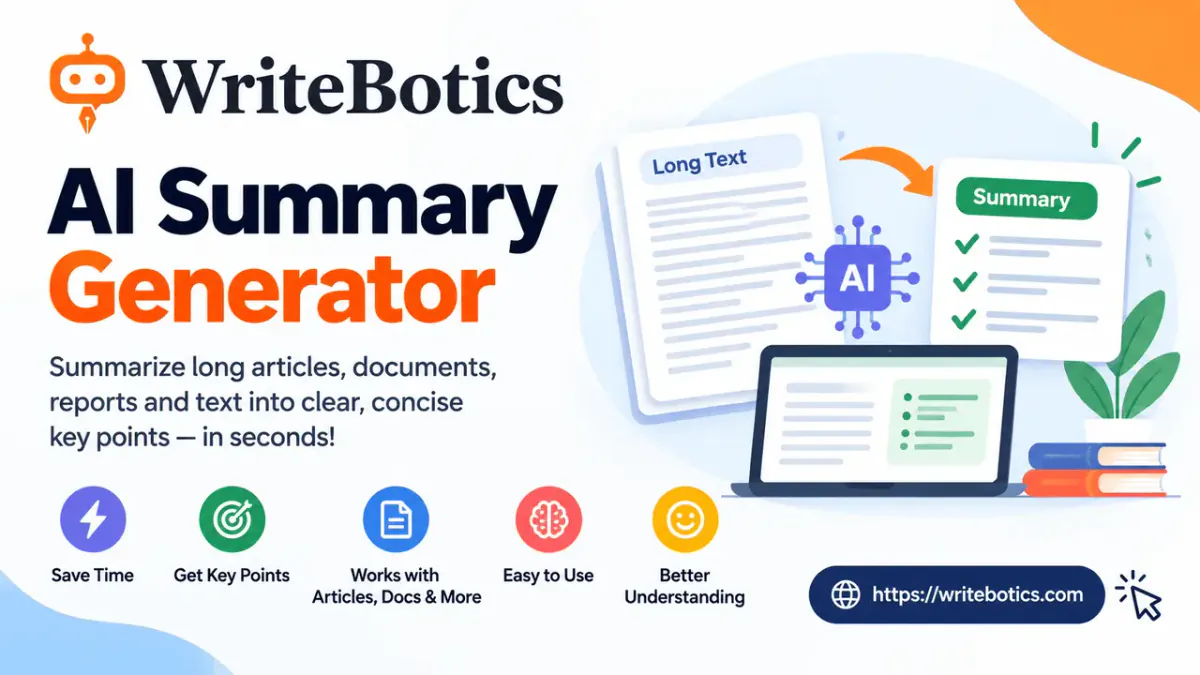
An AI summary generator for long text can turn a lengthy article, report, transcript, or set of notes into a shorter version that is easier to review. The key is not simply making the text shorter. A useful summary should preserve the source's main ideas, important qualifications, and overall meaning while removing repetition and lower-priority details.
For the best results, start with clean input, choose a summary length that matches your purpose, and check the generated summary against the original before relying on it. WriteBotics' Text Summarizer lets you paste text, choose a summary length, and generate a condensed version for faster review.
What Does an AI Summary Generator Do?
An AI summary generator analyzes the text you provide and produces a shorter version focused on the information that matters most.
Depending on the tool and settings, a summary may appear as:
- A short paragraph for quickly understanding the overall point
- Bullet points for notes, meetings, or research
- An extractive summary that emphasizes important sentences from the source
- An abstractive summary that restates the main ideas in new wording
- A longer summary that retains more context and supporting details
The goal is compression, not simply rewriting.
For example, imagine a 2,000-word industry report explaining how a company plans to expand into three new markets. The full report might contain background information, examples, supporting arguments, financial context, and implementation details.
A useful summary could reduce that material to the company's expansion plan, target markets, reasons for choosing them, major risks, and expected next steps.
The summary is therefore a map of the source, not a replacement for the source itself.
This distinction becomes especially important when the original contains numbers, exceptions, competing viewpoints, or information that depends on context.
How to Prepare Long Text Before Summarizing
The quality of a summary depends partly on the quality of the input. Before using an AI summary generator for long text, take a moment to clean up what you are about to summarize.
1. Remove irrelevant material
If you are copying an article from a webpage, the text may contain navigation labels, cookie notices, menus, advertisements, repeated headings, or unrelated page elements.
Remove those sections when possible.
Cleaner input makes it easier for a summarizer to focus on the actual content.
2. Keep the important context
Do not remove information simply because it looks repetitive.
A sentence that appears secondary may explain an exception to the main claim. If you remove that context before summarizing, the final result may become misleading.
For example:
The company expects demand to increase, although its forecast assumes interest rates remain stable.
If the second clause disappears, the summary may incorrectly make the forecast sound unconditional.
3. Keep headings when they clarify structure
For long reports and articles, headings can help preserve the structure of the material.
A document containing sections such as:
- Background
- Findings
- Risks
- Recommendations
- Conclusion
is easier to review when those relationships remain visible.
4. Avoid unnecessary private information
Do not paste passwords, confidential client material, private records, financial information, health information, or unpublished sensitive material into an online writing tool.
The same principle applies whether you are summarizing five paragraphs or a much longer document.
5. Decide what you actually need
Before generating the summary, ask one simple question:
What do I need to understand from this text?
If you only need the main argument, a short summary may be enough.
If you are preparing for a meeting, you may need the key findings, decisions, and action items.
If you are researching a topic, you may want the main claims, evidence, limitations, and conclusions.
Your goal should determine the level of compression.
Choose the Right Summary Length
One of the easiest ways to get a poor result is to choose a summary that is either too short or unnecessarily long.
WriteBotics' Text Summarizer currently provides Short, Medium, and Long summary-length options, approximately corresponding to 25%, 50%, and 75% of the original text. It also provides extractive, abstractive, and bullet-point summary types.
| Your goal | Useful approach | Why |
|---|---|---|
| Quick overview | Short summary | Gives you the main idea quickly |
| Meeting preparation | Medium or bullet-point summary | Keeps more useful details |
| Research review | Medium or longer summary | Preserves more context |
| Comparing several sources | Short summaries | Makes sources easier to scan |
| Understanding a complex report | Longer summary | Reduces the risk of losing important context |
| Creating study notes | Bullet points | Makes individual ideas easier to review |
There is no universal "correct" summary length.
A 10-page report might need a paragraph for a quick overview but several paragraphs for serious research. The right length depends on what you will do with the summary afterward.
A Long-Report Example
Consider a hypothetical 12-page business report about a retailer expanding into a new region.
The report includes:
- Current sales performance
- Customer demographics
- Market conditions
- Competitor activity
- Proposed locations
- Expected costs
- Operational risks
- Marketing recommendations
- A three-stage implementation plan
A weak summary might say:
The company plans to expand into a new market and believes the opportunity could support future growth.
That is short, but it leaves out almost everything useful.
A stronger summary might say:
The report recommends a three-stage expansion into the new market, beginning with a limited launch in selected locations. The recommendation is based on customer demand and competitive conditions, but the report identifies operating costs and market uncertainty as key risks. It proposes testing the initial locations before expanding further.
The second version is still much shorter than the original, but it preserves the recommendation, rationale, approach, and major qualification.
That is what you want from an AI summary generator for long text: compression without losing the structure of the argument.
How to Check an AI Summary for Accuracy
Even a clear-looking summary should be checked against its source.
A summarizer can omit a qualification, simplify a complicated argument, or overlook a detail that matters to your particular purpose. WriteBotics also recommends comparing generated summaries with the original and verifying facts, names, numbers, meaning, and sources before using the result.
Use this five-step check.
1. Check the main conclusion
Ask:
Does the summary reach the same overall conclusion as the original?
If the source is cautious but the summary sounds certain, something important may have been lost.
2. Check numbers and dates
Pay particular attention to:
- Percentages
- Dollar amounts
- Dates
- Quantities
- Names
- Rankings
- Time periods
These details can change the meaning of a statement.
3. Look for missing exceptions
Words such as although, however, except, unless, only, primarily, and in some cases often introduce important qualifications.
Make sure the summary has not removed them when they affect the meaning.
4. Check opposing viewpoints
If the source presents multiple perspectives, the summary should not make it appear that everyone agrees.
This matters especially for reports, research, policy discussions, and opinion pieces.
5. Compare the summary with the original
Keep the source available while reviewing the output.
You do not necessarily need to reread every sentence. Focus on the sections that support the summary's most important claims.
For high-stakes decisions, citations, contracts, academic work, or other situations where exact context matters, read the relevant original material rather than relying on the summary alone.
Common Mistakes When Summarizing Long Text
Making the summary too short
Shorter is not automatically better.
If a 10,000-word report becomes one vague sentence, you may save reading time but lose the information you actually needed.
Keeping too many examples
Examples can help explain an idea, but most do not belong in a short summary.
Keep an example when it is necessary to understand the main conclusion. Otherwise, prioritize the underlying point.
Removing important qualifications
A summary that says "sales increased" can be misleading if the original says sales increased only in one region or during one specific period.
Context matters.
Treating the summary as verified fact
An AI summarizer can condense what a source says, but that does not mean the source itself is accurate.
If the original contains an incorrect statistic, unsupported claim, or outdated information, summarization does not independently verify it.
Using the same length for every task
A quick preview and a detailed research note have different requirements.
Choose the summary length based on what you plan to do next.
Skipping the source completely
A summary is useful for deciding where to focus your attention. It is less suitable as the only source for a decision that depends on details or exact wording.
If you want a broader manual workflow, see How to Summarize a Long Article for additional techniques.
A Simple Workflow for Long-Text Summarization
You can make the process repeatable with this checklist:
- Define the purpose. Decide what you need from the source.
- Clean the input. Remove menus, repeated content, and irrelevant material.
- Paste the useful text. Give the summarizer enough context to understand the subject.
- Choose the length. Start short for an overview and increase the length when details matter.
- Choose the format. Use paragraphs for context or bullet points for quick scanning.
- Generate the summary.
- Compare it with the source. Check the conclusion, facts, qualifications, and important omissions.
- Read the original sections that matter. Do not rely solely on the summary when the details are important.
- Use the summary as notes. Keep the source available whenever you need to verify something later.
This workflow is also useful when you are reviewing multiple articles. If your goal is simply to understand whether a long article is worth reading, a short summary may be enough. If you need to use its findings in your own work, spend more time checking the original.
When Should You Use an AI Summary Generator for Long Text?
An AI summary generator is particularly useful when you need to process a large amount of reading quickly.
Common use cases include:
- Reviewing long articles
- Preparing for meetings
- Turning transcripts into notes
- Scanning research material
- Creating study notes
- Reviewing internal reports
- Identifying the main ideas in several sources
- Deciding which documents deserve a deeper read
For a practical example of summarizing online content manually and with a tool, read How to Summarize a Long Article.
If you specifically want to summarize an article and quickly extract its central points, you can also explore the free AI article summarizer guide.
FAQs About AI Summary Generators for Long Text
What is an AI summary generator for long text?
An AI summary generator condenses lengthy text into a shorter version focused on its main ideas. It can help you review articles, reports, notes, and other text more quickly while keeping the source available for verification.
How long should an AI summary be?
There is no single ideal length. Use a shorter summary when you only need an overview and a longer summary when you need additional context, supporting details, or a clearer understanding of the source's argument.
Can an AI summary generator summarize very long documents?
The amount of text a tool can process varies. For especially long material, working with logical sections can be more practical than treating an entire document as one block. With WriteBotics, the current Text Summarizer accepts up to 10,000 characters of pasted input in its editor.
Can I trust an AI-generated summary?
Use it as a helpful starting point rather than assuming it is automatically complete or correct. Compare important claims, numbers, names, conclusions, and qualifications with the original source before relying on the result.
What is the difference between extractive and abstractive summarization?
Extractive summarization focuses on important sentences or information already present in the source. Abstractive summarization restates the main ideas in new wording. Both approaches can be useful depending on whether you want closer wording or a more naturally condensed explanation.
Should I read the original after generating a summary?
For a quick overview, a summary may give you enough context to decide whether the source deserves more attention. If you are making an important decision, citing the source, or relying on exact details, review the relevant original sections.
What should I do if the summary leaves out something important?
Try a longer summary or summarize the relevant section separately. You can also compare the generated output with the source and add back any missing qualification, evidence, or exception that matters to your purpose.
Try an AI Summary Generator for Long Text
Long articles and reports do not always need to be read from beginning to end before you can understand what deserves your attention.
A better approach is to summarize first, verify second, and read deeply where it matters.
Start with clean text, choose a summary length that matches your goal, and check the result against the original. That gives you the speed of AI-assisted summarization without treating a condensed version as a substitute for the source.
Ready to turn a long passage into a clearer overview? Try the WriteBotics Text Summarizer, then compare the result with the original before using the information.