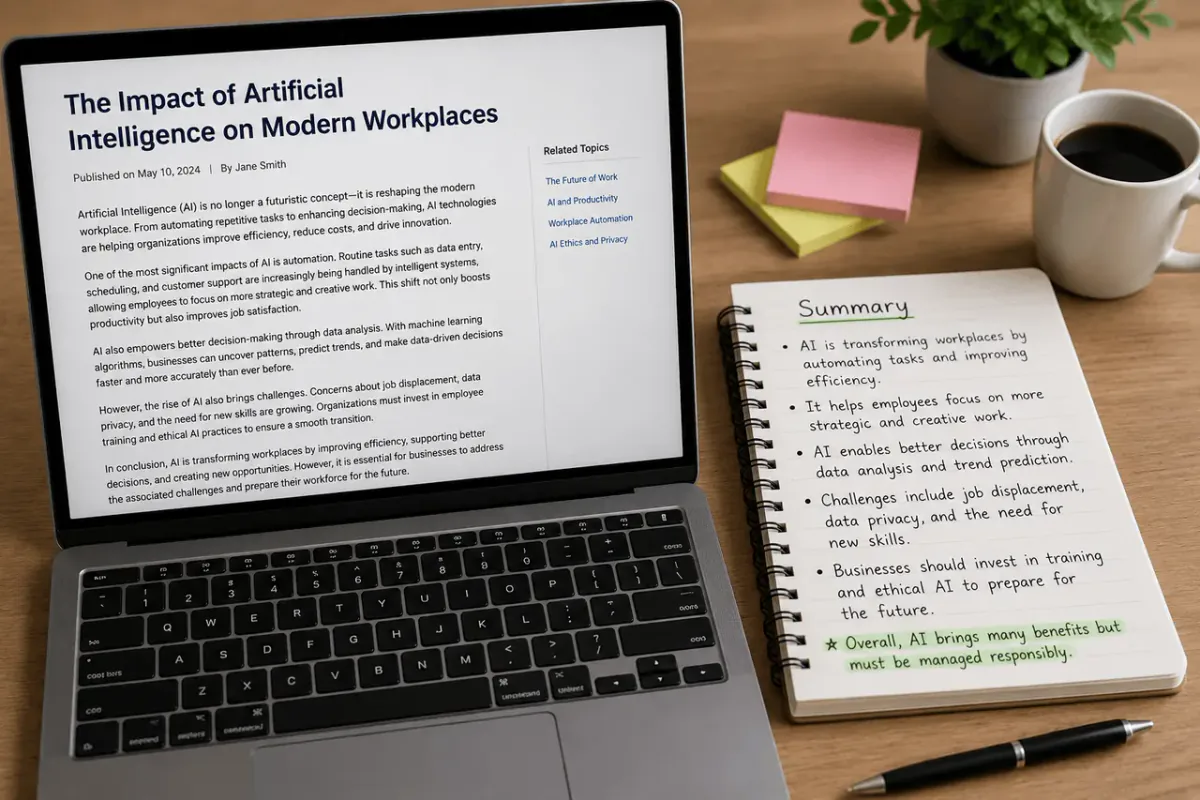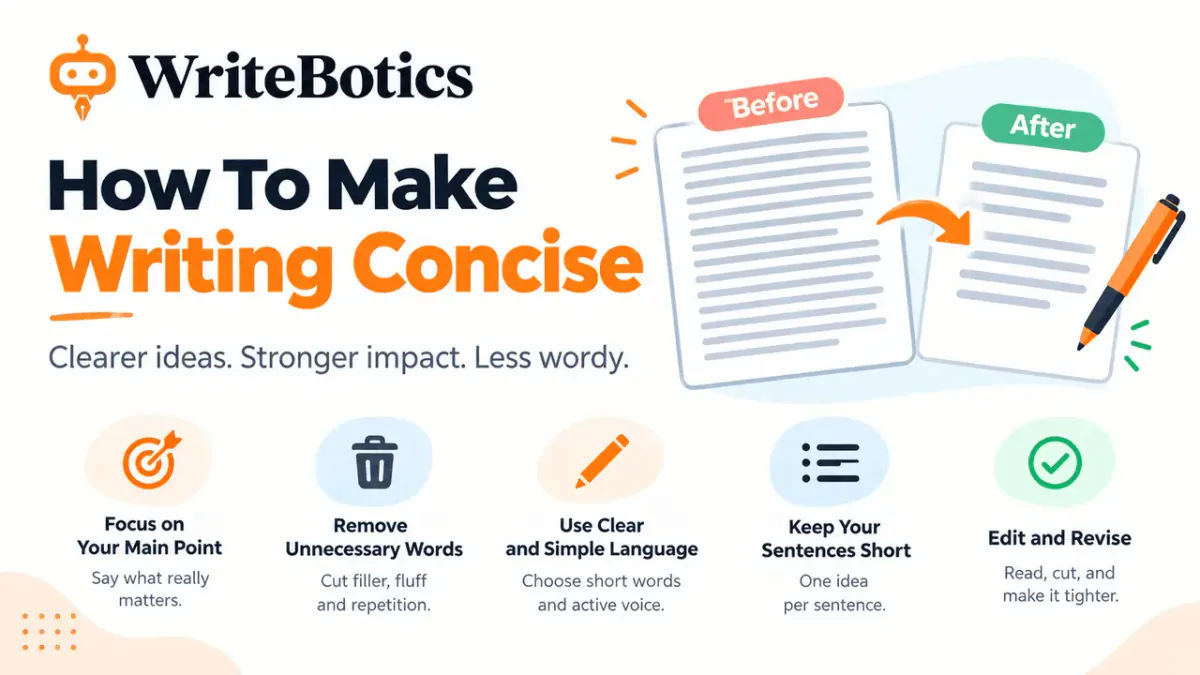
Learning how to summarize a long article is essential in an era of information overload. We are constantly bombarded with long-form essays, white papers, news reports, and academic journals. While deep reading is valuable, we often simply don’t have thirty minutes to spend on a single piece of content.
Learning How to Summarize A Long Article effectively allows you to extract the "meat" of the content without getting bogged down in the filler. Whether you are a student, a researcher, or a busy professional, mastering the art of summarization will change how you consume information.
In this guide, we’ll explore the fastest ways to condense thousands of words into actionable insights using an article summarizer free tool and manual techniques that work in seconds.
Why Summarizing Content is a Superpower
Before we dive into the "how," let’s look at the "why." Summarizing isn’t just about reading less; it’s about understanding more in less time.
- Increased Productivity: Instead of reading five full articles, you can read ten summaries and decide which one deserves a deep dive.
- Improved Retention: By focusing on the core arguments and conclusions, your brain is more likely to retain the essential facts.
- Better Decision Making: For professionals, getting to the "bottom line" of a report quickly leads to faster, data-driven decisions.
How to Summarize a Long Article: The Step-by-Step Method
If you want to move from a 2,000-word wall of text to a five-point bulleted list, follow these steps.
Step 1: Identify the Purpose
Before you even start, ask yourself: What do I need from this? Are you looking for the data, the author’s opinion, or a specific set of instructions? Knowing your goal helps you filter out the noise.
Step 2: Use an Article Summarizer Free Tool
The fastest way to summarize is to leverage Artificial Intelligence. You no longer need to read every line to understand the gist. There are dozens of ways to summarize text online for free.
- Copy the URL or Text: Most tools allow you to either paste the link to the article or copy-paste the text directly into a box.
- Set Your Parameters: Many tools let you choose the length of the summary (e.g., "Short," "Medium," or "Key Bullets").
- Generate: Click the button, and in about 3 to 5 seconds, you’ll have a condensed version.
Step 3: Scan the Introduction and Conclusion
If you are doing this manually (or verifying an AI summary), always look at the "bookends" of the article.
- The Introduction usually contains the thesis statement or the problem the author is trying to solve.
- The Conclusion contains the results, the final verdict, or the "call to action."
Step 4: Look for Section Headings
Headings and subheadings are the skeleton of an article. If an article is well-formatted, you can often understand the entire flow just by reading the H2 and H3 tags.
Step 5: Highlight the "Inverted Pyramid"
Journalists often use the "Inverted Pyramid" style—placing the most important information at the beginning and the background details at the end. Focus your energy on the first two paragraphs of any section.
Best Article Summarizer Free Tools to Use Online
If you want to summarize text online without spending a dime, here are the top-rated tools available in 2024:
1. Quillbot (Summarizer)
Quillbot is one of the most popular tools for students and writers. It uses natural language processing to identify the most important sentences. It offers a "Key Sentences" mode and a "Paragraph" mode, allowing you to choose how you want to digest the information.
2. ChatGPT / Claude / Gemini
While these are general AI assistants, they are perhaps the most powerful summarizers in existence.
- Pro Tip: Use a specific prompt like: "Summarize this article in 5 bullet points, focusing only on the statistical data provided." This gives you a level of customization that standard tools can’t match.
3. TLDR This
This tool is specifically designed to eliminate "clickbait" and fluff. It’s a dedicated article summarizer free tool that offers a browser extension, so you can summarize a page without even leaving your current tab.
4. Resoomer
Resoomer is excellent for academic and technical papers. It focuses on identifying the main ideas and facts, making it a favorite for researchers who need to go through dozens of papers in a single afternoon.
Manual Summarization: The "Skimming" Technique
Sometimes you can’t access a tool, or you’re reading a physical document. In these cases, you need to know how to skim effectively.
The "First and Last" Rule
Read the first sentence of every paragraph and the last sentence of every paragraph. In most non-fiction writing, the first sentence (the topic sentence) introduces the idea, and the last sentence summarizes it or transitions to the next point. Everything in between is usually just supporting evidence or examples.
Ignore the Examples
Examples are great for understanding, but if you are in a rush to summarize, skip them. Look for the "rule" or the "claim," and skip the "for instance" or "for example" sections.
Search for Transition Words
Keywords like "However," "Furthermore," "In contrast," and "Therefore" are signposts. They tell you when the author is changing direction or reaching a conclusion.
Common Pitfalls When Summarizing
Even with the best article summarizer free tool, things can go wrong. Here is what to watch out for:
- Missing Nuance: AI tools are great at facts but sometimes miss sarcasm, irony, or subtle emotional nuances.
- Hallucinations: Occasionally, AI might "invent" a fact if it doesn't quite understand the context. Always double-check critical statistics.
- Loss of Context: If you summarize a 10,000-word document into 100 words, you are losing 99% of the content. Ensure that the 1% you kept is actually the most important part.
Frequently Asked Questions (FAQ)
Is it legal to summarize someone else's article?
Yes, summarizing is generally considered "Fair Use," especially for educational or research purposes. However, you should never present a summary as your own original work if you are publishing it; always credit the original source.
Can I summarize a PDF?
Yes, most modern online summarizers (like ChatPDF or even the edge-browser AI) can read and summarize PDF files just as easily as web pages.
What is the difference between a summary and a paraphrase?
A summary condenses the entire piece into a much shorter version. A paraphrase rewrites a specific passage in your own words but usually keeps the length roughly the same.
Conclusion: Master the Art of the "TL;DR"
In a world where we are overwhelmed by content, the ability to quickly summarize text online is no longer just a "nice-to-have" skill—it’s a necessity. By using an article summarizer free tool like Quillbot or ChatGPT, combined with manual skimming techniques, you can turn hours of reading into minutes of high-value learning.
Next time you encounter a long, daunting article, don't close the tab in frustration. Use the steps outlined above to strip away the fluff and get straight to the point.
Ready to try it? Copy the link to a long article you've been meaning to read, paste it into an AI summarizer, and see how much time you save today!