"Just rewrite this" and "just shorten this" sound similar, but they're two completely different jobs — and using the wrong tool for either one usually makes your writing worse, not better. If you've typed paraphrasing vs summarizing into a search bar trying to figure out which one you actually need, this guide breaks down the real difference when to use each, and which free tools handle them well.
The Core Difference: Rewording vs Reducing
The simplest way to think about it:
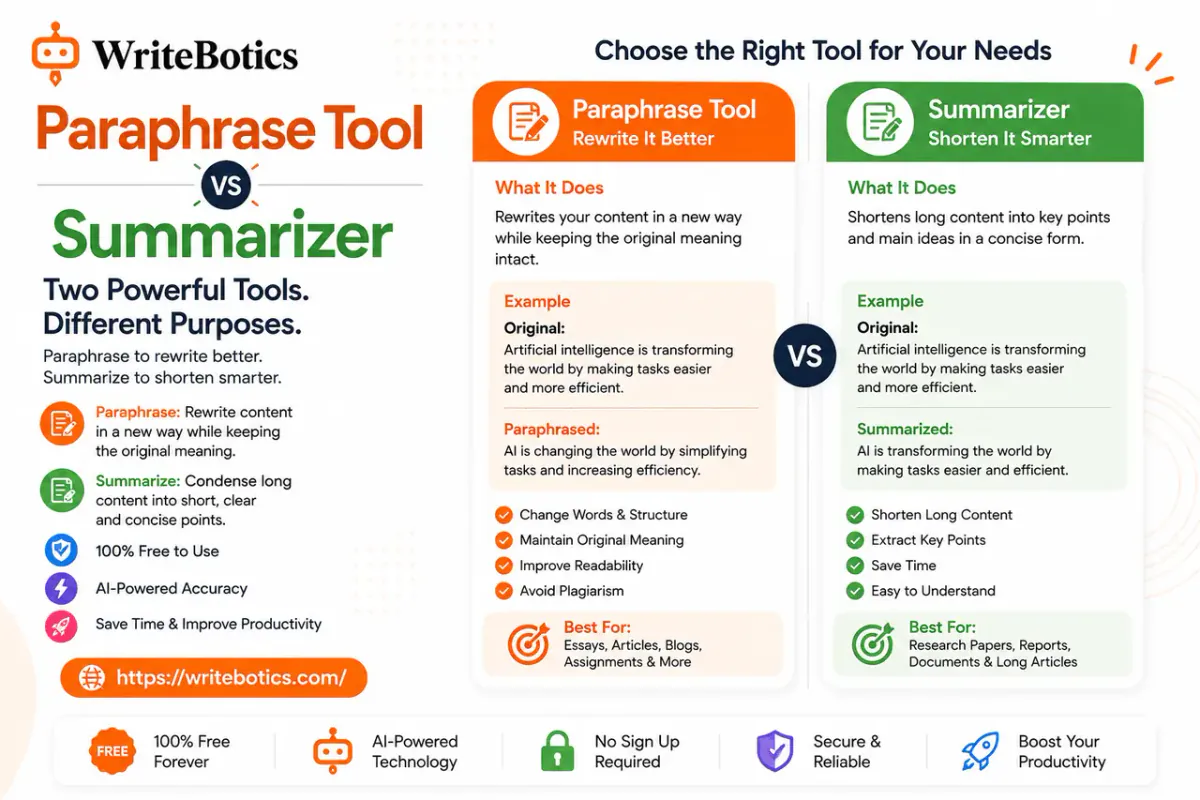
- Paraphrasing rewrites text in different words while keeping the length roughly the same. The goal is to express the same idea differently — different phrasing, different sentence structure, same amount of information.
- Summarizing shortens text while keeping the meaning intact. The goal is to compress a large amount of information into a smaller amount, cutting detail while preserving the main points.
Put another way: paraphrasing changes how something is said. Summarizing changes how much is said. A paraphrased paragraph and the original paragraph should contain the same information, just worded differently. A summarized paragraph should contain less information than the original, but still capture what matters.
Side-by-Side Comparison
| Paraphrasing | Summarizing | |
|---|---|---|
| Goal | Reword text without changing meaning or length | Condense text into fewer words |
| Output length | Roughly the same as the original | Noticeably shorter than the original |
| Best for | Avoiding repetition, improving flow, rewording awkward phrasing | Getting the main points from a long document quickly |
| Detail retained | All of it, just reworded | Only the key points |
| Common use cases | Emails, essays, articles, avoiding repeated phrasing | Research papers, reports, meeting notes, long articles |
| Risk if done poorly | Sounds robotic or slightly changes meaning | Loses important context or nuance |
When to Use a Paraphrasing Tool
Reach for a paraphraser when you already have the right amount of information — you just need it worded differently. Common situations:
- You've used the same word or phrase too many times in a document and need variety
- A sentence sounds awkward or overly formal (or too casual) for your audience
- You want to express someone else's idea in your own words, with proper attribution
- You're rewriting a paragraph that's technically correct but doesn't read smoothly
- You need a fresh version of existing content for a different platform or audience
A paraphrasing tool is not the right choice when you actually need less text — asking it to "make this shorter" often produces awkward, half-summarized results, because that's not the job it's built for.
When to Use a Summarizing Tool
Reach for a summarizer when you have more information than you need and want the essentials. Common situations:
- You're skimming a long research paper or report and want the key findings first
- You need a quick overview before deciding whether to read something in full
- You're preparing meeting notes or a recap from a long transcript
- You want a short abstract or preview of a longer piece of content
- You're studying and need to condense a chapter into review notes
A summarizing tool is not the right choice when you need to preserve every detail — by design, it's cutting information, which means anything that matters shouldn't be left to a summarizer alone without review.
Can You Use Both Together?
Yes, and for long documents, this is often the most effective workflow:
- Summarize first to understand the overall structure and main points of a long document.
- Paraphrase specific sections you plan to reuse or rework, so the wording is your own rather than lifted from the source.
- Compare the paraphrased sections against your summary to make sure nothing important shifted in meaning along the way.
This combination is especially useful for research, content repurposing, and studying — summarizing gives you the map, paraphrasing gives you the wording.
Best Free AI Tools for Paraphrasing and Summarizing
You don't need two separate subscriptions to cover both tasks. WriteBotics offers a free version of each, both usable directly in the browser with no sign up required:
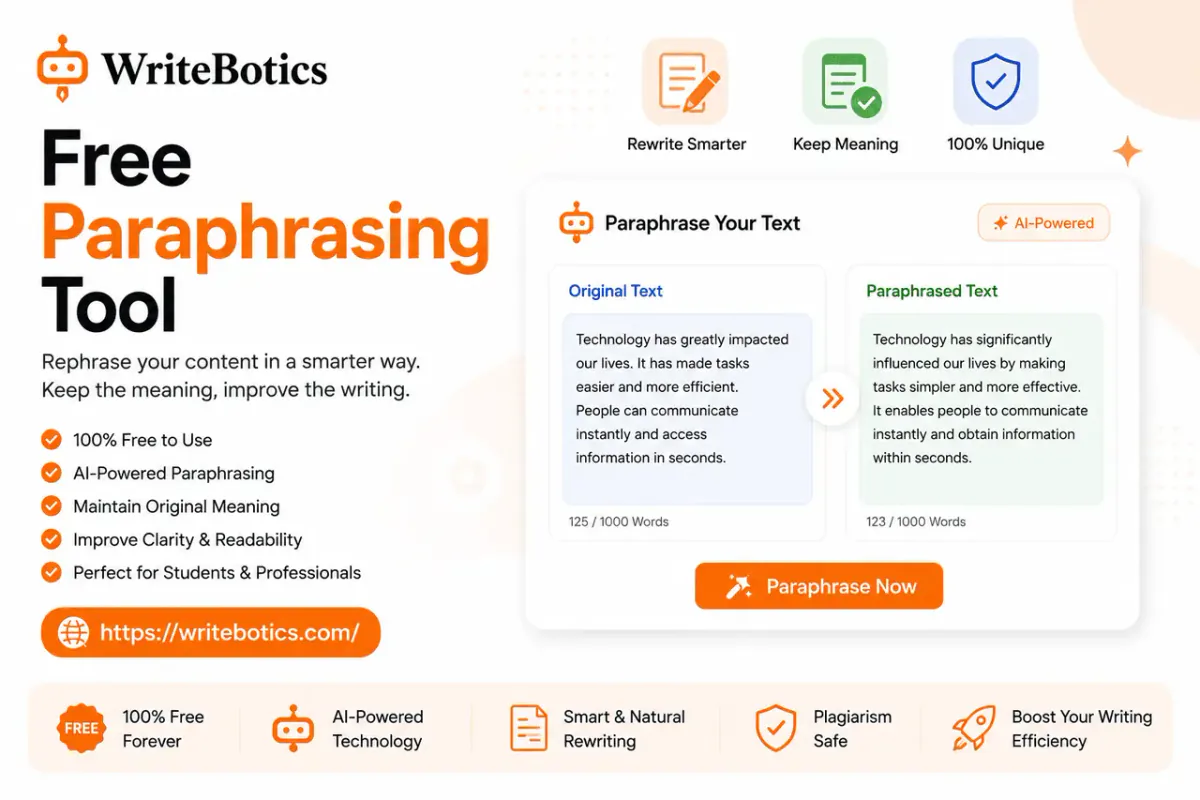
- Paraphrase Tool — Paste any text and get a reworded version that keeps the original meaning intact. Useful for rewording awkward sentences, avoiding repetition, or putting an idea into your own words before citing a source.
- Text Summarizer — Paste a longer document and get a condensed version highlighting the key points. Useful for getting through long reports, articles, or research quickly without losing the main ideas.
Since both tools solve different problems, it's worth having both bookmarked rather than trying to force one to do the other's job.
A Quick Way to Decide Which One You Need
Ask yourself one question: do I need this to say the same thing differently, or say less overall?
- Same thing, different words → paraphrase
- Less overall, key points only → summarize
- Both → summarize first, then paraphrase the parts you'll actually use
Frequently Asked Questions
What's the main difference between paraphrasing and summarizing?
Paraphrasing rewords text while keeping the same length and level of detail. Summarizing shortens text, keeping only the main points and cutting the rest. One changes the wording; the other changes the amount of content.
Can a summarizing tool paraphrase text too?
Not really — a summarizer is built to compress and cut, not to reword at full length. If you ask it to "summarize" a short paragraph, you'll often just get a shorter, less detailed version rather than a reworded one. For a same-length rewrite, a dedicated paraphrasing tool does a better job.
Is paraphrasing the same as plagiarism if I don't cite the source?
No — paraphrasing itself isn't plagiarism, but presenting someone else's ideas as entirely your own without credit is, regardless of whether the wording is changed. Good practice is to paraphrase to improve clarity and flow in your own writing, and cite the original source whenever you're using someone else's idea or research.
Which tool should I use for studying — paraphrasing or summarizing?
Usually summarizing first, since it helps you quickly identify the key concepts in a chapter or article. Paraphrasing is more useful afterward, when you want to write notes in your own words to help with retention and understanding.
Do these tools work for long documents?
Both the Paraphrase Tool and Text Summarizer can handle longer text, though for very long documents it's often more accurate to work section by section rather than pasting the entire document at once, since this helps preserve context and consistency.
Will paraphrased or summarized text sound like it was written by AI?
It depends on the tool and how much editing you do afterward. Both tools give you a strong starting point, but reading through the output and adjusting tone or phrasing where needed will make the final result sound more like your own natural writing.
Can I use both tools for free?
Yes. Both the Paraphrase Tool and Text Summarizer are free to use directly in the browser, with no account or sign up required.