You just want to reword a paragraph — not create an account, verify an email, and pick a subscription plan first. If you're looking for a free paraphrasing tool with no sign up, this guide covers what a good one should do, how to use it well, and how to avoid the most common paraphrasing mistakes that make rewritten text sound robotic or accidentally change your meaning.
Why "No Sign Up" Actually Matters
Most free tools online aren't really free — they're free trials with a login wall a few clicks in. That's fine if you're rewriting content every day and want saved history or team features. But for the everyday use case — smoothing out an email, rewording a sentence in an assignment, rephrasing a line that sounds awkward — an account is just friction. A genuinely free, no-signup paraphraser lets you:
- Paste text and get a rewrite in seconds, with nothing to set up first
- Try it once without committing an email address to yet another mailing list
- Use it from any device without logging in each time
- Avoid hitting a paywall halfway through a task
If a tool asks for an account before showing you a single result, that's a signal it's not really free — it's a lead-capture form with a text box attached.
What a Good Paraphrasing Tool Should Actually Do
Not all paraphrasers are equal. Some just swap words for synonyms, which often makes text read worse, not better. A tool worth using should:
- Preserve the original meaning. A rewrite that changes facts, numbers, or intent isn't a paraphrase — it's a rewrite gone wrong.
- Sound natural, not robotic. Overly literal synonym-swapping ("good" → "commendable") is the easiest way to spot a weak tool.
- Adjust to context. A casual email and a formal report shouldn't come out sounding the same after paraphrasing.
- Handle more than one sentence at a time. Being able to paraphrase a full paragraph — not just a single line — saves a lot of copy-paste back and forth.
- Give you options. The best rewrites often come from comparing two or three versions rather than accepting the first output blindly.
Try WriteBotics' Free Paraphrase Tool
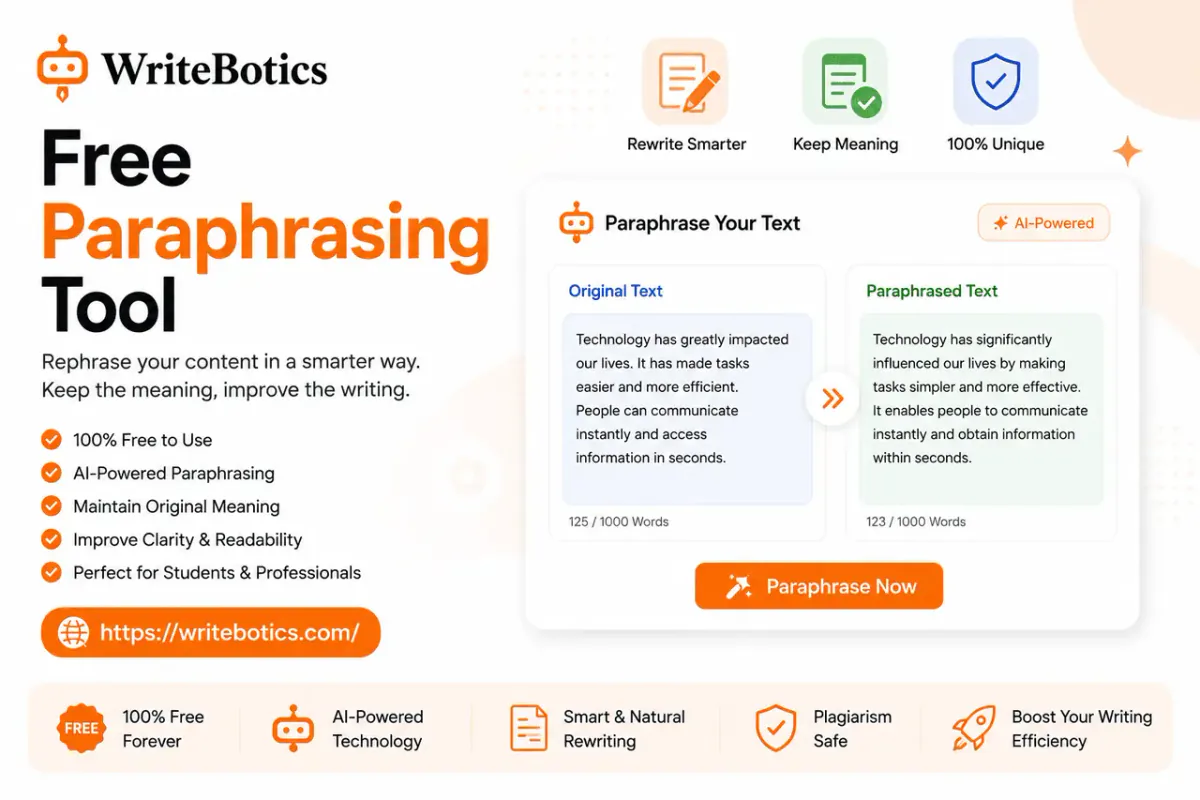
WriteBotics' Paraphrase Tool is built around exactly this: paste your text, get a rewritten version, and use it — no account, no email, no payment step. It's designed for quick, everyday rewriting rather than locking core functionality behind a paywall, which makes it a solid fit whether you're rewording a single sentence or reworking a full paragraph before sending it off.
Where a Paraphrasing Tool Fits Into Your Workflow
Paraphrasing rarely happens in isolation — it's usually one step in a larger writing task. Two tools worth pairing it with:
Grammar Checker — After paraphrasing, run the new version through a grammar check. Rewriting can occasionally introduce awkward phrasing or small grammatical slips, especially with longer passages, and a quick pass catches those before you send anything out.
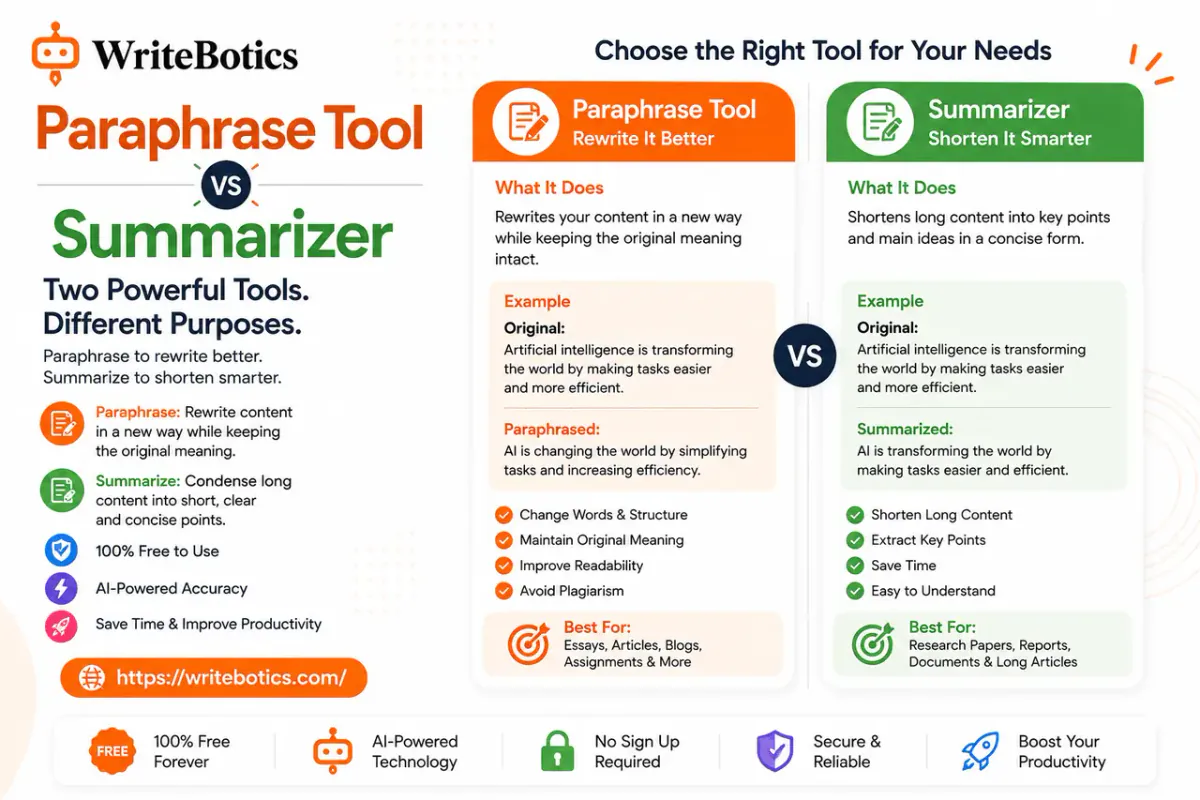
Text Summarizer — If you're paraphrasing a long document rather than a sentence or two, summarizing it first gives you a quick reference point. You can then check the paraphrased version against the summary to confirm nothing important got lost or altered along the way.
Keyword Research Tool — If you're paraphrasing content for a blog post or web page, it's worth checking your target keywords first. Paraphrasing can accidentally drop or reword the exact terms people are searching for, so running a quick keyword check before and after rewriting helps make sure your important phrases survive the rewrite.
How to Get Better Results From a Paraphrasing Tool
A paraphraser is only as good as how you use it. A few habits make a real difference:
- Paraphrase in smaller chunks for technical text. Long, dense paragraphs — especially technical or legal writing — tend to paraphrase more accurately when broken into two or three sentences at a time.
- Always read the output before using it. Even a strong tool can occasionally shift emphasis or drop a nuance. A quick read-through catches this in seconds.
- Compare the rewrite to the original for accuracy. This matters most for anything with numbers, names, dates, or specific claims — details a paraphraser might smooth over without you noticing.
- Adjust tone manually if needed. If the output feels slightly off for your audience, a small manual edit after paraphrasing is often faster than repeatedly regenerating the whole thing.
- Don't rely on it to disguise copied text. Paraphrasing tools are meant to help you express ideas more clearly in your own words, not to get around plagiarism checks — always cite sources and understand what you're rewriting.
Frequently Asked Questions
Is there a paraphrasing tool that's actually free, with no hidden sign up?
Yes. WriteBotics' Paraphrase Tool works directly in the browser — paste your text and get a rewrite without creating an account or entering payment details.
Will a paraphrasing tool change the meaning of my text?
It shouldn't, but it's worth checking. A good tool rewords sentence structure and word choice while preserving the original meaning, but it's always smart to read the output against your original text, especially for anything with specific facts, figures, or claims.
Can I use a paraphrasing tool for essays or academic writing?
You can use it to help express your own ideas more clearly, but it shouldn't be used to rephrase someone else's work and pass it off as original. Most schools and institutions have policies on this, so it's worth understanding the difference between paraphrasing to improve your own writing and paraphrasing to avoid detection on copied content.
Does paraphrased text sound different from AI-generated text?
Often, yes — a paraphraser reworks text you already wrote, so it tends to preserve your original structure and intent more closely than text generated from scratch. That said, output quality varies by tool, and it's always worth reading through the result rather than assuming it sounds natural by default.
What's the difference between a paraphrasing tool and a grammar checker?
A paraphrasing tool rewrites sentences to change wording and structure while keeping the meaning the same. A Grammar Checker instead looks for errors — spelling, punctuation, sentence structure — without necessarily changing your word choices. Many people use both together: paraphrase first, then run a grammar check on the result.
Can I paraphrase a long document all at once?
It depends on the tool's input limit. For long documents, it often works better to paraphrase section by section rather than pasting the entire text at once, since this helps preserve context and keeps the tone consistent throughout.