Translating a short paragraph is easy. Translating a 40-page contract, a research paper, or a full product manual is a different job entirely — copy-paste tools choke on length, formatting breaks, and meaning starts to drift by page ten. If you've been searching for a free online translator for long documents that can actually hold up across thousands of words, this guide walks through what to look for and how to get a clean result without paying for enterprise software.
Why Long Documents Are Harder to Translate Than Short Text
Most "free translator" tools are built and tested on short strings: a sentence, a product title, a chat message. Long documents expose problems that never show up in a quick test:
- Character limits. Many free tools cap input at 500–5,000 characters, forcing you to chop a document into pieces and reassemble it manually.
- Lost context. Translating paragraph by paragraph means the tool can't see what came before or after, so pronouns, tone, and terminology start to wander.
- Formatting drift. Headings, bullet points, and tables often get flattened into plain text blocks.
- Inconsistent terminology. A term translated one way on page 2 might come out differently on page 20, which is a real problem for legal, medical, or technical content.
A good long-document translator needs to handle volume, keep terminology consistent, and preserve the structure of the original text — not just swap words one sentence at a time.
What to Look for in a Free Long-Document Translator
Before picking a tool, it helps to know what actually separates a usable one from one that will frustrate you halfway through page 15:
- A generous input limit. Look for tools that accept several thousand words at once rather than forcing you to split the document.
- Context awareness across the whole text. The tool should read the document as a whole, not sentence-by-sentence in isolation.
- No signup wall for basic use. Many "free" tools gate real usage behind an account or a paid tier after the first attempt.
- Readable output you can act on. You should be able to scan the translation quickly and spot anything that needs a second look.
- A workflow for cleanup afterward. Even a strong translation benefits from a grammar pass once it's in the target language, especially for anything you plan to publish or send externally.
Try WriteBotics' Free Translator
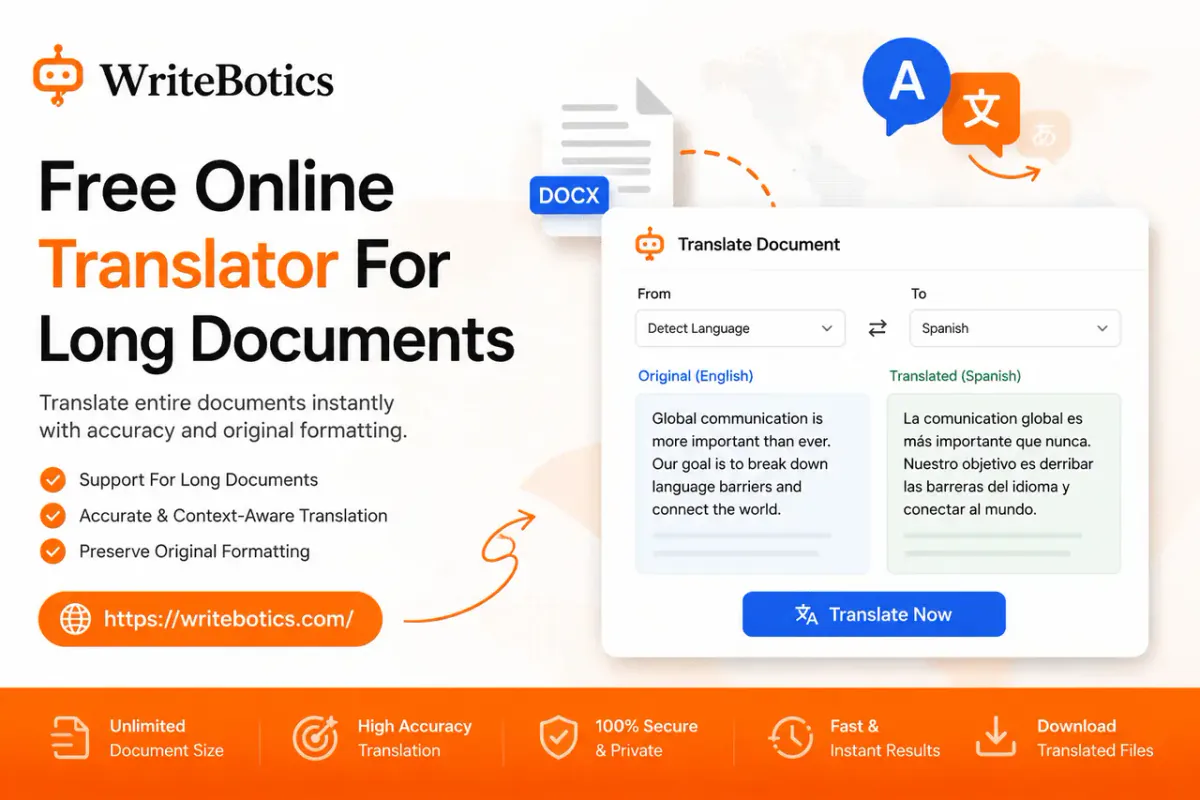
WriteBotics multi-language translator is built as a straightforward, browser-based workspace: paste your text, choose a target language, and review the result before you use it — no signup or complicated setup required. It's a solid starting point for long-form content like emails, articles, reports, and study material where you want a fast, readable translation you can then refine.
Pair It With Two More Free Tools
Long documents rarely need translation alone — they usually need a little cleanup before or after. Two tools worth using alongside the translator:
- Text Summarizer — Before translating a long document, run it through the summarizer to get a quick overview of the main points. This is useful for deciding whether you need a full translation or just the key sections, and it gives you a reference summary to sanity-check the translated version against.
- Grammar Checker — After translation, sentence structure and phrasing can read a little stiff, especially in longer passages. Running the output through a grammar checker catches awkward phrasing, punctuation issues, and clarity problems before you send or publish the document.
Together, these three tools cover the realistic workflow for handling a long document: understand it, translate it, then polish it.
A Simple Workflow for Translating Long Documents
- Summarize first. Use the Text Summarizer to get a quick sense of the document's structure and main ideas.
- Translate the full text. Paste your content into the translator and choose your target language.
- Review section by section. Compare the translated output against your summary to make sure nothing important shifted in meaning.
- Run a grammar pass. Use the Grammar Checker on the translated text to smooth out phrasing before it goes anywhere final.
- Spot-check terminology. For technical or legal documents, scan for key terms and confirm they're translated consistently throughout.
This same review-before-publishing approach applies to AI-assisted writing generally — for more on that, see our guides on choosing an AI writing assistant and translating documents without losing formatting.
Frequently Asked Questions
Is there really a free translator that handles long documents well?
Yes, though limits vary by tool. WriteBotics' translator is free and browser-based, but as with any free tool, it's worth reviewing the result for accuracy on longer or more technical text before using it for something important.
How long can a document be before translation quality drops?
There's no universal cutoff, but quality tends to hold up best when a tool can process the text in fewer, larger chunks rather than many small ones. Breaking a document into smaller sections and translating them separately increases the risk of inconsistent terminology and lost context.
Should I edit a translated document before using it?
Yes. Machine translation is a strong starting point, not a finished product, especially for long or nuanced text. Running the output through a grammar checker and reading it against the original is good practice before sending or publishing anything.
Can I use a free translator for legal or medical documents?
Free tools can give you a working draft, but high-stakes documents — contracts, medical records, official filings — should be reviewed by a qualified human translator before they're relied on. Use the free tool for a first pass or for internal understanding, not as a final, certified translation.
What's the best way to translate a document without losing its formatting?
Translate the plain text first, then reapply headings, bullet points, and structure afterward, since most free translators convert everything to plain text. Keeping a copy of the original alongside the translation makes it easier to rebuild formatting accurately.