You don't need to read every word of every article. Most long pieces have one core point and a handful of supporting details — the rest is context, examples, and padding. An article summarizer pulls out that core, so you can decide in seconds whether a piece is worth reading in full, or get what you need without reading it at all. Here's how to use one well, what it can't do for you, and a quick manual habit that makes any summary — AI-generated or not — easier to trust.
What an Article Summarizer Actually Does
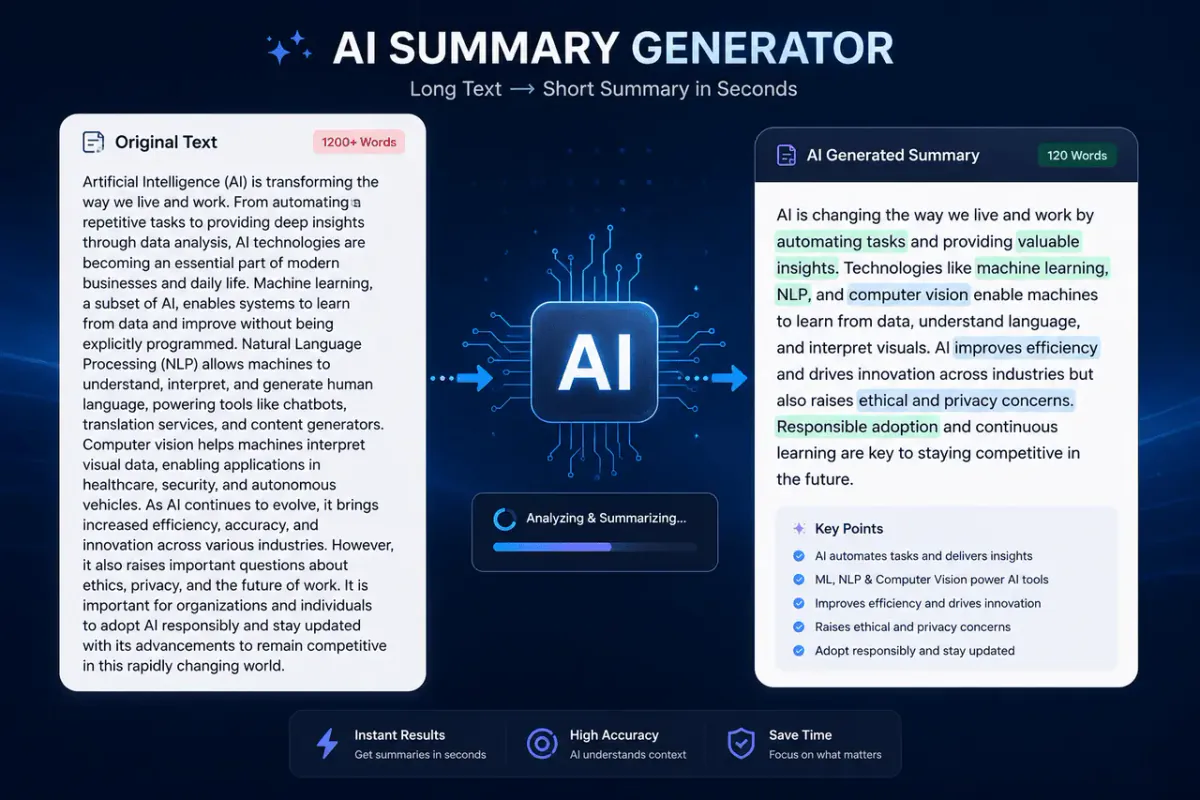
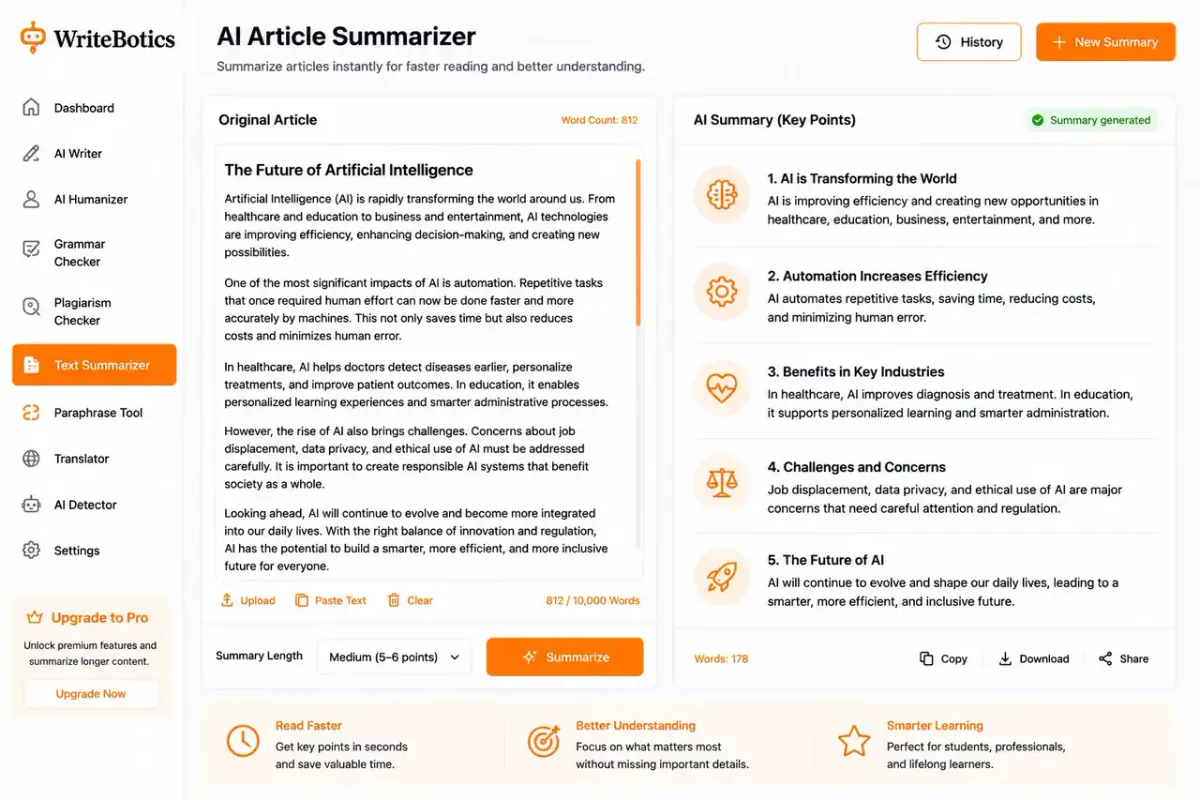
A summarizer scans a piece of text, identifies the sentences and ideas that carry the most weight, and condenses them into a shorter version — either as a short paragraph or a bullet list. It's built to shorten, not to interpret. It won't tell you whether a claim is true, add missing context, or catch a biased framing. It just tells you, quickly, what the text says.
That distinction matters more than it sounds. A good summary of a flawed article is still a summary of a flawed article. Speed reading isn't the same as critical reading — a summarizer helps with the first, not the second.
Why This Matters More Than It Used To
The amount of text competing for your attention has grown faster than the number of hours in a day has. Newsletters, reports, research papers, long-form articles — most people now decide within seconds whether something is worth their full attention, often based on a headline alone. That's a worse filter than a genuine summary. A headline is written to get a click. A summary is written to tell you what the piece actually says.
The practical upside is real: if you can cut your reading list from twenty articles to the five that actually matter, you've bought back real time — not by reading faster, but by reading less of what didn't need your full attention in the first place. That's the actual value of a summarizer. It's not a replacement for reading; it's a better triage step before you decide what's worth reading.
Bullet Points or Paragraph? Pick Based on the Job
| Format | Best for |
|---|---|
| Bullet points | Skimming quickly, comparing several articles at once, pulling facts for notes |
| Paragraph | Understanding how ideas connect, using the summary in your own writing, sharing with someone else |
If you're deciding whether to read something, bullets are faster. If you need to actually understand the argument, a paragraph summary usually keeps more of the reasoning intact.
A Simple Way to Read Faster — With or Without a Tool
Before you paste anything into a summarizer, this three-step habit works on its own and makes any AI summary easier to check:
- Read the first and last paragraph first. Most articles state their main point up top and wrap it up at the end. This alone often tells you 70% of what you need.
- Scan headings and bolded text. These usually mark where the argument shifts or a new point starts.
- Read one sentence per paragraph — the first one. Well-structured writing puts the paragraph's main idea in its opening line.
Do this and you'll already have a rough mental summary. Running the article through a tool afterward is less about saving time and more about double-checking you didn't miss anything.
Two Ways Summarizers Actually Work
Not all summarizers approach the task the same way, and knowing the difference explains a lot about why some summaries feel trustworthy and others feel off:
- Extractive summarizing pulls existing sentences straight from the article and strings the most important ones together. Nothing is reworded, so there's less risk of the meaning drifting — but the result can feel choppy, since sentences written to connect to their neighbors are now standing alone.
- Abstractive summarizing generates new sentences that capture the ideas in different words, closer to how a person would explain the article to a friend. It reads more naturally, but because the wording is new, there's more room for a subtle shift in emphasis or an accidentally dropped nuance.
Most modern tools, including AI-based summarizers, lean abstractive because it reads better. That's exactly why checking a summary against the source matters more now than it did with older, purely extractive tools — the smoother a summary sounds, the easier it is to trust without verifying.
Who Actually Uses This, and How
| Use case | What they need from a summary |
|---|---|
| Students | A quick sense of whether a source is relevant before committing to a full read |
| Researchers | Section-by-section summaries that preserve methodology and findings accurately |
| Content writers | A fast way to survey several sources before writing an original piece |
| Busy professionals | Bullet-point takeaways from reports or long emails, fast |
| Casual readers | Enough of the gist to follow news or discussions without reading everything in full |
The common thread: a summary is a filter, not a replacement for the source. It tells you where to spend your attention next, whether that's "read the full thing," "skip it," or "come back to this section later."
Getting Good Results from an Article Summarizer
Feed it clean text. Ads, navigation menus, and comment sections confuse a summarizer's sense of what's actually the article. Paste just the body text where you can.
Match the length to your need. A one-line summary is good for deciding whether to read on. A longer one is better if you're taking notes or citing the piece later.
Summarize in sections for long or technical pieces. A 5,000-word research article summarized all at once tends to lose nuance. Summarizing section by section usually keeps more of the actual argument intact.
Always check numbers and names against the source. This is the one thing worth verifying every time — a summary can misattribute a statistic or drop the context around it without changing how confident the sentence sounds.
When a Summary Isn't Enough
A few situations where you should go back to the full article, no matter how good the summary looks:
- Before citing a statistic or quote. Summaries can strip the context a number needed to make sense.
- When a claim surprises you. If a summary says something you didn't expect, that's exactly when it's worth checking the original wording.
- For anything with legal, medical, or financial consequences. Nuance and caveats matter most in exactly the content where summarizing tends to compress them away.
- When two summaries of the same article disagree. That's a sign the source has some ambiguity a short summary can't capture — read the section in question directly.
Where This Fits in Your Workflow
Summarizing works well as a first pass, not a last step. Use the Text Summarizer to get the gist of a source quickly, then if you're going to reuse any of it in your own writing, run those key points through the Paraphrase Tool so the wording is genuinely yours — and always credit the original source if the ideas aren't your own.
Frequently Asked Questions
Does a summary change the meaning of the article?
It can. Summaries leave things out on purpose — that's the point — but sometimes a dropped detail changes how a claim reads. Check important facts against the original.
How long should a summary be?
Depends on your goal. A sentence or two for a quick skim. A paragraph if you need the reasoning, not just the conclusion.
Can I use a summary instead of reading the whole article?
For deciding what's worth your time, yes. For anything you'll cite, quote, or rely on for a decision, read the full source.
Is it okay to summarize someone else's article for my own post?
Yes, as long as you credit the source and put the ideas in your own words rather than copying phrasing.
Will summarizing help my writing sound more concise too?
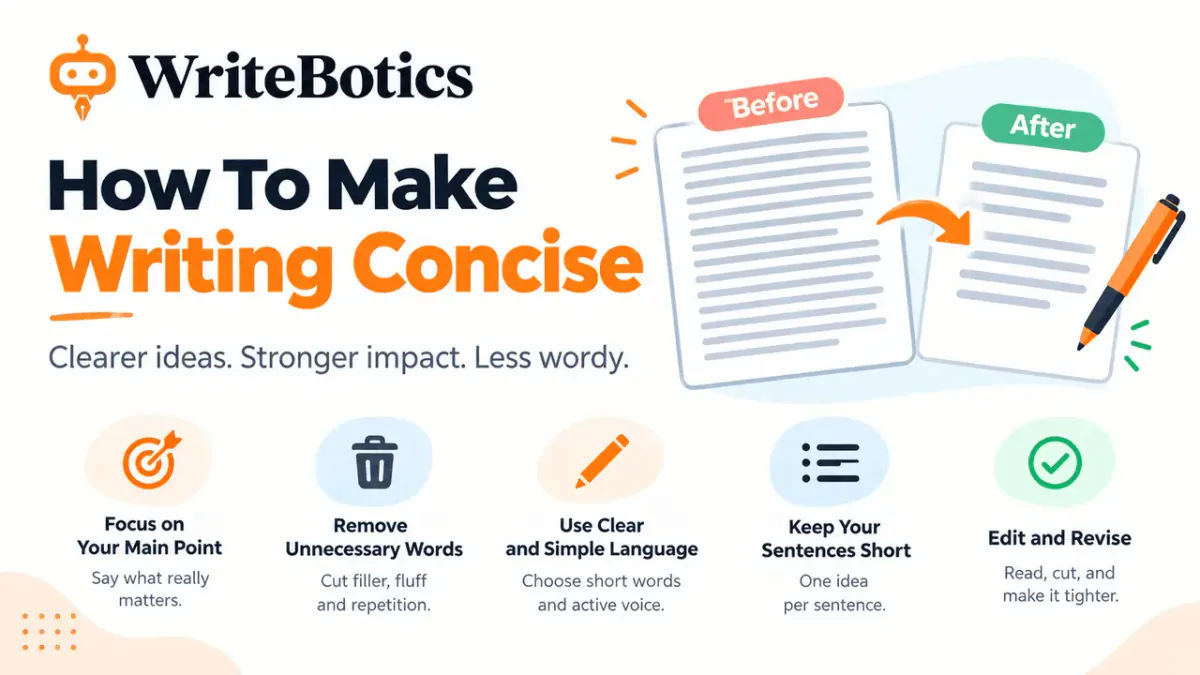
Often, yes. Seeing your own draft's core point stripped down is a fast way to spot where you're being wordier than you need to be.
Try It Now
Start with the Text Summarizer on your next long read, and pair it with the Paraphrase Tool if you're pulling key points into your own writing. For more on getting the most out of AI summaries, see How an AI Summary Generator Saves You Time, and for a broader editing process once you're writing, see Writing Improver: Fix Clarity, Grammar and Tone. The full toolkit is available on the WriteBotics homepage.