A content improver helps you take average writing and turn it into clear, compelling content. Small changes in word choice, sentence structure, and flow can make a big difference in how readers perceive your message.
WriteBotics offers a free tool that works with any type of text. Paste your draft and get suggestions to make your writing clearer and stronger. No signup required.
Quick start: Paste your draft, review suggestions, apply what works, and run a final check. Each suggestion includes an explanation so you learn as you edit.
Before and After: How Improvement Transforms Text
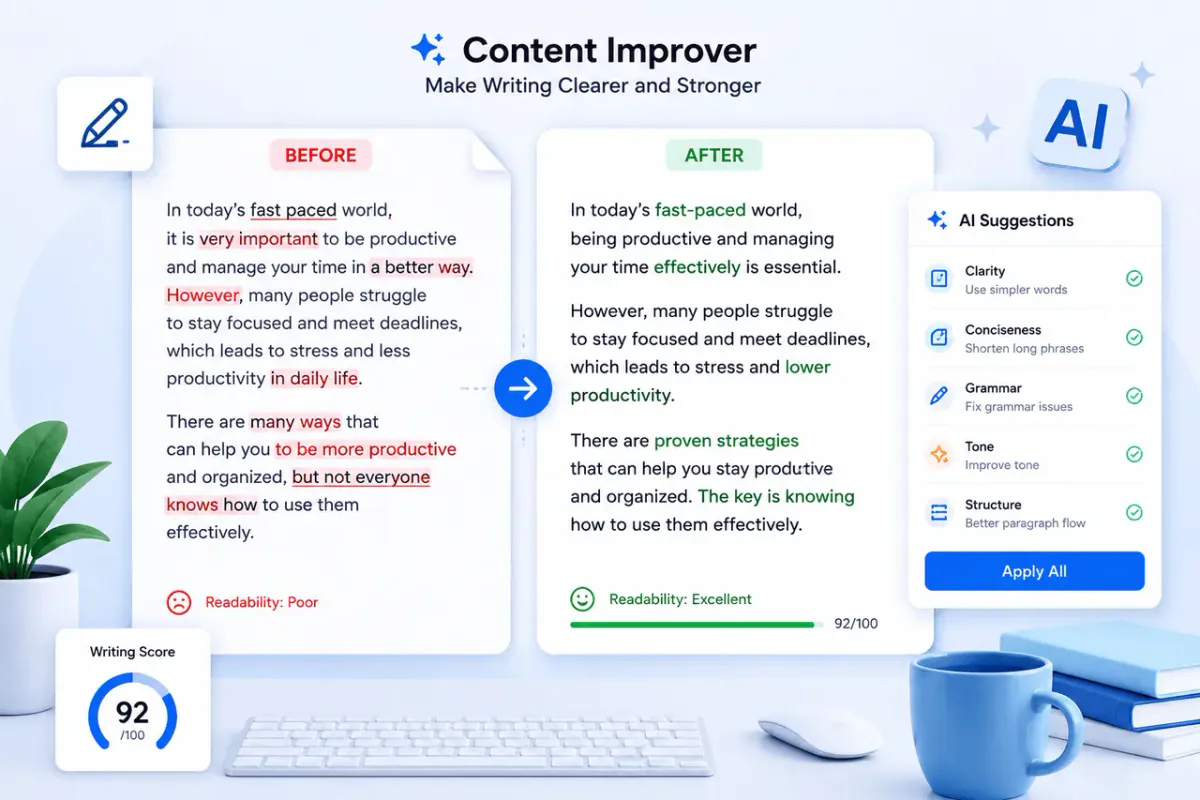
Seeing real examples makes it easy to understand how these improvements work. Here are real examples of before-and-after improvements.
Example 1: Making Weak Sentences Strong
Before: The meeting was held to discuss the things that need to get done for the project to move forward.
After: The team met to discuss the next steps for the project.
What changed: Passive voice became active. Vague words like "things" and "get done" were removed. The sentence lost 60% of its length without losing meaning.
Example 2: Simplifying Complex Language
Before: It is essential that we utilize the available resources in an efficient manner to maximize our output.
After: We need to use our resources efficiently to produce better results.
What changed: "Utilize" became "use." "In an efficient manner" became "efficiently." "Maximize our output" became "produce better results." The meaning stayed the same, but the sentence is easier to read.
Example 3: Cutting Redundancy
Before: In the event that the weather conditions are not favorable, we will need to postpone the event until a later date.
After: If the weather is bad, we will postpone the event.
What changed: "In the event that" became "If." "Weather conditions are not favorable" became "weather is bad." "Until a later date" was removed as redundant. The sentence dropped from 19 words to 8.
What This Tool Does
A good content improvement tool focuses on several areas:
Clarity
Clear writing means readers understand your message on the first read. The tool highlights sentences that are confusing, vague, or overly complex and suggests simpler alternatives.
Conciseness
Every word should earn its place. The tool flags redundant phrases, filler words, and long-winded expressions so you can trim your text without losing meaning.
Readability
Short sentences, simple words, and logical structure make text easier to read. The tool checks readability scores and points out sections that may lose readers.
Tone and Voice
Your writing should sound like you. The tool helps you maintain a consistent tone — whether professional, friendly, or instructional — so your audience connects with your message.
Grammar and Spelling
Basic errors distract readers and hurt credibility. The Grammar Checker catches these issues alongside broader improvements.
How to Use a Free Content Improver
- Write your draft as you normally would
- Paste it into the tool and click improve
- Review the suggestions — each change comes with an explanation
- Apply what works and skip what does not fit your style
- Run a final check with the AI Content Detector to ensure your text reads naturally
The best results come from using the tool as an editor, not a replacement for your own judgment. Keep your voice, but let the tool help you express it more clearly.
Why Use This Tool?
Writers who regularly use a writing improvement tool see several benefits:
- Faster editing — the tool highlights issues so you do not have to hunt for them
- Better reader engagement — clear, concise writing keeps people reading
- Higher credibility — error-free content builds trust with your audience
- Consistent quality — every piece of content meets the same standard
- Learning over time — repeated use teaches you to write better from the start
Pair with the Content Rewriter for a complete writing workflow, from first draft to polished final version.
Final Thoughts
A content improvement tool is not about changing your voice or making every sentence sound the same. It is about removing what gets in the way of your message. Clear writing builds trust, keeps readers engaged, and makes your content more effective.
Use WriteBotics' free writing tools — all available from the homepage with no signup required.
FAQs
1. What is a content improver?
It is a tool that analyzes your writing and suggests changes to make it clearer, more concise, and more readable. It works on existing drafts rather than generating new text.
2. Is there a free writing improvement tool online?
Yes. WriteBotics offers a free content improver that works in your browser with no account or payment required.
3. Can it fix grammar mistakes?
Yes. Alongside clarity and readability improvements, the tool catches grammar and spelling errors. For a dedicated grammar check, use the Grammar Checker.
4. Will it change my writing style?
No. A good writing improvement tool preserves your voice and style. It suggests changes to clarity and structure but does not rewrite your text in a generic way.
5. How is this different from a content rewriter?
A content improver edits and polishes your existing text. A Content Rewriter generates new versions of your text while keeping the original meaning. Both tools complement each other in a complete writing workflow.