Most drafts don't fail because the ideas are weak. They fail because the writing gets in the way — long sentences that bury the point, vague phrasing, and a tone that doesn't quite land. A content improver tackles exactly that problem: it takes a draft you've already written and helps you tighten it, without changing what you're trying to say. This guide covers what a content improver actually does, when to use one, and how to review the output so the final piece still sounds like you.
What a content improver does
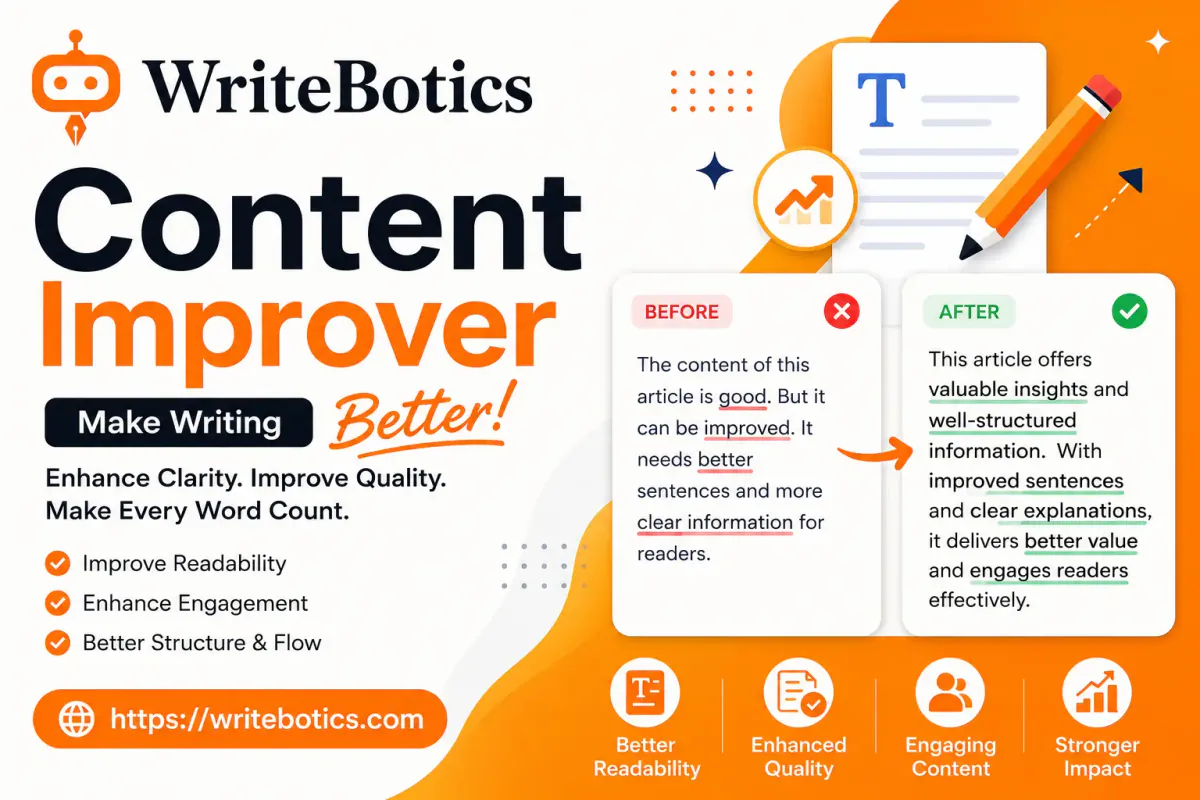
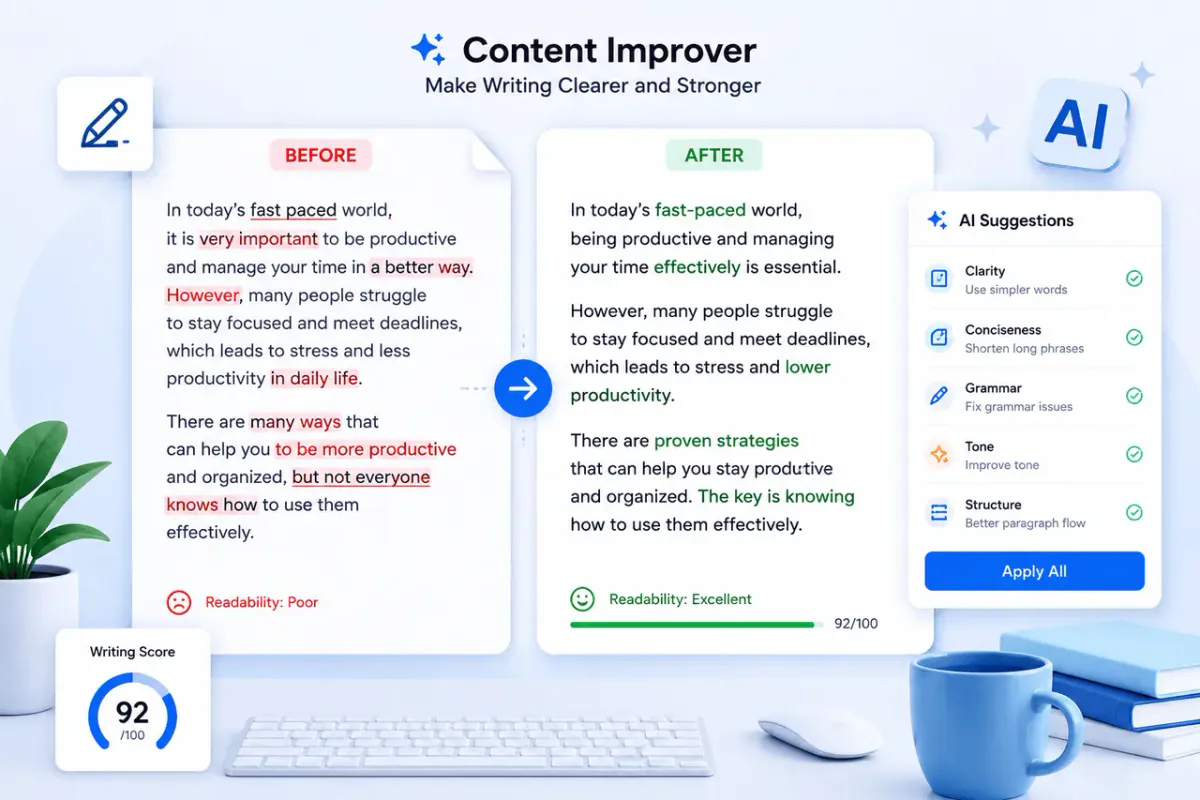
A content improver is a tool built to revise existing text rather than generate new text from scratch. You paste in a paragraph, an email, a product description, or a full article, and the tool works on:
- Clarity — breaking up long or tangled sentences so the main point is easy to find
- Word choice — swapping vague or repetitive words for more precise ones
- Flow — smoothing transitions between sentences and paragraphs
- Tone consistency — keeping the voice steady from the first line to the last The goal isn't to rewrite your ideas. It's to remove the friction between your ideas and the reader — the awkward phrasing, the filler words, the sentences that need to be read twice to make sense. This is different from a generator that writes content for you from a prompt. A content improver assumes you've already done the thinking. It's an editing pass, not a drafting shortcut.
When a content improver actually helps
Not every piece of writing needs this step, but a few situations come up constantly: You know the draft is rough, but not why. Sometimes a paragraph just feels clunky and it's hard to pin down the exact problem. Running it through a content improver often surfaces the issue — usually a sentence that's doing too much work at once, or a word repeated three times in two lines. You're writing outside your first language or comfort zone. Technical writers, non-native English speakers, and people writing in an unfamiliar format (a first blog post, a first formal email) benefit from a second pass that catches phrasing that doesn't quite sound natural. You're on a deadline and need one more editing round. A content improver won't replace a human editor, but it's a fast way to catch obvious weak spots before you send something out or hit publish. You're repurposing content. Turning a long report into a shorter summary, or adjusting a formal draft for a more casual audience, often means adjusting sentence length and tone throughout — exactly what this kind of tool is built for. Where it's less useful: fact-checking, verifying claims, or judging whether your argument actually holds up. Those still need a human read.
How to use a content improver well
The tool does the mechanical work, but the review step is still yours. A simple process:
- Paste in one section at a time. Improving a full 2,000-word article in one pass can smooth out useful stylistic variation. Working paragraph by paragraph, or section by section, keeps you closer to the result.
- Compare, don't just accept. Read the suggested version next to your original. If a sentence changed meaning — even slightly — revert to your own wording or adjust the suggestion.
- Check that your voice survived. A good improver should sharpen your sentences, not replace your voice with a generic one. If the result reads like it could have been written by anyone about anything, dial back how much you accept.
- Do a final read-through out loud. This catches anything that still sounds mechanical, even after editing. That review habit matters more than which tool you use. Automated editing is a first pass, not a final signature.
Clarity vs. correctness two different jobs
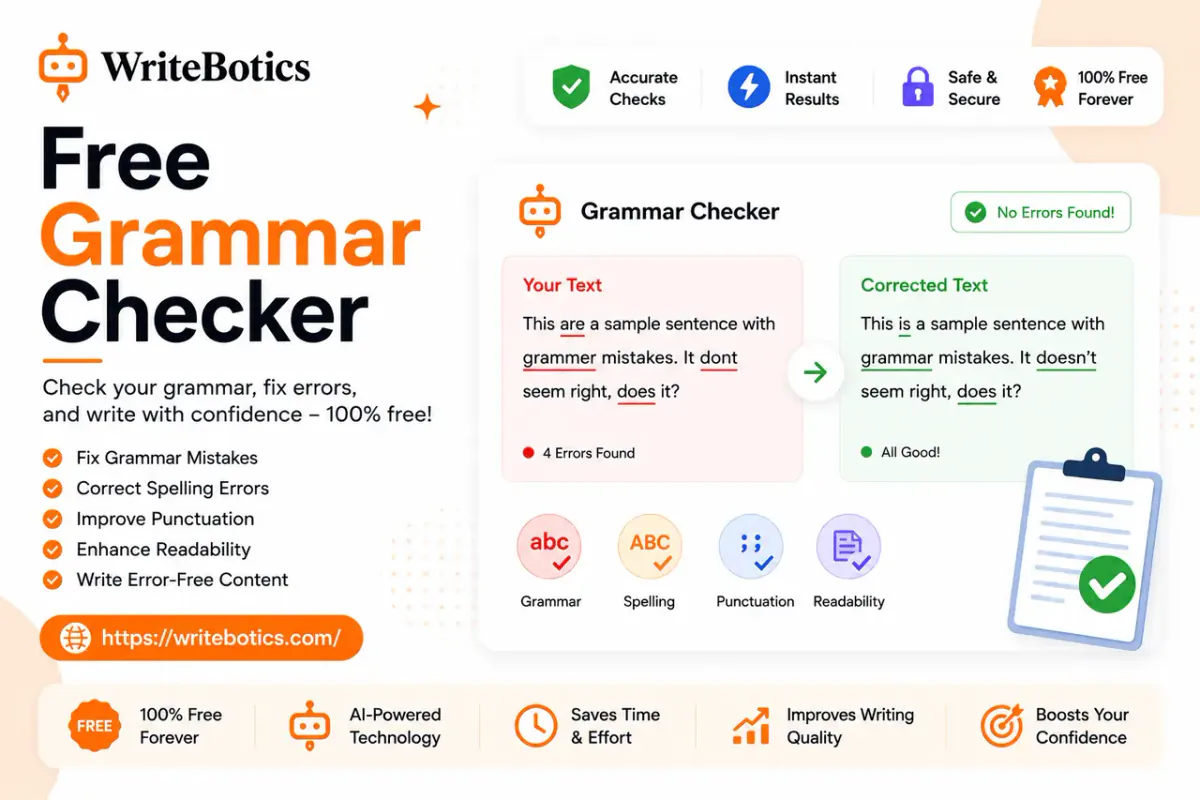
It's worth separating two things that often get lumped together: making writing correct and making writing clear. A grammar checker is built for correctness — spelling, punctuation, subject-verb agreement, the mechanical rules of the language. That's necessary, but a sentence can be grammatically perfect and still be hard to follow. A content improver is built for clarity and strength — sentence structure, word choice, pacing. It's less about whether a sentence is "allowed" and more about whether it's doing its job. Most solid drafts benefit from both passes: grammar first to clean up errors, then a clarity pass to tighten the actual writing. If you're working from an early or messy draft rather than refining a near-final one, a content rewriter is worth trying too — it's built for producing a clearer alternative version of a full draft, rather than line-level polishing.
A quick example
Original:
"Due to the fact that our team was not able to complete the project on time, we are going to need to push back the deadline to a later date that works better for everyone involved."
Improved:
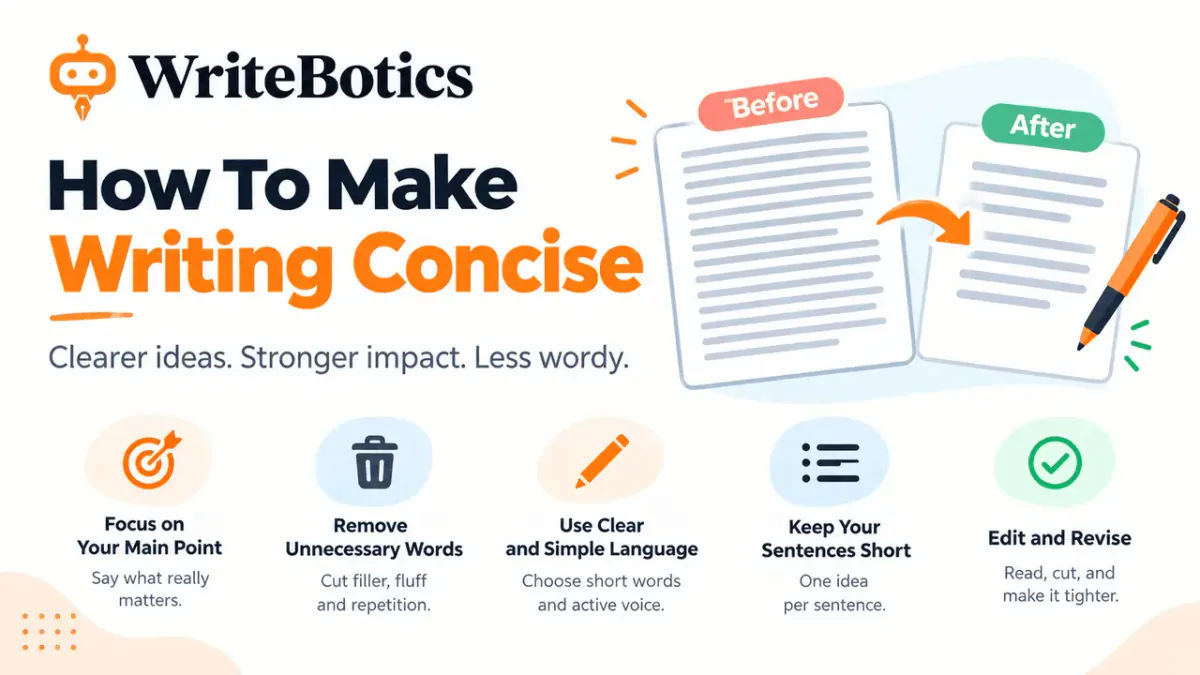
"Because our team missed the deadline, we're pushing the project back to a date that works for everyone." Same meaning, half the words, and no loss of information. That's the core value of a content improver: it removes padding without removing substance.
Building this into a regular writing habit
The tools matter less than the habit. Writers who consistently produce clear work tend to treat editing as a separate step from drafting — write first without stopping to polish, then come back with fresh eyes and tighten what's there. A content improver just makes that second step faster. If you're building a full editing workflow, it's worth pairing tools rather than relying on just one. A rough draft might go through a content rewriter for structure, a content improver for line-level clarity, and a grammar pass at the very end. Each step catches something the others miss. For more on putting together a writing process that uses AI tools without losing your own voice, see our guides on choosing an AI writing assistant and the writing tools worth trying online.
Common questions
Is a content improver the same as a paraphrasing tool?
Not quite. Paraphrasing focuses on rewording sentences while keeping the same structure. A content improver looks at the bigger picture — sentence length, flow, and tone — and may restructure a passage entirely to make it clearer.
Will it change my meaning?
It shouldn't, but it's worth checking every suggestion. Any tool can occasionally shift emphasis or drop a nuance, which is why comparing the improved version against your original is part of the process, not an optional step.
Can I use it for professional or academic writing?
Yes, as a review step. Treat the output as a suggestion to weigh against your own judgment, and follow any guidelines your workplace or institution has around AI-assisted editing.
Is a content improver free to use?
WriteBotics' content improver tools are free to try, so you can test them on a real draft before deciding whether they fit your workflow.
How is a content improver different from a content rewriter?
A content improver polishes writing you're mostly happy with — tightening sentences and sharpening word choice. A content rewriter is better suited to an early or messy draft, where you want a fuller alternative version to work from, not just line edits.
Does it work on long articles, or just short pieces?
It can handle both, but longer pieces are usually improved a section at a time rather than all at once. That keeps you closer to the result and makes it easier to catch anything that changed meaning.
Will using a content improver make my writing sound generic?
It can, if you accept every suggestion without reviewing it. The tool is meant to sharpen your voice, not replace it — skimming the output against your original and keeping the phrasing that sounds like you is part of using it well.
Do I still need a human editor if I use a content improver?
For anything high-stakes — a published article, a client deliverable, an academic paper — yes. A content improver catches clarity and phrasing issues, but it doesn't verify facts, judge whether an argument holds up, or catch context a human editor would.
The bottom line
A content improver won't write your content for you, and it shouldn't replace your judgment about what you're trying to say. What it does well is catch the small frictions — the tangled sentence, the repeated word, the flat phrase — that quietly make good ideas harder to read than they need to be. Used as one step in a review process, not a replacement for one, it's a fast way to turn a decent draft into a clear, stronger one. Ready to try it on your own draft? Explore WriteBotics' free writing tools and start with whichever one matches the editing pass you need.