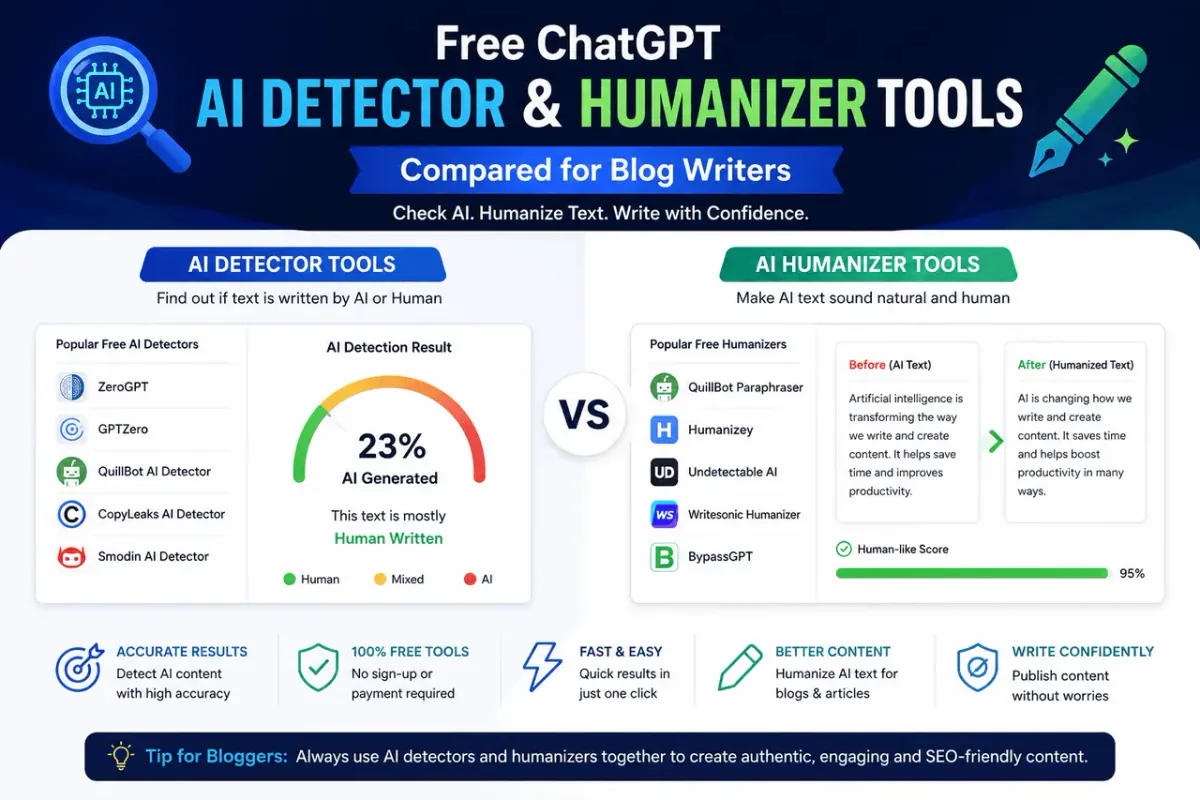
If you write blog content with any help from ChatGPT, two questions come up constantly will this get flagged as AI-generated, and does it actually read well? A free ChatGPT AI detector answers the first question. An AI humanizer helps with the second. Used together, they cover most of what a blog writer needs before hitting publish.
This guide covers how a ChatGPT AI detector works, what separates a good AI content detector for blog use specifically, and how to humanize AI text in a way that helps — rather than hurts — your SEO.
What a ChatGPT AI detector actually checks
A free ChatGPT AI detector doesn't identify authorship directly — it can't know for certain who typed a sentence. What it does is estimate the probability that a piece of text shares patterns common in AI-generated writing: predictable word choice, unusually consistent sentence rhythm, and phrasing structures that show up disproportionately in model output.
That distinction matters. A detector gives you a signal, not a verdict. Two things follow from that:
A high AI-likelihood score doesn't prove AI was used. Polished, formal, or highly structured human writing can score similarly to AI output, because both tend to avoid the irregularities of casual writing.
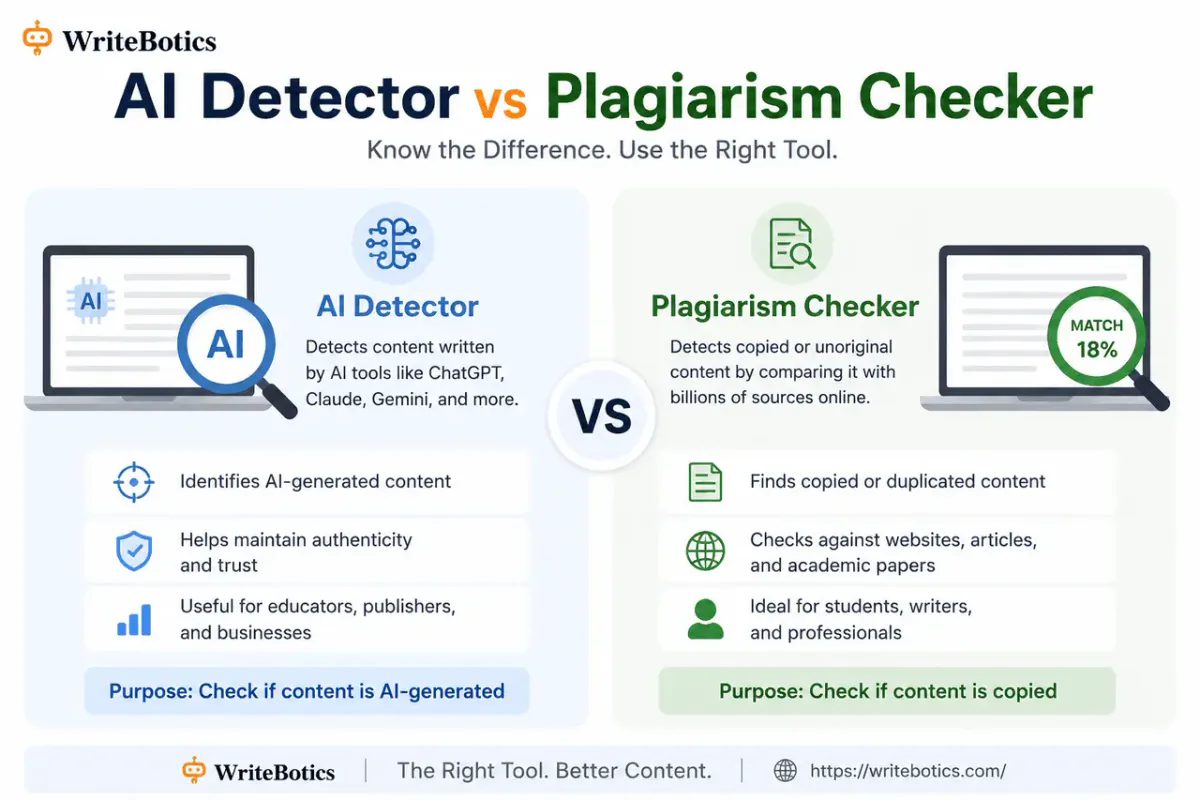
- A low score doesn't guarantee originality. Detectors look at writing patterns, not whether the content matches something already published — that's a separate job for a plagiarism checker.
What makes the best AI content detector for blogs specifically
General-purpose detectors are built for a range of use cases — academic submissions, single paragraphs, short-form text. Blog content has a few needs that make some detectors a better fit than others:
Handles full-length articles, not just excerpts. A 1,500-word blog post needs a detector that can process the whole piece, not just the first few hundred words, since AI patterns can be inconsistent across a long draft.
Gives section-level feedback, not just one overall score. Knowing which paragraphs read as more AI-like lets you focus your editing instead of rewriting the whole post.
Free to run repeatedly. Blog workflows usually involve multiple drafts and revisions — a detector with tight free-tier limits becomes a bottleneck fast.
Doesn't punish naturally formal or technical writing. Blog niches like finance, law, or software documentation tend to use structured, formal language that can trigger false positives on detectors tuned mainly for casual prose.
A quick example
AI-typical paragraph (flagged as likely AI-generated)
"In today's fast-paced digital landscape, it is important to note that content marketing plays a crucial role in driving engagement and building brand awareness. Businesses that leverage high-quality content are better positioned to achieve their marketing goals."
"Content marketing works because it earns attention instead of buying it. Businesses that consistently publish useful content build an audience that actually sticks around — and that's worth more than a one-time ad click."
The second version keeps the same point but drops the filler phrases ("in today's fast-paced digital landscape," "it is important to note") and varies sentence length, which is exactly what pushes a detector's score down and, more importantly, makes the writing more engaging to read.
How to humanize AI text for SEO without hurting rankings
Humanizing a draft is often framed as a way to dodge detectors, but for blog SEO the real value is different: search engines and readers both respond better to writing that sounds like a person, not a template. A few things to focus on:
- Cut stock AI phrases. Terms like "in today's world," "it's important to note," and "when it comes to" add length without adding meaning. Removing them tightens the writing and reduces AI-pattern flags at the same time.
- Vary sentence length deliberately. AI drafts tend toward a steady rhythm — similar sentence length throughout. Mixing short, punchy sentences with longer ones is one of the strongest signals of natural writing.
- Add something the model couldn't know. A specific example, a real number, an opinion, or a detail from direct experience is the fastest way to make a paragraph both more human and more useful — which is also what search engines reward under helpful-content guidelines.
- Keep your keyword placement natural. Humanizing shouldn't mean removing your target keyword from the title, intro, and headings — it means making the sentences around it read naturally instead of sounding stuffed in.
- Re-read for voice, not just grammar. A grammatically perfect paragraph can still sound flat. Reading it out loud usually surfaces the parts that still sound generated.
None of this is about tricking a detector. Writing that reads naturally to a human reader tends to score lower on AI-detection tools anyway, because the two are measuring related things — predictability and template-like structure.
Detector and humanizer: two tools, two jobs
It's worth keeping these separate in your workflow. Run your draft through an AI Content Detector first to see which sections read as most AI-typical, then use an AI Humanizer on those specific sections rather than the whole piece. This keeps sections that already read naturally — including any parts you wrote yourself — from being needlessly reworded.
FAQs
Is there a free ChatGPT AI detector that's actually accurate?
Free detectors are useful as a first check, but none — free or paid — are fully accurate. They measure writing patterns, not authorship, so results should always be read as an estimate rather than a definitive answer.
Can humanizing AI text hurt my SEO?
No, if it's done to improve readability rather than to stuff keywords or remove them entirely. Search engines rank content based on usefulness and quality signals, not on whether it passes an AI detector, so genuinely improving the writing helps rather than hurts.
Will a detector flag my writing if I'm not using AI at all?
It can happen, especially with formal, highly structured, or technical writing. False positives are one of the most common complaints about AI detectors — if you're confident in your own writing, don't treat a single flagged score as proof of anything.
Do I need to disclose AI assistance on a blog post?
This depends on your platform, publication, or client requirements there's no universal rule. Check the specific guidelines that apply to where the content is published.
How much of a blog post should I run through a humanizer?
Ideally just the sections flagged by a detector as most AI-typical, rather than the whole draft. Running an entire article through a humanizer can smooth out sentence variation you already had, including parts that were already fine.
Are these WriteBotics tools free to use?
Yes — the AI content detector and AI humanizer are both free to try, so you can test them on your own draft before deciding how they fit your workflow.
The bottom line
A free ChatGPT AI detector tells you how your writing reads to a pattern-matching algorithm. A humanizer helps fix the parts that read too mechanically. Neither replaces good judgment — the goal isn't to fool a detector, it's to publish blog content that actually sounds like a person wrote it, because that's what both readers and search engines respond to.
For more on this, see our guides on AI Content Detectors: a practical guide for writers, why Grammarly might flag your writing as AI-generated, does Turnitin still work in 2026, and the WriteBotics AI grammar checker.
Ready to check your own draft? Explore WriteBotics' free writing tools and run your next post through the detector and humanizer before you hit publish.