Grammarly's free plan checks the basics — spelling, punctuation, and a handful of grammar rules. Everything else, from advanced clarity suggestions to tone detection, sits behind a subscription. If you write often and don't want to pay for it, you're probably looking for a free Grammarly alternative that doesn't gate its most useful features.
The good news: several grammar checkers give you a genuinely usable free experience, not just a trial. This guide breaks down the best free options, what they actually check for, and where each one falls short — so you can pick the right tool instead of trading one paywall for another.
What "Actually Free" Should Mean
A lot of tools market themselves as free Grammarly alternatives and then quietly limit you to a few hundred words per check, lock corrections behind a signup wall, or bury the real editor inside a browser extension you can't use elsewhere. Before comparing tools, it helps to define what "free" should actually include:
- No forced signup just to see a suggestion
- No hard word-count wall that makes the tool useless for anything longer than an email
- Core grammar and spelling checks that go beyond a basic spell-check
- Clear, understandable explanations for why something was flagged
With that bar in mind, here's how the leading free options stack up.
1. WriteBotics Grammar Checker
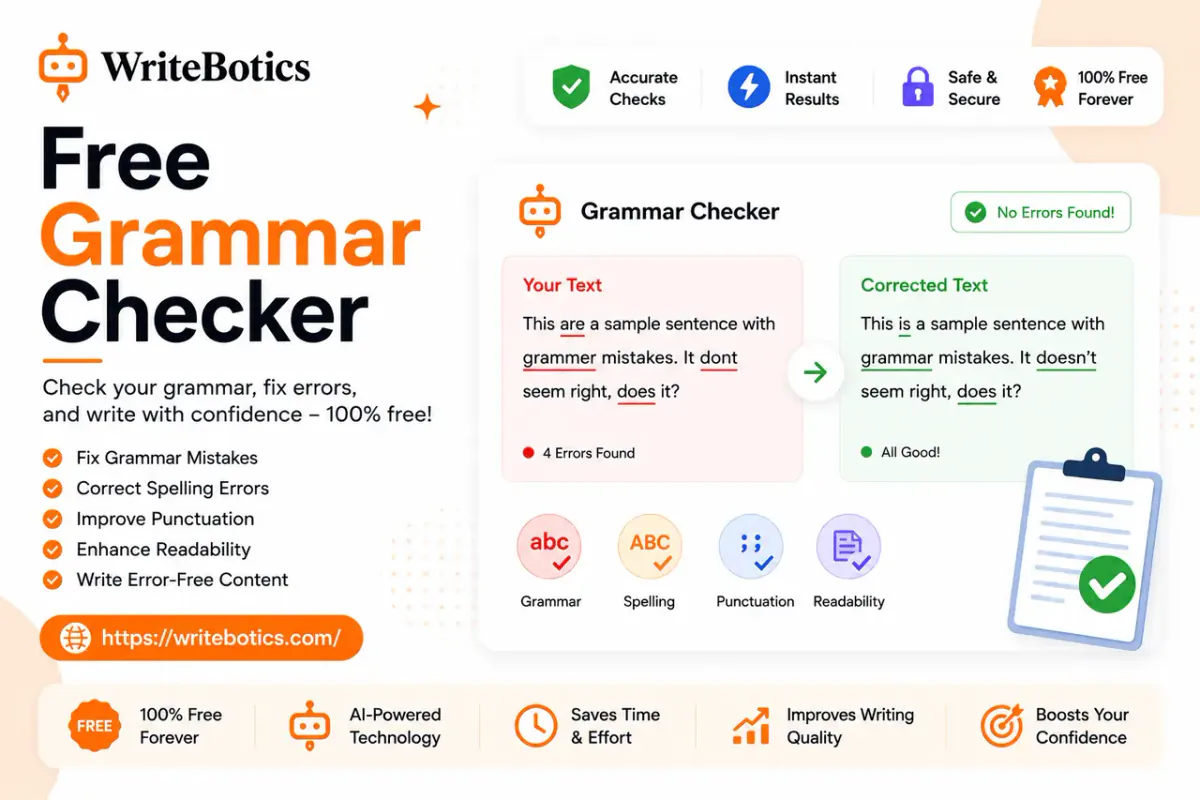
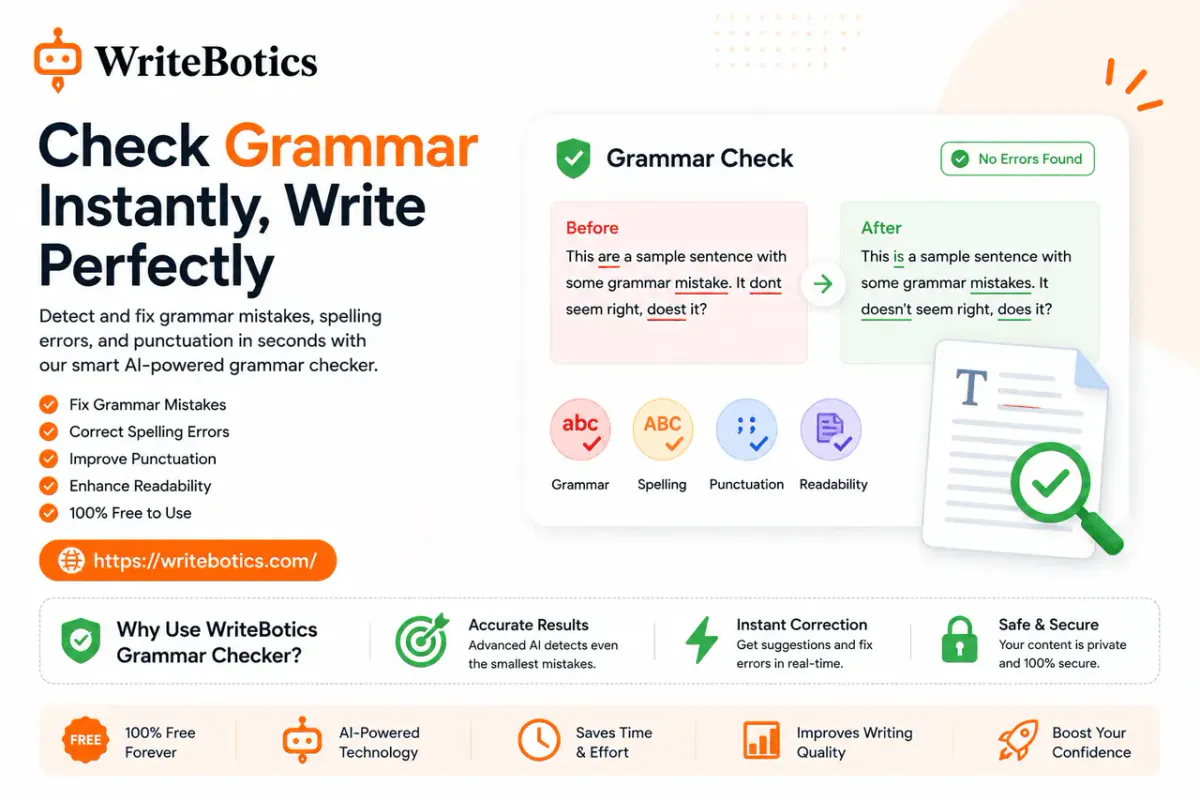
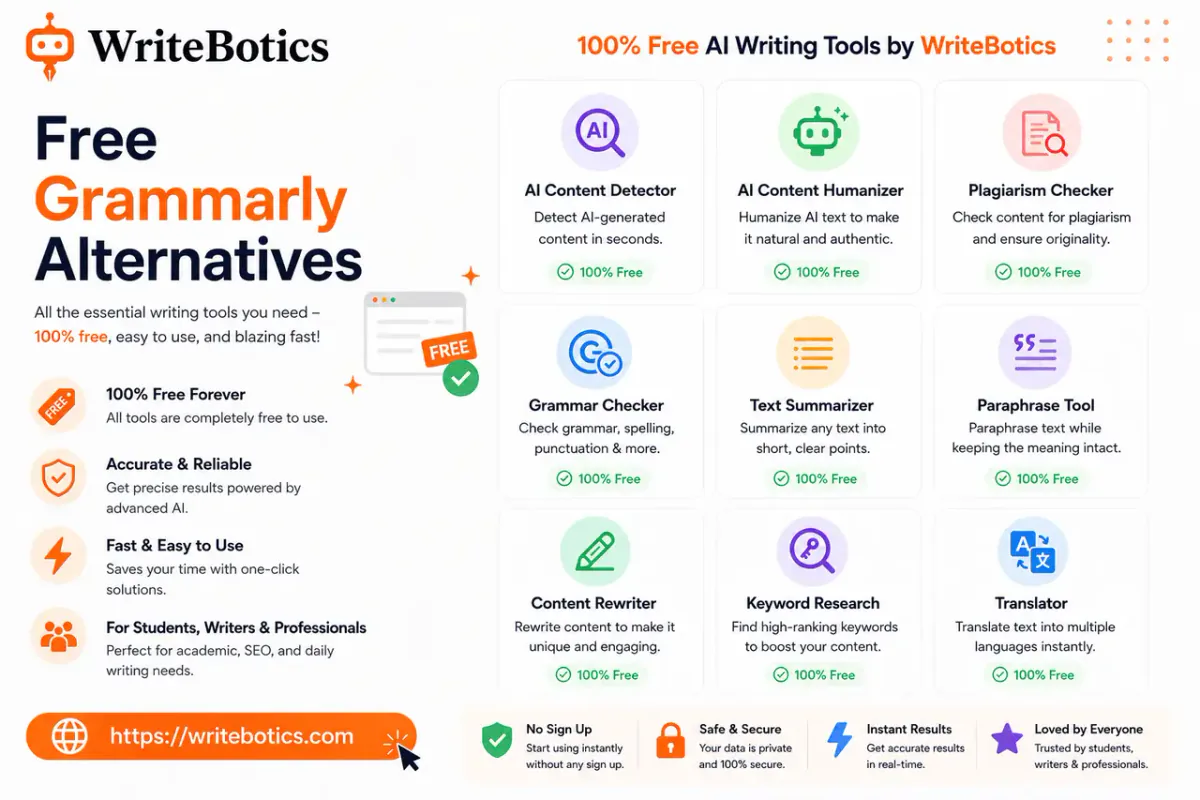
The WriteBotics Grammar Checker is a browser-based tool built around a simple idea: paste your text, review the flagged issues, and fix what matters — without creating an account first. It checks spelling, grammar, punctuation, and sentence clarity, and it's part of a broader set of free writing tools that includes paraphrasing, summarizing, and content rewriting.
What it's good for:
- Quick grammar and clarity passes on drafts, emails, and short-to-medium content
- Writers who want a no-signup workflow they can drop into and out of
- Pairing grammar checks with other steps in the same workspace, like rewriting a stiff paragraph or paraphrasing a sentence that isn't landing
Where it fits in your workflow: if you already draft in Google Docs or a CMS, running your text through the Grammar Checker before publishing is a fast way to catch issues Grammarly's free plan might miss or might ask you to pay to see explained.
If your draft needs more than a grammar pass — say, a sentence that's technically correct but reads awkwardly — the Paraphrase Tool is worth running afterward. It reworks phrasing while keeping your original meaning intact, which is useful for tightening up anything the grammar check flagged as "correct but unclear."
2. LanguageTool
LanguageTool is one of the more established names in this space, and its free tier is genuinely capable. It checks grammar, spelling, and style across more than 20 languages, which makes it a strong pick if you write in more than just English.
Strengths:
- Real multilingual support, not just English with translated labels
- A free browser extension and web editor
- Style suggestions in addition to strict grammar rules
Limitations:
- The free plan caps how much text you can check at once
- Advanced style rules and a "picky mode" are reserved for premium users
- Suggestions can feel more rule-based and less contextual than AI-driven tools
3. Hemingway Editor
Hemingway Editor isn't a grammar checker in the traditional sense — it's a readability tool. It highlights long, complex sentences, excessive adverbs, and passive voice, and it's completely free to use in your browser with no account required.
Strengths:
- No signup, no word limits, no paywall at all for the web version
- Excellent for tightening bloated, hard-to-read sentences
- Simple color-coded interface that's easy to scan
Limitations:
- It won't catch most spelling or grammar errors — it's built for style, not correctness
- No tone or clarity suggestions beyond sentence structure
- Best used alongside a real grammar checker, not instead of one
4. Microsoft Editor
If you already work inside Word or Outlook, Microsoft Editor is worth a look. The free version covers spelling and basic grammar checks across Microsoft's apps and as a browser extension.
Strengths:
- Built into tools many people already use daily
- Free tier covers the fundamentals without a separate account for basic use
- Works across Word, Outlook, and the web
Limitations:
- Advanced suggestions (clarity, conciseness, formality) require a Microsoft 365 subscription
- Less useful if you don't already write inside Microsoft's ecosystem
5. Google Docs Built-In Checker
It's easy to overlook, but Google Docs' native spelling and grammar checker has quietly improved over the years. It's free for anyone with a Google account and requires zero setup.
Strengths:
- Already available if you draft in Google Docs
- No extension, signup, or word limit
- Decent at catching common grammar mistakes and awkward phrasing
Limitations:
- Suggestions are less detailed than dedicated grammar tools
- No explanations for why something was flagged
- Limited to documents written in Google Docs itself
Quick Comparison
| Tool | No Signup Required | Word Limit | Best For |
|---|---|---|---|
| WriteBotics Grammar Checker | Yes | No hard cap | Fast grammar + clarity checks, no account |
| LanguageTool | Partial (browser use) | Yes, on free plan | Multilingual writing |
| Hemingway Editor | Yes | No | Readability and sentence structure |
| Microsoft Editor | Partial | No | Writers already in Word/Outlook |
| Google Docs Checker | Yes (Google account) | No | Docs-native drafting |
No single free tool replicates every feature of Grammarly's paid plan — that's true across the board. The more realistic approach is combining a couple of these based on what your writing actually needs: a grammar pass, a readability pass, and occasionally a rewrite for anything that still reads stiffly.
Common Mistakes People Make When Switching From Grammarly
Ditching a paid tool for a free one usually goes wrong in one of a few predictable ways. Knowing these ahead of time saves you from bouncing between five different tabs trying to find a workflow that actually sticks.
Expecting one tool to do everything Grammarly did. Grammarly's paid plan bundles grammar checking, tone analysis, plagiarism detection, and rewriting into a single interface. Most free tools specialize in one of those. That's not necessarily a downside — it usually means each individual check is more focused — but it does mean your workflow will involve more than one tool, at least for a first pass.
Ignoring word or character limits until mid-edit. Some free plans look unrestricted until you paste in a 2,000-word draft and hit a wall halfway through. Check the limit before you commit to a tool for longer content, or split longer drafts into sections.
Skipping the readability pass entirely. Grammar checkers are good at catching what's technically wrong. They're not always good at catching what's correct but hard to read. A sentence can be grammatically flawless and still be a slog to get through. That's the gap tools like Hemingway, or a rewrite pass through something like the Content Rewriter, are meant to fill.
Not reviewing suggestions critically. Every checker on this list — free or paid — occasionally flags something that's actually fine, or misses something that isn't. Automated tools are a first pass, not a substitute for reading your own work with fresh eyes before you publish it.
How to Choose the Right One for You
A few questions can narrow this down quickly:
- Do you need multilingual support? LanguageTool is the strongest free option here.
- Is your main problem long, clunky sentences rather than errors? Hemingway will do more for you than a grammar checker will.
- Do you want one workspace for grammar, rewriting, and paraphrasing without switching tools? That's where the WriteBotics Grammar Checker and Paraphrase Tool work well together.
- Are you already committed to Microsoft or Google's ecosystem? Their built-in checkers are free and require no extra setup.
For most everyday writing — emails, blog drafts, social captions, school assignments — a solid grammar checker plus a quick readability pass covers what Grammarly's paid tiers are really selling you.
Related Reading
If you're building out a broader AI-assisted writing workflow, these guides go further into the tools and process:
- AI Writing Assistant: Write Faster and Smarter Today
- Best Writing Tools Online to Boost Your Creativity
FAQs
Is there a completely free version of Grammarly?
Grammarly does offer a free plan, but it's limited to basic spelling, punctuation, and a narrow set of grammar rules. Features like tone detection, full-sentence rewrites, and plagiarism checks require a paid subscription.
What is the closest free alternative to Grammarly?
LanguageTool is generally considered the closest match in terms of feature range, since it checks grammar, spelling, and style across many languages. For a faster, no-signup option focused on grammar and clarity, the WriteBotics Grammar Checker is a strong pick.
Can I use a free grammar checker for professional or academic writing?
Yes, but treat any automated checker as a first pass, not a final judgment. Review flagged issues yourself, and check your institution's or employer's policies on AI-assisted writing tools before submitting work.
Do free grammar checkers store or share what I type?
Policies vary by tool, so it's worth reading the privacy policy before pasting anything sensitive. As a general rule, avoid submitting confidential, private, or proprietary information into any online writing tool, free or paid.
Do I need more than one tool?
Often, yes. Grammar checkers, readability tools, and rewriting tools each solve a different problem. Combining a grammar check with a quick pass through a paraphrase tool for awkward sentences tends to cover more ground than any single free tool on its own.