AI writing assistants have evolved rapidly. What started as simple autocomplete tools are now full-featured platforms that help you research, write, edit, humanize, and optimize content. Whether you are a blogger, marketer, or student, picking the right AI writing assistant in 2026 can save you hours every week.
This guide covers the top tools, a side-by-side comparison table, real-world examples, and answers to the most common questions.
Quick start: If you need a free all-in-one writing workspace, start with WriteBotics. It includes humanization, grammar checking, plagiarism detection, and keyword research — no signup required. For general content generation, try ChatGPT. For grammar and proofreading, Grammarly.
What to Look for in an AI Writing Assistant
Before diving into the tools, here are the key features to evaluate:
- Content quality – Does the output read naturally?
- Humanization – Can it make AI-generated text sound human?
- Grammar & style – Does it catch errors and improve flow?
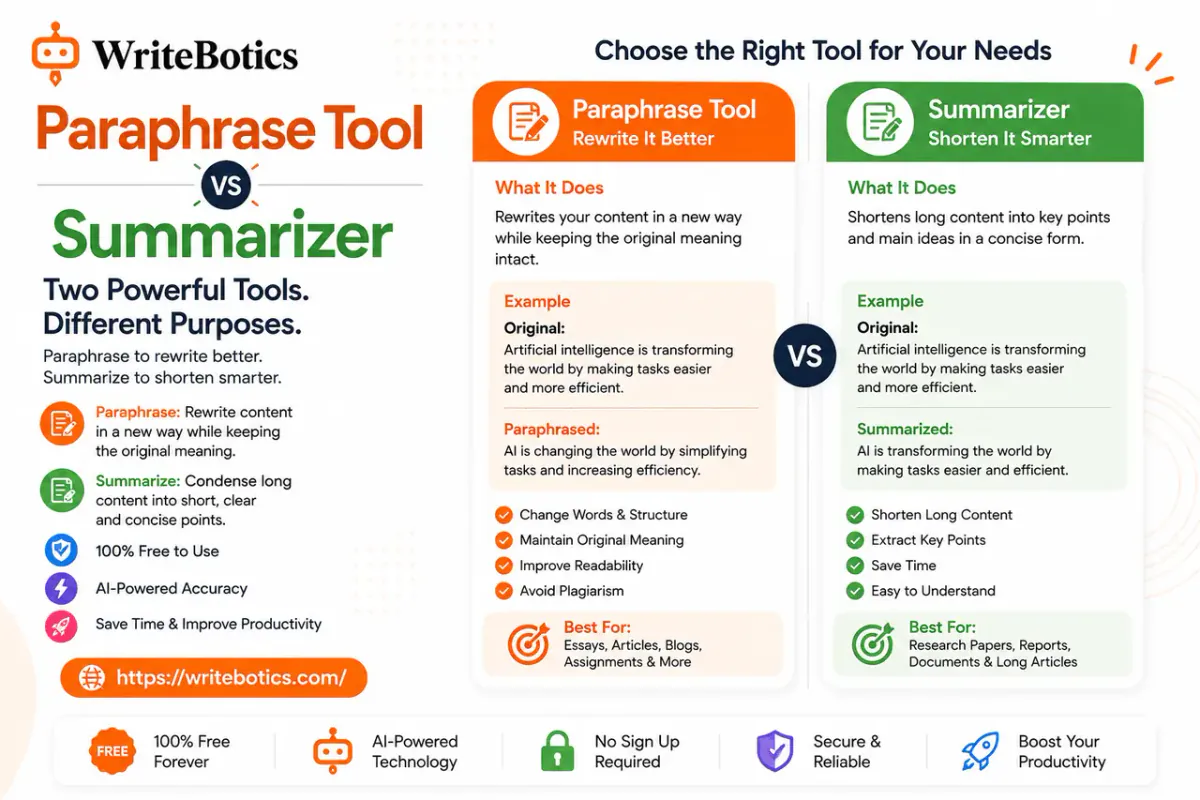
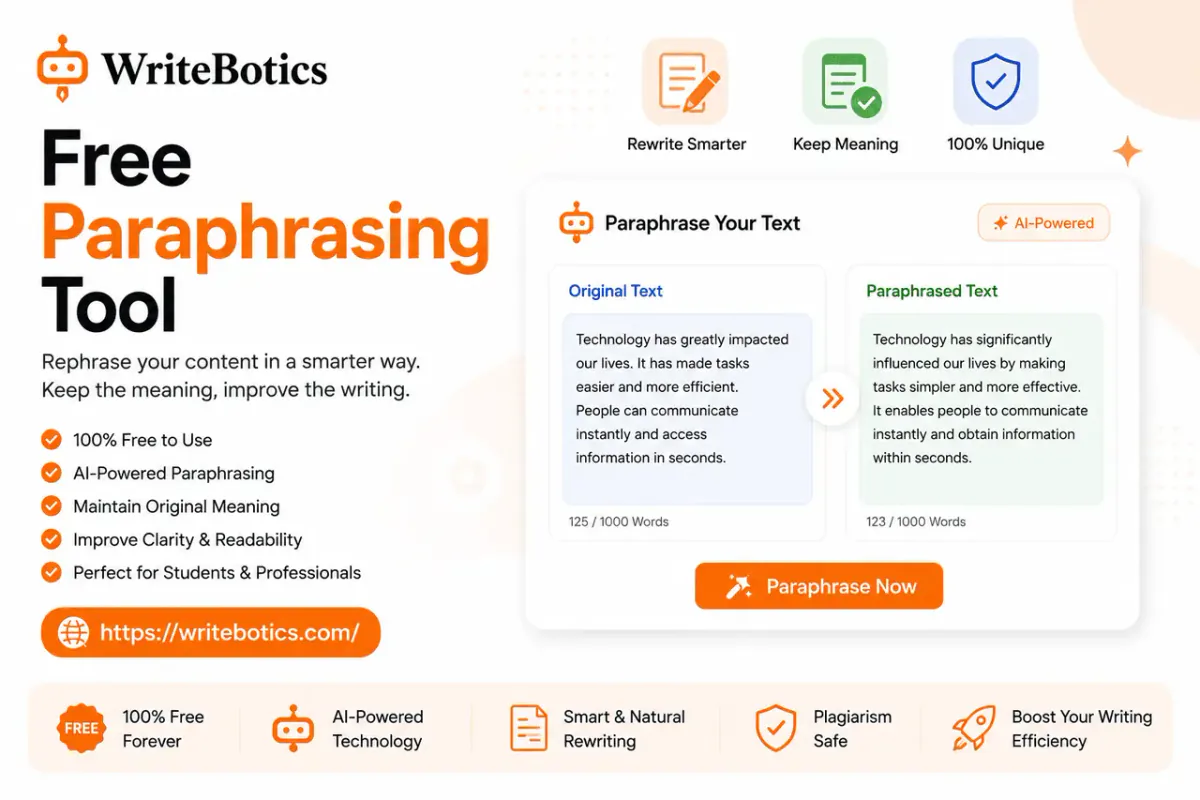
- Rewrite & summarize – Can it condense or rephrase content?
- Plagiarism & AI detection – Does it check originality?
- SEO features – Keyword suggestions, readability scoring
- Price – Free tier available? Value for money?
Top AI Writing Assistant Comparison Table
| Tool | Best For | Humanization | Grammar Check | Plagiarism Check | AI Detection | Free Tier | Starting Price |
|---|---|---|---|---|---|---|---|
| WriteBotics | All-in-one writing workspace | ✅ Advanced | ✅ Yes | ✅ Built-in | ✅ Yes | ✅ Free | Free |
| ChatGPT | General content generation | ⚠️ Basic | ⚠️ Limited | ❌ No | ❌ No | ✅ Free | $20/mo (Plus) |
| Jasper AI | Marketing teams | ⚠️ Basic | ✅ Yes | ❌ No | ❌ No | ❌ No | $49/mo |
| Grammarly | Grammar & proofreading | ❌ No | ✅ Advanced | ✅ Yes | ❌ No | ✅ Free | $12/mo |
| QuillBot | Paraphrasing | ❌ No | ✅ Yes | ✅ Yes | ❌ No | ✅ Limited | $9.95/mo |
| Writesonic | Marketing copy | ⚠️ Basic | ✅ Yes | ❌ No | ❌ No | ✅ Limited | $19/mo |
| Copy.ai | Short-form sales copy | ⚠️ Basic | ⚠️ Limited | ❌ No | ❌ No | ✅ Limited | $36/mo |
| Rytr | Budget-friendly writing | ⚠️ Basic | ✅ Yes | ❌ No | ❌ No | ✅ Free | $9/mo |
| Sudowrite | Creative & fiction writing | ✅ Good | ⚠️ Limited | ❌ No | ❌ No | ❌ No | $19/mo |
| Notion AI | Productivity + notes | ⚠️ Basic | ⚠️ Limited | ❌ No | ❌ No | ❌ No | $10/mo |
Real-World Examples in 2026
Example 1: Blog Post Introduction
Raw AI output (ChatGPT):
"In today's digital landscape, content marketing has become an essential strategy for businesses looking to establish their online presence and engage with their target audience."
After WriteBotics humanization:
"If you run a business today, you already know content marketing matters. But standing out online takes more than posting a few blog posts and hoping for the best."
Why it works: The humanized version drops the robotic padding and speaks directly to the reader. It sounds like a person, not a textbook.
Example 2: Product Description
Raw AI output:
"Our innovative solution leverages cutting-edge technology to deliver superior results for modern enterprises seeking operational efficiency."
After humanization:
"This tool helps your team get more done in less time. No jargon, no fluff — just clear results you can measure."
Example 3: Email Newsletter Opening
Raw AI output:
"We are excited to announce the launch of our newest feature that will revolutionize the way you interact with our platform."
After humanization:
"We built something new. And we think you will love it. Here is what changed and why it matters to you."
How AI Writing Assistants Work in 2026
Modern AI writing assistants use large language models (LLMs) trained on massive datasets. They predict the next word in a sentence based on context, allowing them to generate coherent paragraphs, rewrite existing text, summarize long documents, and even match a specific brand voice.
The best tools today combine multiple models to handle different tasks — one for generation, another for grammar, and a third for humanization — all inside a single interface.
Benefits of Using an AI Writing Assistant
- Write 5–10x faster – Generate drafts in seconds
- Reduce editing time – Built-in grammar and style checks
- Improve readability – Suggestions for clearer sentences
- Stay consistent – Maintain tone across all content
- Scale content production – Handle more projects without sacrificing quality
How to Choose the Right AI Writing Assistant
For Bloggers & Content Creators
If you publish regularly, you need a tool that can generate ideas, draft posts, check grammar, and humanize AI output. WriteBotics gives you all of this in one free workspace. Use the AI Humanizer to make drafts sound natural, then run the Grammar Checker for a final polish.
For Students
Look for tools with paraphrasing, citation help, and plagiarism checking. WriteBotics includes a Plagiarism Checker alongside its writing tools so you can verify originality before submitting.
For Marketing Teams
You need collaboration features, brand voice controls, and bulk processing. Jasper and Writesonic are strong options, but WriteBotics offers a free alternative for individual marketers who want the same quality without the subscription.
Common Mistakes to Avoid
1. Publishing AI Output Without Editing
AI tools are starting points, not finish lines. Always review for accuracy, tone, and factual correctness.
2. Ignoring AI Detection
Google and schools use AI detectors. If your content sounds robotic, it may get flagged. Humanization tools like WriteBotics help you avoid this.
3. Using Too Many Tools
Jumping between five platforms slows you down. An all-in-one workspace simplifies your workflow and keeps your quality consistent.
FAQs
1. What is the best free AI writing assistant in 2026?
WriteBotics offers the most comprehensive free tier — all tools are available without a subscription, no signup required. ChatGPT's free tier is also strong for general generation.
2. Can AI writing assistants replace human writers?
No. AI handles speed and structure, but humans bring creativity, emotion, and strategic thinking. The best results come from combining both.
3. Do AI writing assistants work for long-form content?
Yes. Most tools can generate 1,000–5,000+ word articles. The key is to break the content into sections and guide the AI with clear prompts.
4. Are AI writing assistants good for SEO?
When used correctly, yes. AI helps you target keywords, structure content, and maintain readability. Google rewards helpful, well-organized content regardless of how it was created.
5. Which AI writing assistant is best for beginners?
WriteBotics is ideal because it is free, requires no signup, and combines all essential tools in one place. ChatGPT and Rytr are also beginner-friendly.
6. Do AI writing tools check for plagiarism?
Some do. WriteBotics and Grammarly include plagiarism detection. Others require a separate tool.
7. Can I use AI writing assistants for academic work?
Check your institution's policy. Many allow AI as a research or editing aid but require original submitted work.
8. How accurate are AI content detectors?
They provide estimates based on writing patterns, not proof. A high AI score suggests a closer look may be useful, but it cannot confirm whether a person or AI wrote the text.
Conclusion
The best AI writing assistant in 2026 depends on your specific needs. For an all-in-one free solution that covers humanization, grammar, plagiarism checking, and AI detection, WriteBotics is the strongest choice. For general content generation, ChatGPT remains a powerful option. And for specialized needs like academic paraphrasing or marketing copy, tools like QuillBot and Jasper excel.
Try a few tools with your own content. The right one will make your writing process faster, easier, and more consistent.
About the Author
Hassan SEO is a content strategist and SEO specialist focused on AI writing tools, content optimization, and search engine visibility. He has been helping writers and businesses improve their content workflows since 2020.