Search "AI writing tools for students" and you'll find two very different conversations happening at once. One side treats these tools like a shortcut to a finished essay. The other treats them like contraband to be banned from every classroom. Neither view is very useful if you're a student who just wants to turn in cleaner work without breaking any rules.
The honest answer sits in the middle. AI writing tools can absolutely help you study, draft, and revise — but only when you use them to support your own thinking, not replace it. This guide walks through where that line sits, which tools are appropriate for which tasks, and how to use them in a way you wouldn't have to hide from a teacher.
What "AI Writing Tools for Students" Actually Covers
The phrase gets used loosely, so it helps to separate the tools into two categories:
- Generation tools — these write new content for you from a prompt. Full essays, discussion posts, or answers written start to finish by AI fall into this bucket.
- Review and support tools — these work on your draft. They check grammar, reword awkward sentences, summarize long readings, or flag writing patterns that look AI-generated.
Most academic integrity policies are concerned with the first category, not the second. A tool that catches a comma splice or condenses a 40-page PDF into a study outline isn't doing your thinking for you — it's helping you do your own thinking more efficiently. That distinction matters more than the word "AI" in the tool's description.
The Line Between Study Help and Cheating
A simple test works for most situations: did the tool help you understand and express your own ideas, or did it produce the ideas and words for you?
Using a grammar checker on a paragraph you wrote yourself is study help. Asking an AI model to write the paragraph from scratch and submitting it as your own is not. Summarizing a dense textbook chapter to build a study guide is study help. Summarizing an assigned reading and turning in that summary instead of doing the reading is a different problem entirely — you're just cheating yourself out of the learning.
A few markers that keep you on the right side of that line:
- You're working with text you wrote, not text a tool generated for you.
- You could explain, in your own words, every claim in the final draft.
- The tool changes how something is phrased, not what the underlying idea is.
- You'd be comfortable telling your instructor exactly which tool you used and how.
If any of those don't hold, it's worth pausing before you submit.
Ethical Ways to Use AI Writing Tools for Students
Here's where these tools genuinely earn their place in a study routine.
Cleaning Up Grammar Before You Submit
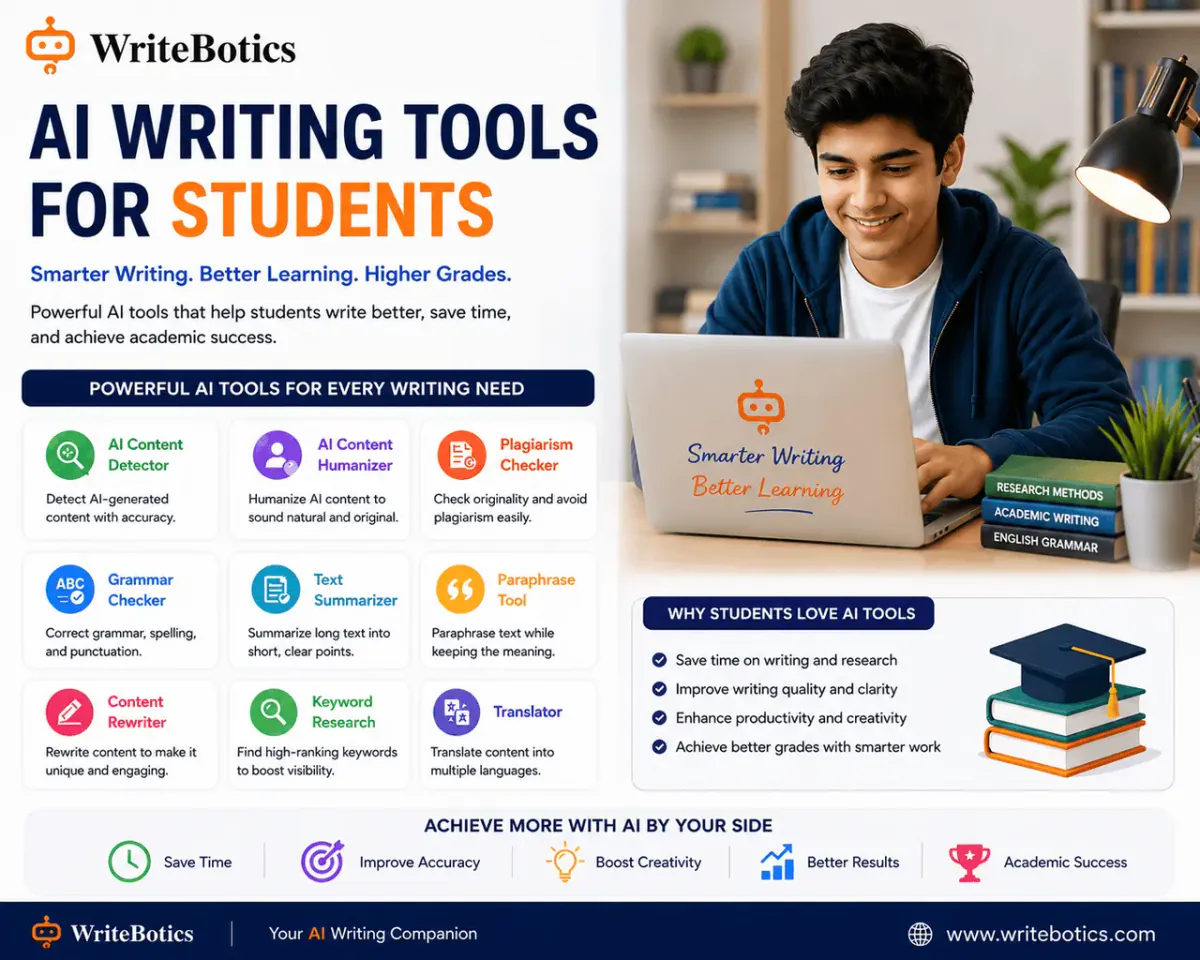
Most students lose points not on ideas but on mechanics — subject-verb agreement, run-ons, misplaced commas. A Grammar Checker reviews spelling, grammar, punctuation, and sentence clarity on a draft you've already written, so you can catch mistakes before a professor does. It doesn't rewrite your argument; it just makes sure the argument you already made reads cleanly. That's the same kind of proofreading help a writing center tutor would give you, just faster and available at 2 a.m. before a deadline.
Turning Long Readings Into Study Material
Reading load is one of the biggest time pressures in school, and it's also where AI tools are most defensible as study aids. A Text Summarizer can turn a long article, chapter, or research paper into a shorter overview of its main points — useful for building review notes, prepping for a discussion, or deciding which sources are worth reading in full. The key is using the summary as a map of the material, not a replacement for actually engaging with it before an exam or a paper that depends on close reading.
Checking Your Own Originality Before You Turn Something In
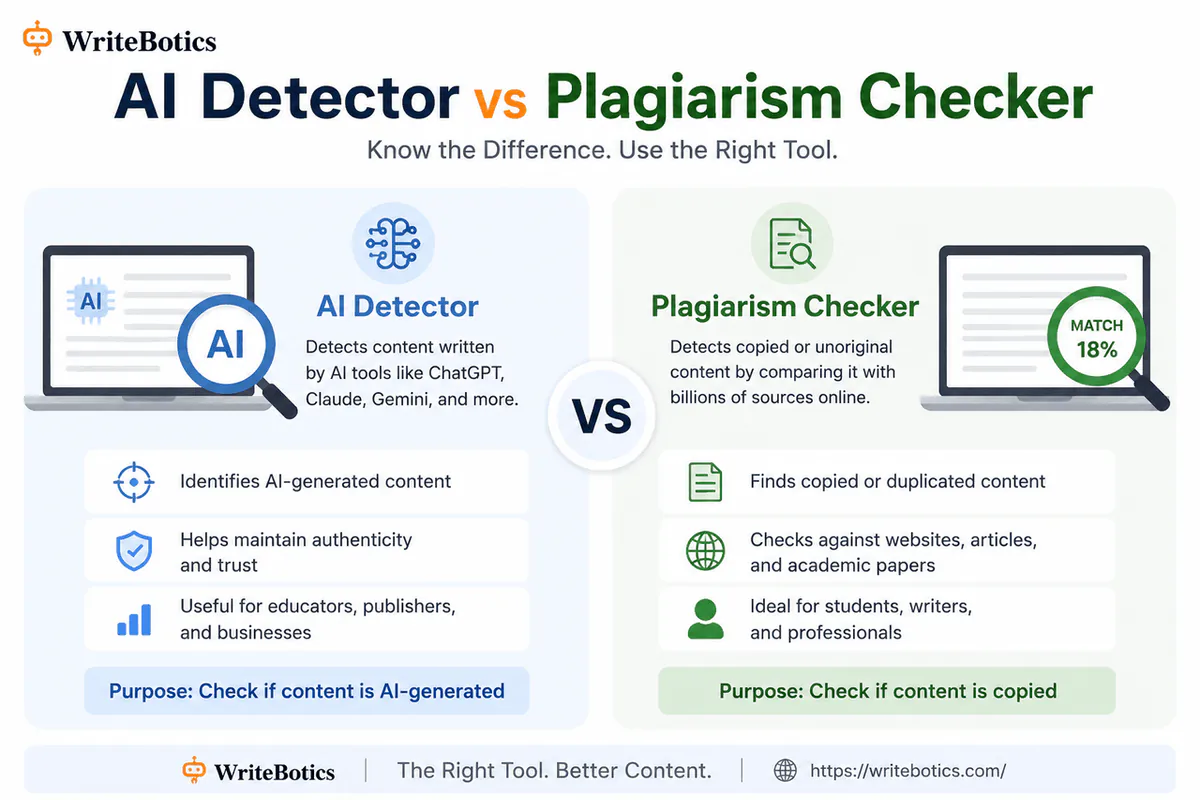
If you've paraphrased sources, quoted research, or pulled together notes from multiple readings, it's easy to accidentally echo the original wording too closely. Running your own draft through a plagiarism or AI-pattern check before submission is a responsible habit, not a red flag — it catches unintentional overlap while your paper is still in your hands, rather than after a professor's detector flags it.
What Students Should Avoid
Not every use case is defensible, even if a tool makes it technically possible:
- Submitting AI-generated text as your own writing. If a tool produced the sentences, they aren't your work, regardless of how much you edited them afterward.
- Using an AI summary as a substitute for required reading. It might get you through a quiz, but it won't get you through a final exam or a class discussion that assumes you did the reading.
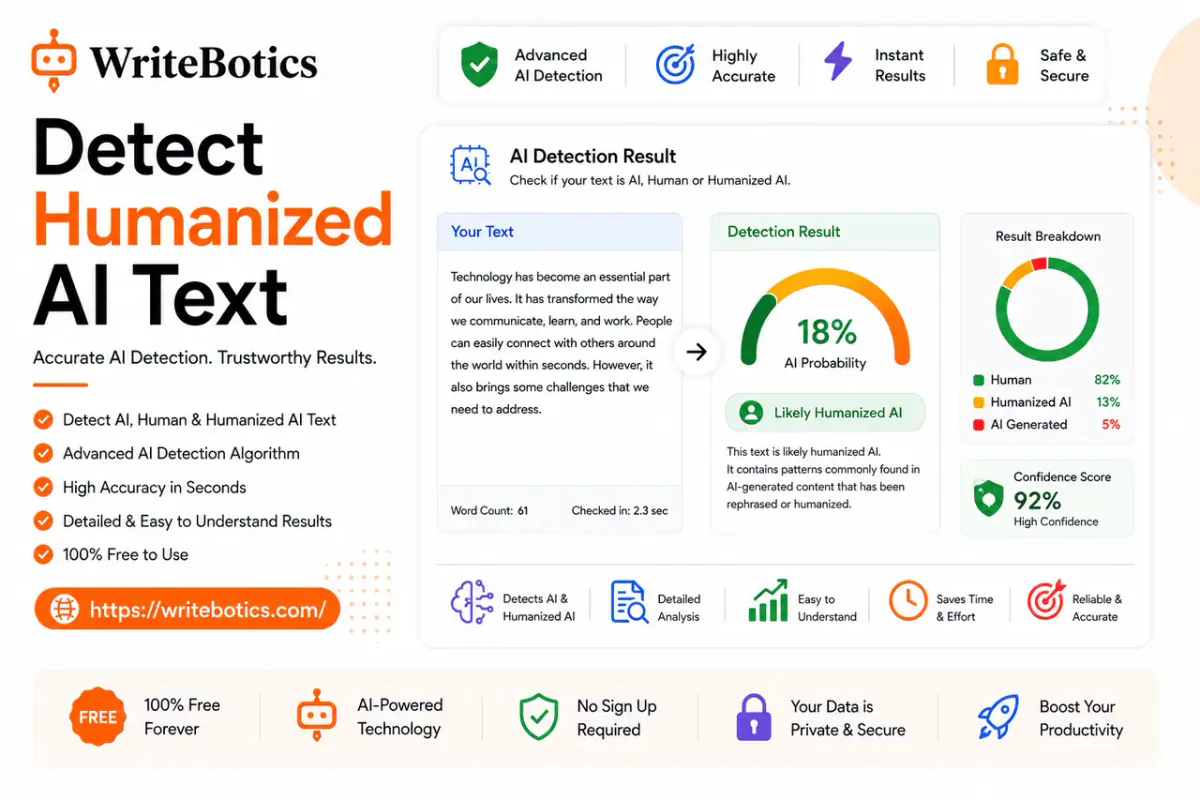
- Treating an AI detector's result as proof of anything. These tools estimate patterns common in AI writing; they don't prove authorship one way or the other. Use them as one signal among several, not a verdict.
- Pasting sensitive coursework, personal data, or an unreleased thesis into any free online tool. Review a tool's privacy policy before submitting anything you wouldn't want stored or reused.
Check Your Institution's AI Policy First
Academic integrity rules around AI vary a lot between schools, and even between individual instructors within the same school. Some allow grammar and summary tools freely but ban generative drafting entirely. Others require you to disclose any AI assistance, however minor. Before you build a workflow around any tool, it's worth five minutes to read your syllabus or ask your instructor directly what's permitted. "I used a grammar checker on my final draft" is a very different sentence to have to explain than "I didn't realize that counted as AI use."
Building Good Study Habits Around AI Tools
The students who get the most out of these tools tend to follow a similar pattern:
- Write the first draft yourself. Ideas, structure, and argument should come from your own understanding of the material.
- Use review tools to polish, not to originate. Grammar checking, summarizing, and originality checks all work on something you've already created.
- Read every suggestion before accepting it. A grammar tool might miss context; a summary might drop something important. You're still the editor.
- Keep a record of what you used. If your school asks for AI-use disclosure, being able to say exactly which tool touched which part of your process makes that conversation easy instead of stressful.
Used this way, AI writing tools function less like a shortcut and more like a very fast writing tutor — one that checks your grammar, condenses your reading list, and flags things worth double-checking, while leaving the actual thinking to you.
Frequently Asked Questions
Is it cheating to use a grammar checker on an essay?
No. Reviewing spelling, grammar, and punctuation on your own writing is standard editing practice and is treated the same as using a dictionary or a writing center — it doesn't change who wrote the ideas.
Can teachers tell if I used an AI summarizer to study?
A summarizer used for personal study notes leaves no trace in your submitted work, since you're not turning in the summary itself. The concern only arises if you submit AI-generated or AI-summarized text as your own writing.
Are AI content detectors accurate enough to be used as proof of cheating?
No single detector should be treated as definitive proof. These tools estimate the likelihood of AI-generated patterns in text, but they can produce false positives and false negatives. Most reputable guidance treats detector results as one signal to consider alongside a conversation with the student, not standalone evidence.
What's the safest way to use AI tools for a research paper?
Write your own draft first, then use review tools — grammar checking, summarizing your sources for notes, and an originality check — on your own text. Avoid generating any sentences you'll submit as your own writing.
Do all schools have the same rules about AI writing tools?
No. Policies differ significantly by institution and even by individual course. Always check your syllabus or ask your instructor before assuming a tool is allowed.
Start with a Tool That Supports Your Own Work
If you're looking for AI writing tools for students that help without crossing into ghostwriting your assignments, start with the ones that work on your own draft rather than generating new text: WriteBotics offers a free Grammar Checker and Text Summarizer, along with plagiarism and AI-pattern checks, all in one workspace — no signup required. For more on how these tools fit into a responsible writing workflow, see our guides on the Best AI Writing Assistants of 2026 and AI Content Detectors And Humanizer Tools.