Most drafts don't fail because the ideas are bad. They fail because the sentence is doing three jobs at once, the grammar has a small crack in it, or the tone doesn't match the reader who's about to see it. A "writing improver" is really just a process — a way of checking your own draft for those three things before anyone else reads it. This guide walks through that process: how to spot clarity problems, how to catch the grammar issues that slip past a quick read, how to adjust tone on purpose instead of by accident, and where a free tool can speed up each step.
What "improving" a piece of writing actually means
When people ask for a writing improver, they're usually describing one of three separate problems:
- Clarity – the reader has to work too hard to follow an idea.
- Grammar – small errors that break trust or cause misreadings.
- Tone – the writing feels off for its audience, whether too stiff, too casual, or inconsistent from paragraph to paragraph.
Treating these as three separate passes, rather than one vague "make it better" edit, is what actually produces a cleaner draft. Below is a closer look at each.
Fixing clarity first
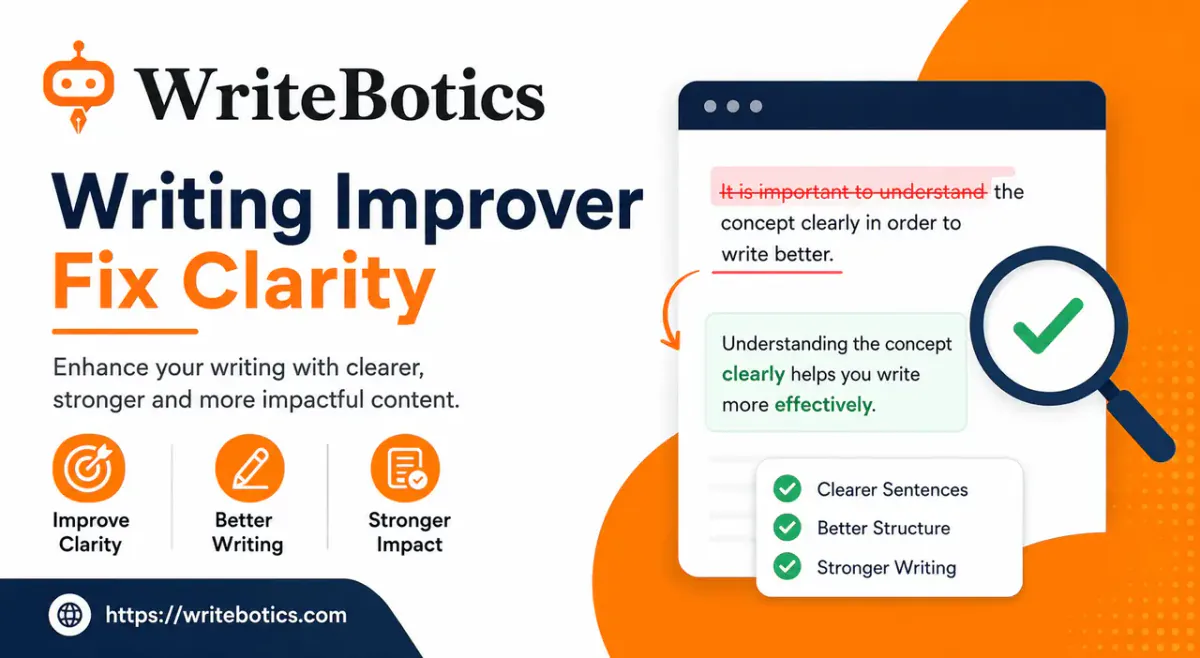
Clarity problems are usually structural, not cosmetic. A sentence can be grammatically correct and still be hard to follow. A few patterns to look for in your own draft:
Long subject-verb gaps. If there are a dozen words between the subject and the verb, the reader has to hold too much in memory. Move the verb closer to the subject.
Stacked qualifiers. Sentences that hedge three times ("it could possibly, in some cases, potentially suggest") read as uncertain even when the underlying claim is solid. Pick one qualifier, or none.
Buried verbs. "Conducted an analysis of" is a noun phrase hiding a verb. "Analyzed" says the same thing in one word. Scanning a draft for "-tion" and "-ment" words often turns up a handful of sentences that shrink by a third once the verb is unburied.
One idea per sentence. If a sentence needs three commas and a semicolon to hold everything it's saying, it's probably two sentences that got merged under pressure.
None of this requires jargon or a style guide — it's mostly reading each sentence and asking "could someone else follow this on the first read?"
Catching grammar issues that survive a normal read-through
Grammar mistakes are sneaky because your brain autocorrects them while reading your own work — you know what you meant to write, so you see that instead of what's actually on the page. A few common categories worth a deliberate check:
- Subject-verb agreement across long sentences, especially when a plural noun sits right before the verb ("the list of items were long" — should be "was").
- Misplaced modifiers, where the describing phrase attaches to the wrong noun.
- Comma splices, joining two complete sentences with just a comma instead of a period, semicolon, or conjunction.
- Tense drift, sliding between past and present within the same paragraph without meaning to.
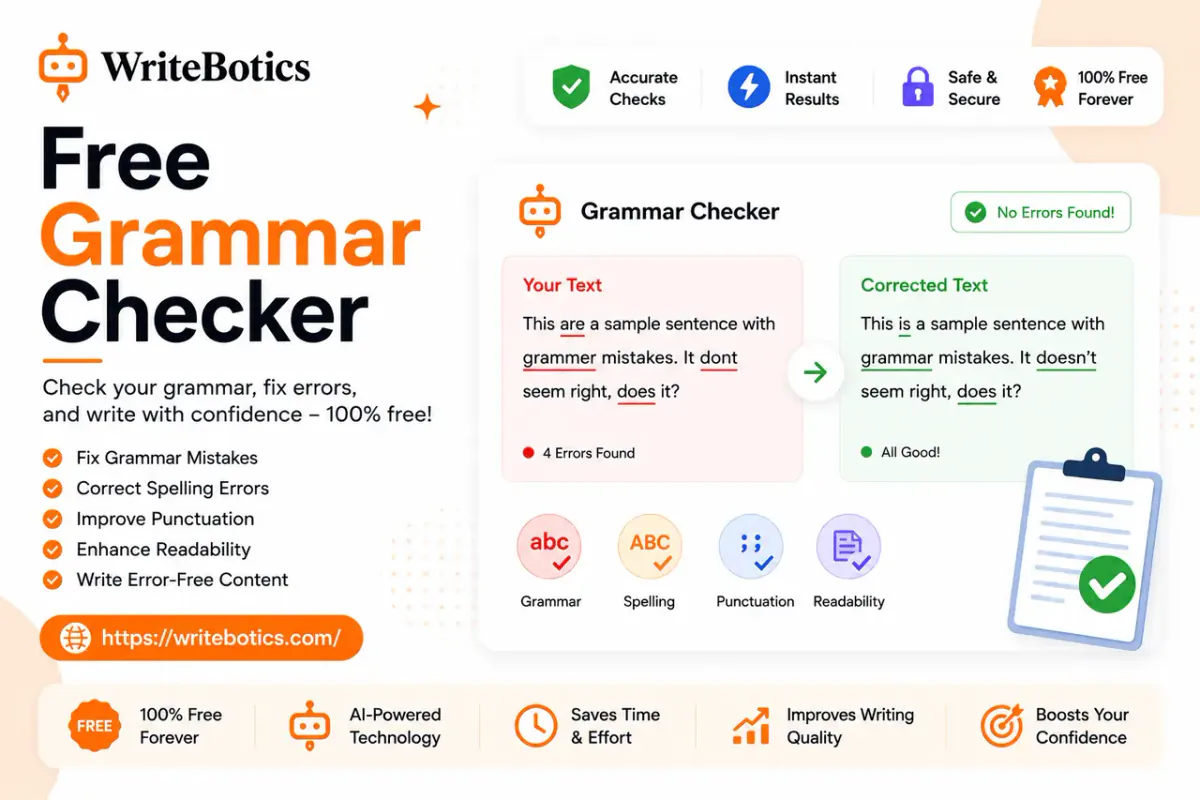
Reading a draft out loud catches a surprising number of these, because your ear notices what your eye skips. For a faster pass, a dedicated Grammar Checker will flag spelling, punctuation, and sentence-level issues in seconds, which is useful as a second opinion after your own edit rather than a replacement for it.
Adjusting tone on purpose
Tone is the hardest of the three to fix by eye, because it's relative — "too formal" only means something compared to who's reading it. A few practical checks:
Match the register to the reader. An internal team update and a client-facing proposal shouldn't sound the same, even if the content overlaps. Read the piece and ask whether it sounds like something you'd actually say to that specific person.
Watch for tone drift. It's common for a draft to start warm and conversational, then get stiffer as the writer gets tired or more careful in later sections. Skim the first and last paragraphs back to back — if they sound like different people wrote them, that's worth smoothing over.
Cut hedge-and-inflate language. Phrases like "it is important to note that" or "needless to say" often signal a tone that's trying too hard to sound authoritative. Removing them usually tightens the tone and the word count at the same time.
If a full section needs a tone shift — say, turning a technical explanation into something more approachable — a Content Rewriter can generate a clearer alternative version of the passage, which is often faster than rewriting from scratch and easier to compare against the original.
A simple three-pass routine
Rather than trying to fix clarity, grammar, and tone in one read, it helps to separate the passes:
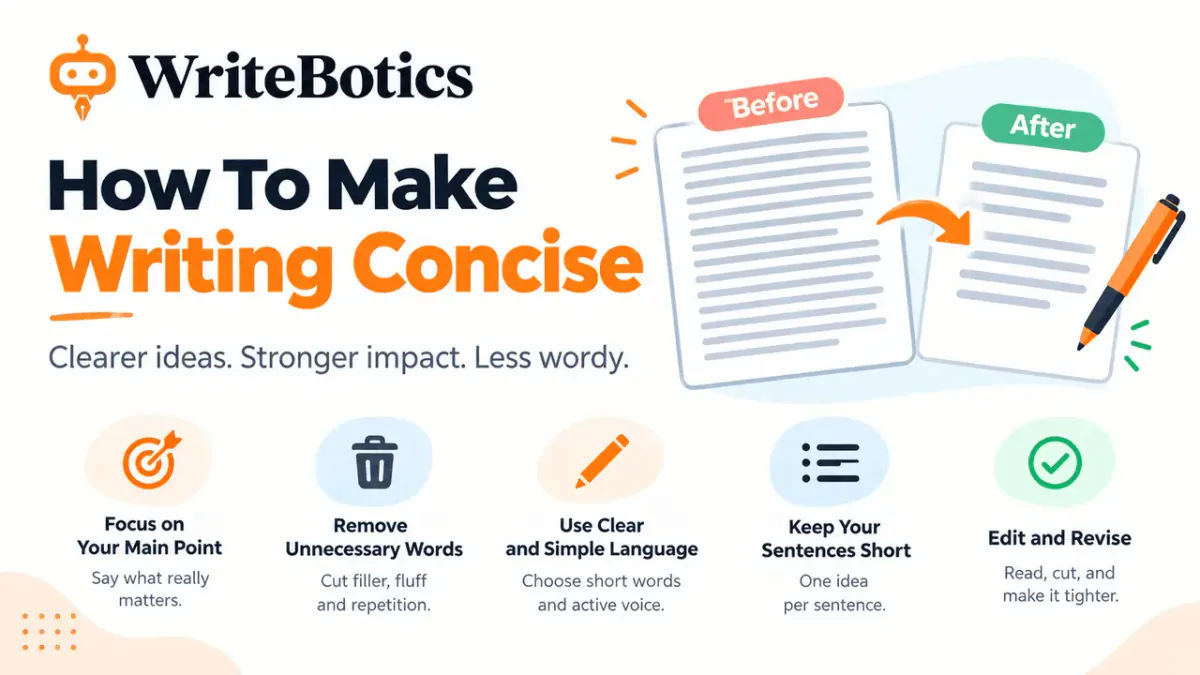
- Structure pass – read for clarity only. Ignore commas and typos for now. Just ask if each sentence is doing one clear job.
- Correctness pass – read for grammar only, ideally out loud or with a tool as a second check.
- Voice pass – read for tone, ideally after stepping away from the draft for a few minutes so it sounds less familiar.
Doing these separately, even just once, tends to catch more than doing all three at once, because each pass asks a different question of the same sentence.
Where a tool fits into this
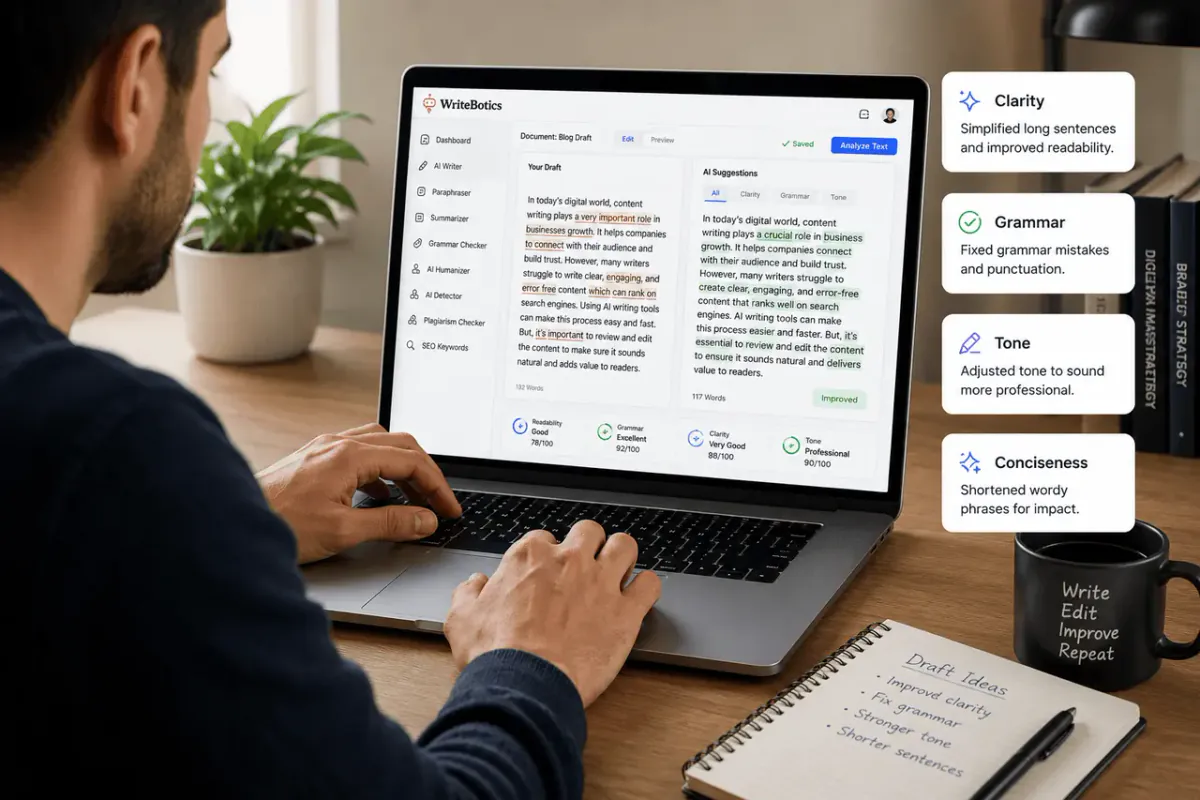
None of the above replaces actual reading and judgment — a writing improver tool is useful for catching what a tired pair of eyes misses, not for deciding what the writing should say. Used that way, tools speed up the mechanical parts (spelling, punctuation, obvious repetition) so more attention is left for the parts that actually need a human judgment call: does this argument hold up, does this tone fit this reader, does this paragraph belong here at all.
If you want to see this in practice, the WriteBotics workspace has both the Grammar Checker and the Content Rewriter available as free, no-signup tools — paste a draft in, review the suggestions, and decide what to keep.
For more on getting a full first draft into shape, see AI Writing Assistant: Write Faster and Smarter Today and Best Writing Tools Online to Boost Your Creativity.
FAQs
What does a writing improver actually check?
Typically clarity (sentence structure and readability), grammar (spelling, punctuation, agreement), and tone (whether the writing matches its intended audience). Some tools also flag repetition or overly complex phrasing.
Can a tool fix tone automatically?
It can suggest a rewritten version in a different register, but tone judgments — what's appropriate for a specific reader — still need a human decision. Treat the suggestion as a starting point to edit from, not a final answer.
Is it better to fix grammar or clarity first?
Clarity first. A grammatically perfect sentence that's still confusing hasn't actually improved. Fixing structure often resolves grammar issues along the way, since simpler sentences have fewer places for errors to hide.
Do I still need to proofread after using a grammar checker?
Yes. Automated checks catch common patterns but can miss context-specific issues, like a technically correct sentence that still doesn't say what you meant. A final human read-through is still worth the few minutes it takes.
Is WriteBotics free to use for this?
Yes — the Grammar Checker and Content Rewriter are both free, browser-based tools with no signup required, though usage limits can vary by tool.