A grammar mistake rarely stops a reader cold, but it does something quieter — it makes them trust the rest of the writing a little less. An AI grammar checker exists to catch those small breaks before a reader does: the misplaced apostrophe, the subject-verb mismatch, the sentence that trails off into a fragment. Here's what these tools actually catch, what they miss, and how to use one without losing your own judgment in the process.
What an AI grammar checker looks for
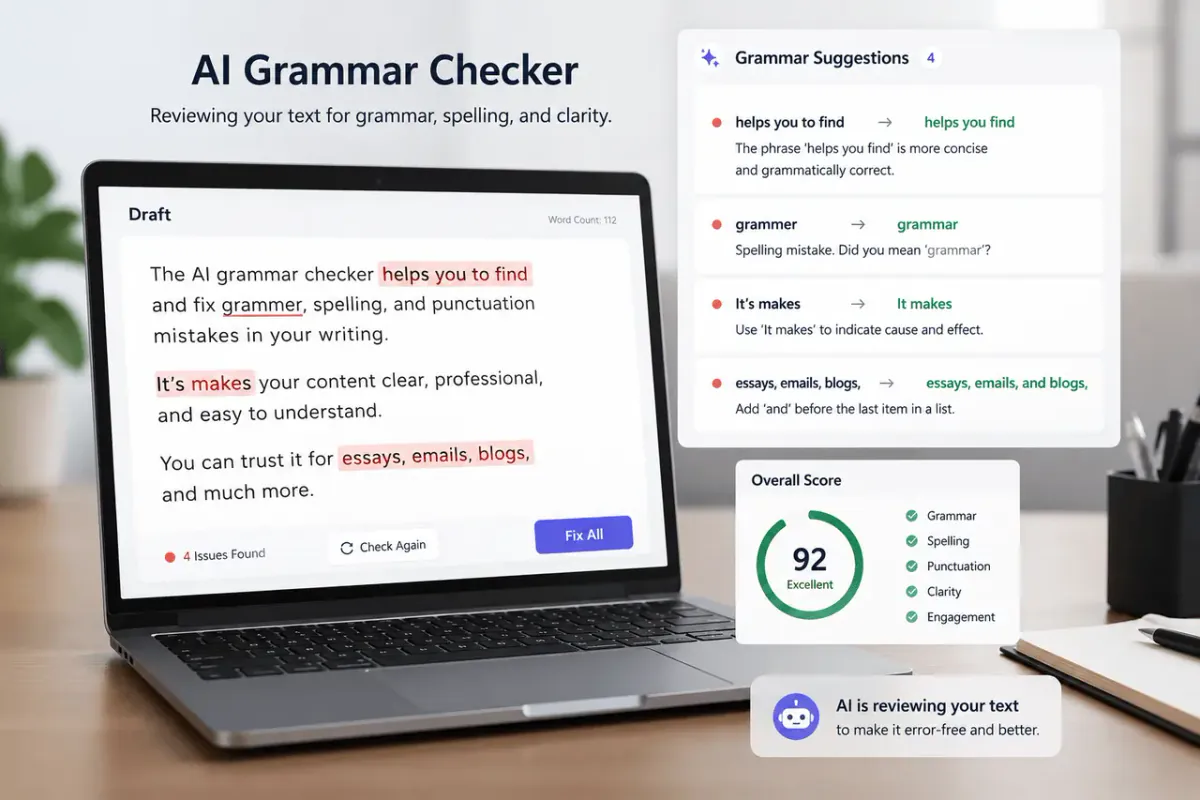
Most checkers scan a draft for a few recurring categories of error:
- Spelling and typos — the most reliable catch, since it's a straightforward dictionary match.
- Punctuation — missing commas, run-on sentences, comma splices, and misused apostrophes.
- Subject-verb agreement — especially in longer sentences where a plural noun sits close to the verb and throws off the match.
- Tense consistency — catching a sentence that slides from past to present without meaning to.
- Sentence clarity — flagging sentences that are unusually long, tangled, or hard to parse on a first read.
Some tools go further and suggest tone or word-choice changes, but the core value of a grammar checker is mechanical: it reads faster and more consistently than a tired human eye, and it doesn't autocorrect what you meant to say the way your own brain does when rereading your own draft.
Why self-editing misses these errors
Rereading your own writing is a strange exercise, because your brain already knows what the sentence is supposed to say. That makes it easy to read past a dropped word or a wrong tense — you fill in the gap without noticing. A second pass from a tool doesn't have that context, so it reads exactly what's on the page, which is often exactly what a new reader will see too. That's the real case for using a checker: not that it's smarter than you, but that it isn't distracted by what you meant.
What a grammar checker won't fix
It's worth being clear about the limits. A grammar checker won't tell you if an argument is weak, if a paragraph is in the wrong place, or if the tone fits the reader. It also won't catch a sentence that's grammatically fine but factually wrong, or a word that's spelled correctly but is simply the wrong word for the sentence ("affect" instead of "effect," for example, if both are valid spellings). Those still need a human read. The most useful way to think about it: a grammar checker is one editing pass, not the whole edit.
Using the WriteBotics Grammar Checker
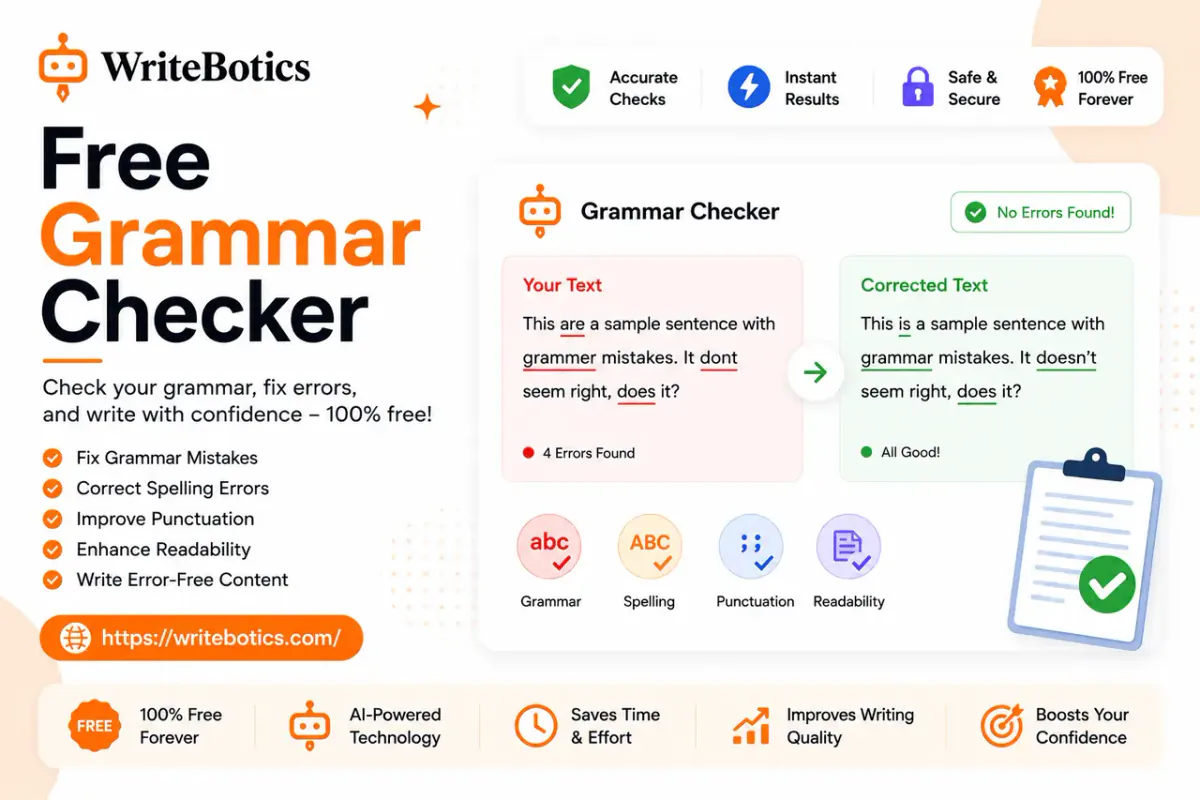
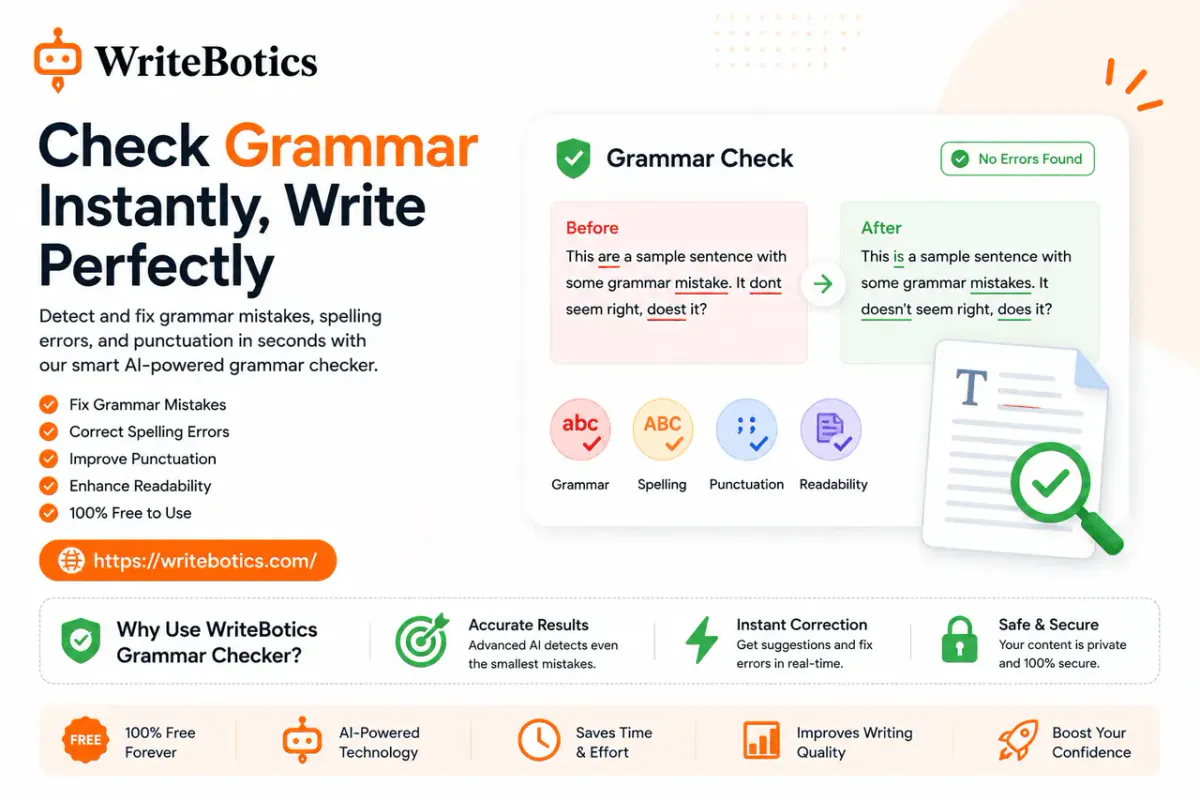
The Grammar Checker reviews spelling, grammar, punctuation, and sentence clarity in a single pass, right in the browser, with no signup required. The workflow is simple:
- Paste in a draft.
- Review each flagged issue rather than accepting all changes at once.
- Reread the corrected sentences to confirm they still say what you meant.
That last step matters. A suggested fix can be grammatically correct while quietly changing your meaning, so it's worth a second look rather than a blanket accept.
If a sentence is flagged as unclear rather than incorrect, the Paraphrase Tool can offer an alternative phrasing to compare against the original — useful for the sentences a grammar checker flags but can't quite fix on its own.
Where this fits into a bigger edit
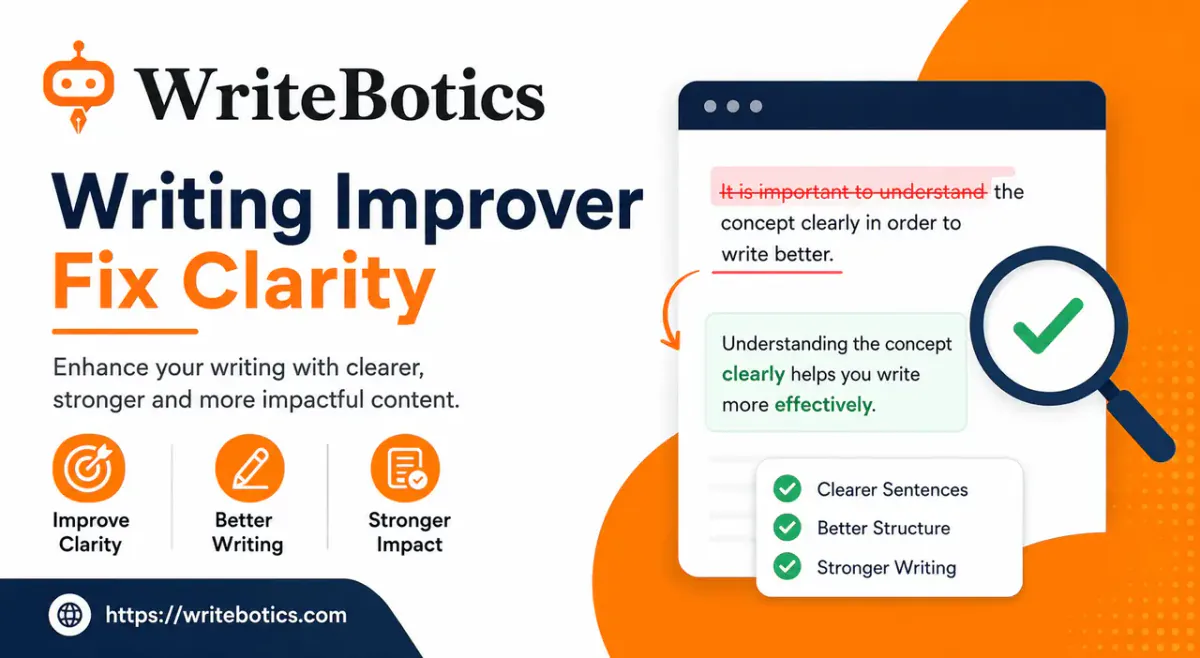
Grammar is only one of the things worth checking in a draft. For a fuller process — including how to handle clarity and tone, not just correctness — see Writing Improver: Fix Clarity, Grammar and Tone. And if you're looking to speed up the drafting stage itself, not just the editing stage, AI Writing Assistant: Write Faster and Smarter Today covers that side of the process.
You can browse the full set of free tools from the WriteBotics homepage at any time.
FAQs
Is an AI grammar checker accurate enough to trust fully?
It's reliable for spelling, punctuation, and common grammar patterns, but not infallible — always review suggested changes rather than accepting them automatically, especially on sentences where meaning is sensitive.
Does a grammar checker also fix tone?
Not usually. Grammar checkers focus on correctness. Tone adjustments are a separate task, better handled with a rewriting tool or a manual pass.
Can I use a grammar checker for academic or professional writing?
Yes, as a first pass. Follow any institutional or workplace rules about AI-assisted editing, and always do a final manual read before submitting.
Is the WriteBotics Grammar Checker free?
Yes — it's a free, browser-based tool with no signup required, though usage limits can vary.
What's the difference between a grammar checker and a paraphrase tool?
A grammar checker corrects errors in existing wording. A paraphrase tool rewrites the sentence entirely, which is useful when the issue is clarity or repetition rather than a specific mistake.