Most people don't need one giant AI writing assistant that does everything. They need the right tool for the specific problem in front of them — a paragraph that reads stiff, a draft that needs tightening, or a piece of copy that has to sound more human before it goes out the door. That's the idea behind a focused writing workspace: instead of one do-it-all editor, you open the tool that matches the task, paste your text, and review the result before you publish.
What people actually mean by "AI writing assistant"
The phrase covers a lot of ground. Sometimes it means a grammar and clarity checker. Sometimes it means something that can rewrite a clunky sentence without changing the meaning. And increasingly, it means a tool that can take AI-flavored phrasing and make it sound like a person wrote it. A good writing assistant isn't a single feature — it's a set of focused tools you reach for depending on where your draft is stuck.
That's worth knowing before you pick a tool, because a lot of "all-in-one" assistants are optimized for one use case (usually long-form generation) and treat everything else as an afterthought. If your actual problem is "this paragraph sounds robotic" or "I need to know if this reads as AI-written," a general-purpose assistant may not help as much as a tool built for that specific job.
Start with the task, not the tool
A simpler way to think about it: what does your draft need right now?
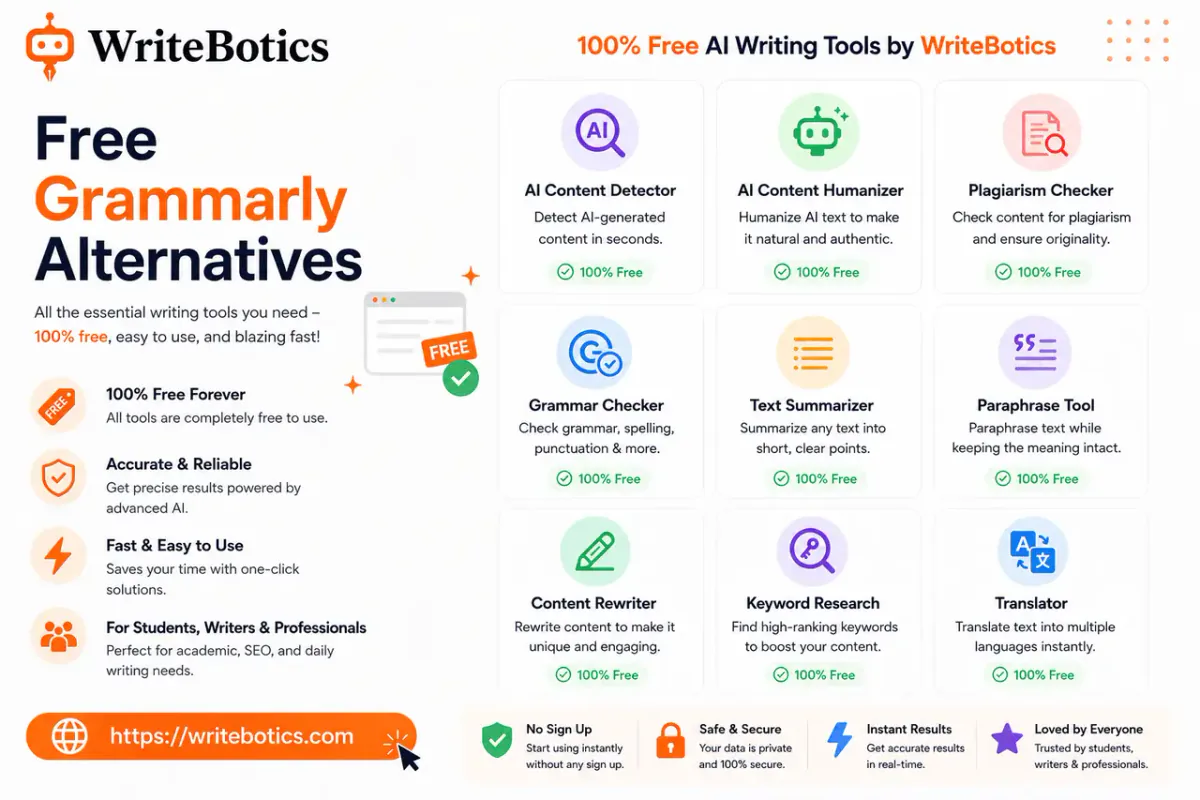
- It reads stiff or repetitive. The AI Humanizer rewrites sentence structure and wording so a passage reads more naturally, while aiming to keep the original meaning intact. This is the right first stop if a draft feels technically correct but flat.
- It needs a cleaner version, not a rewrite from scratch. The Content Rewriter produces a clearer alternative to an existing draft — useful when the structure is fine but the wording needs work.
- You're not sure how it reads to an AI detector. Run it through the AI Content Detector to estimate whether the text carries common AI-writing patterns. Worth remembering: no detector can prove who wrote something. Treat the score as one signal, not a verdict.
- The grammar or punctuation needs a second look. A grammar checker step catches the small errors that undercut an otherwise solid draft.
- It's too long for where it's going. A summarizer condenses longer text into the main points, which is handy for turning a full article into a shorter intro, abstract, or social post.
Working this way — task first, tool second — tends to produce better results than running everything through a single generic assistant, because each tool is built around one clear input and one clear output.
A workflow that keeps you in control
- Choose the task. Identify what the draft actually needs — a rewrite, a tone fix, a grammar pass, a length cut.
- Add your text. Paste the draft or the content the tool asks for.
- Review the result. Check meaning, facts, and tone before you use the output anywhere.
That last step matters more than it sounds. AI-assisted writing tools are good at pattern-level fixes — phrasing, structure, tone — but they don't know your facts, your audience, or your intent the way you do. Reviewing before publishing isn't a formality; it's the step that keeps the tool useful instead of risky, especially if you're working with anything sensitive. Avoid pasting private or confidential information into any online writing tool, and check the privacy policy first.
Free tools, no setup
None of this requires an account or a learning curve. Each tool at WriteBotics opens as a focused, browser-based workspace: pick the task, paste your text, get a reviewed result. There's no signup wall between you and a working draft.
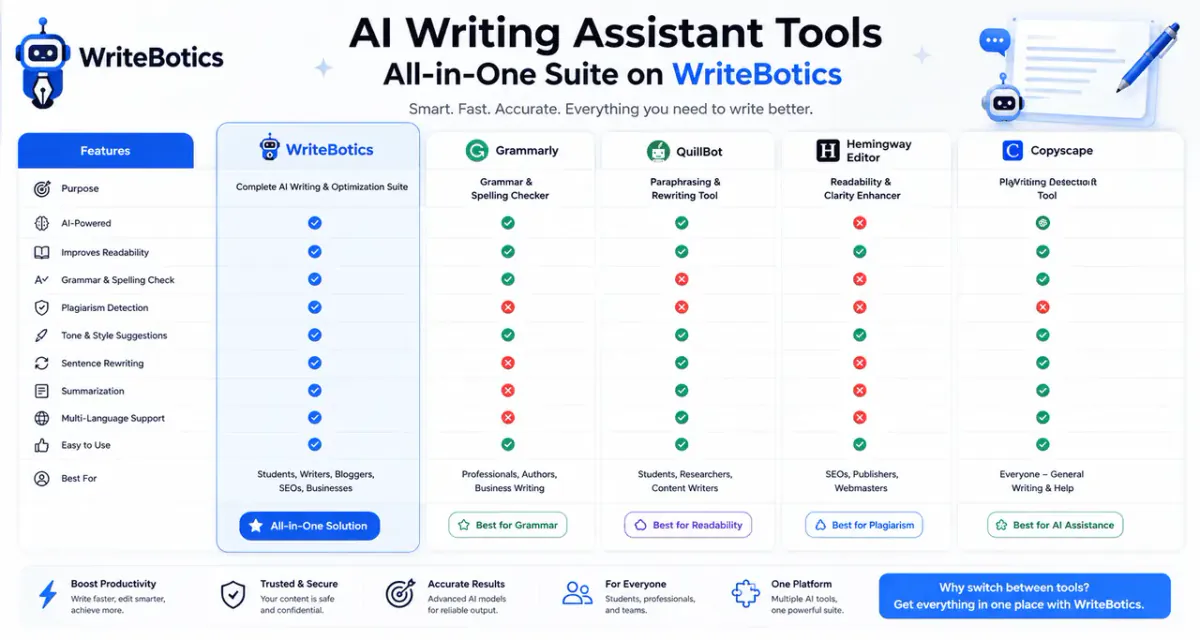
If you want a broader comparison of what's out there, Best AI Writing Assistant 2025 walks through how different tools stack up for speed and quality, and Best Writing Tools Online to Boost Your Creativity covers tools aimed more at idea generation than editing.
FAQs
Is an AI writing assistant free to use?
Most core tasks — rewriting, humanizing, grammar checking, summarizing — are available for free with no signup required. Some advanced or higher-volume features on other platforms may sit behind a paywall, so check the specific tool you're using.
Will an AI writing assistant make my content sound less like me?
It can, if you use the output as-is. Treat any rewrite as a starting point: check that the tone, facts, and voice still match what you meant to say before you publish.
Can an AI detector guarantee whether text was AI-written?
No. Detectors estimate the likelihood based on common AI-writing patterns, but they can't prove authorship either way. Use the score as one signal, not a final verdict.
Is it safe to paste sensitive or confidential text into an online writing tool?
Avoid it where possible. Review the tool's privacy policy first, and skip pasting anything private, confidential, or personally identifiable if you're unsure how it's stored or processed.
Do I need to sign up or install anything to use these tools?
No. Each tool runs directly in the browser — pick the task, paste your text, and review the result.
The bottom line
An AI writing assistant is most useful when it's matched to the actual problem in your draft — not when it's asked to do everything at once. Start with what's wrong: stiff phrasing, unclear structure, grammar, length, or originality concerns. Then open the tool built for that job, and review the result before it goes anywhere.