Better Writing Using a Grammar Checker with AI
Have you ever spent a long time working on a paper or an email, only to find a glaring mistake after you sent it? It is a frustrating feeling that most of us know all too well. No matter how many times we read our own work, our eyes tend to skip over small errors. This is why having a Grammar Checker With AI is such a game-changer for anyone who writes. At WriteBotics, we want to make the writing process smoother and more enjoyable by giving you the right tools to polish your work.
Writing clearly is about more than avoiding red lines on a page. It is about making the message easy to understand. Read our plagiarism-checker guide for a separate originality-review workflow. A grammar checker can identify mechanical patterns and possible wording problems, but the writer should decide whether each suggestion fits the intended meaning.
Why Choose an Advanced Grammar Checker?
In the past, writing tools were very simple. They could catch a misspelled word, but they often missed bigger problems with how a sentence was built. An advanced grammar checker is different because it uses modern technology to understand human language. It can see when a sentence is too long or when a comma is in the wrong place. This makes it much more reliable than the older tools we used to rely on.
One of the best parts about using this technology is that it acts like a personal tutor. Instead of just fixing a mistake and moving on, a grammar checker with grammar suggestions explains why a change is needed. This helps you learn the rules of writing while you work. If you want to look deeper into standard writing rules, the Purdue Online Writing Lab is a great external resource for learning more about English grammar.
Powerful Features for Every Need
At WriteBotics, we know that every writer has different goals. That is why our tool includes a grammar checker with spell check to catch those quick typos, along with a grammar checker with punctuation correction for those tricky commas. If you are worried about your work sounding too repetitive, you can use a grammar checker with vocabulary suggestions to find fresh words that keep your readers interested.
Here are some other ways a grammar checker with AI helps you:
- Grammar checker with readability score: Shows you how easy your text is to read.
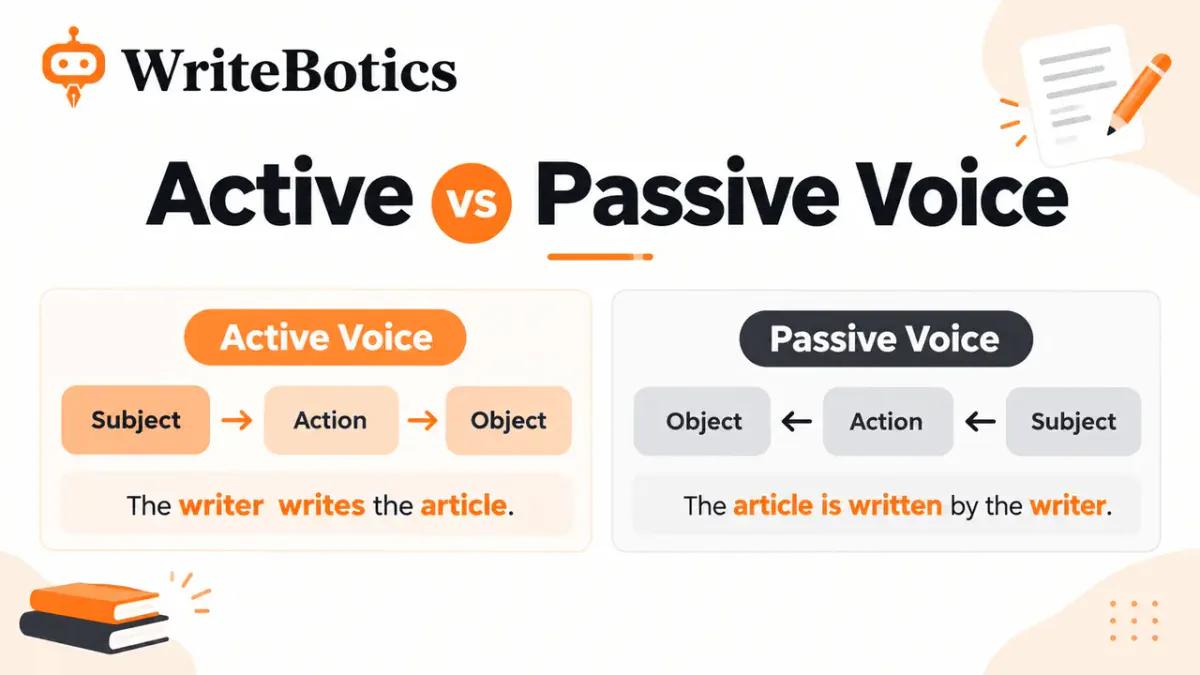
- Grammar checker with passive voice detection: Helps you write more direct sentences.
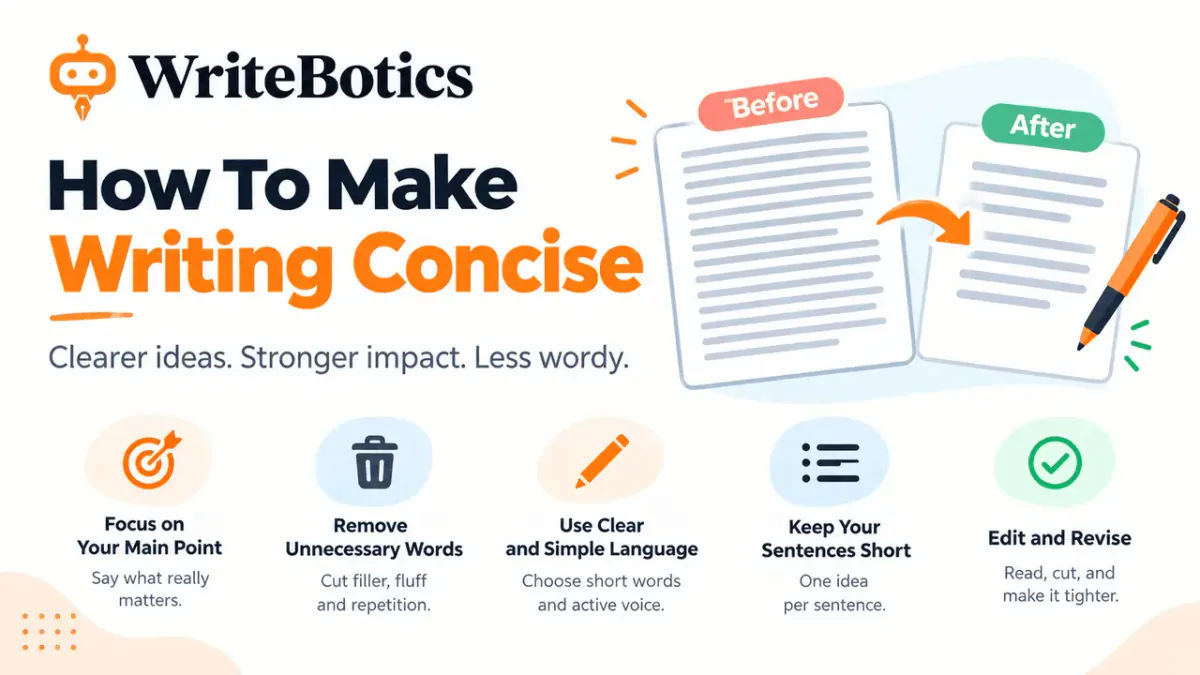
- Grammar checker with clarity improvement: Removes words that make your point hard to find.
Keeping Your Work Original
For students and professionals, correct attribution is a priority. A separate similarity review can highlight possible phrase overlap, but no checker can ensure that work is entirely original. Inspect the source, cite borrowed ideas, and use paraphrasing only after you understand the material and the rules that apply to your work.
Real-Time Help for Busy People
Nobody wants to spend hours editing after they have already spent hours writing. A grammar checker with real-time correction highlights errors as you go. This means you can fix things immediately and keep your train of thought moving. If you prefer a faster approach, a grammar checker with auto correction can handle small mistakes for you without any extra clicks.
If you ever feel stuck on a paragraph, a grammar checker with sentence rewriter can give you a new perspective. Sometimes seeing your idea written in a different way is all you need to get moving again. For a more complete change, a grammar checker with AI rewrite can refresh your entire text while keeping the same meaning. This is perfect for when you want to try a new style but aren't sure where to start.
Matching Your Tone and Style
The way you talk to a friend is different from the way you talk to a boss. A grammar checker with tone detection helps you make sure your writing fits the situation. It can tell you if you sound too formal, too casual, or even too worried. Paired with a grammar checker with style suggestions, you can make sure your writing stays consistent from start to finish.
Using an AI grammar checker helps you maintain a professional image. If you are interested in learning more about how to structure your work, you should check out our internal guide on effective writing for more helpful tips. At WriteBotics, we believe that everyone can be a great writer if they have the right support.
Frequently Asked Questions
1. How does a grammar checker with AI differ from a normal spell checker?
A normal checker only looks for misspelled words. A grammar checker with AI understands the context and can fix sentence structure, tone, and word choice.
2. Can I use a grammar checker with plagiarism checker for my essays?
Yes, it is a great way to make sure your work is original and that you haven't accidentally used someone else's phrases.
3. What does a grammar checker with readability score tell me?
It gives you a grade on how simple your writing is. A high score means your text is easy for most people to understand.
4. Will a grammar checker with paraphrasing change my main point?
No, the goal is to keep your meaning the same while changing the words to make them sound better or more unique.
5. How does a grammar checker with tone detection work?
It looks at the words you use and how you put them together to see if you sound happy, serious, or professional.
6. Is a grammar checker with real-time correction annoying to use?
Most users find it helpful because it catches mistakes instantly. However, you can usually turn it off if you prefer to edit at the end.
7. Does a grammar checker with auto correction fix everything for me?
It fixes small typos and common spelling errors automatically. For bigger grammar issues, it will usually show you a suggestion first.
8. Why is a grammar checker with passive voice detection important?
Active voice is usually stronger and easier to read. The tool helps you find passive sentences so you can make them more direct.
9. Can a grammar checker with AI rewrite help with writer's block?
Yes! If you are struggling to finish a sentence, the rewrite feature can give you new ideas to help you keep going.
10. Do I need to be a professional to use an advanced grammar checker?
Not at all. These tools are made for everyone, including students, office workers, and anyone who wants to write better emails.
Conclusion
At WriteBotics, we want to help you feel proud of everything you write. By using a grammar checker with AI, you can remove the stress of proofreading and focus on your ideas. Whether you need a grammar checker with rewriting to fix a messy paragraph or a grammar checker with punctuation correction to tidy up your commas, we are here to help. Good writing is a journey, and having the right tools makes that journey much easier. Start using these features today and see how much your writing can improve.